Lava lamp
December 1st, 2024
Motivation
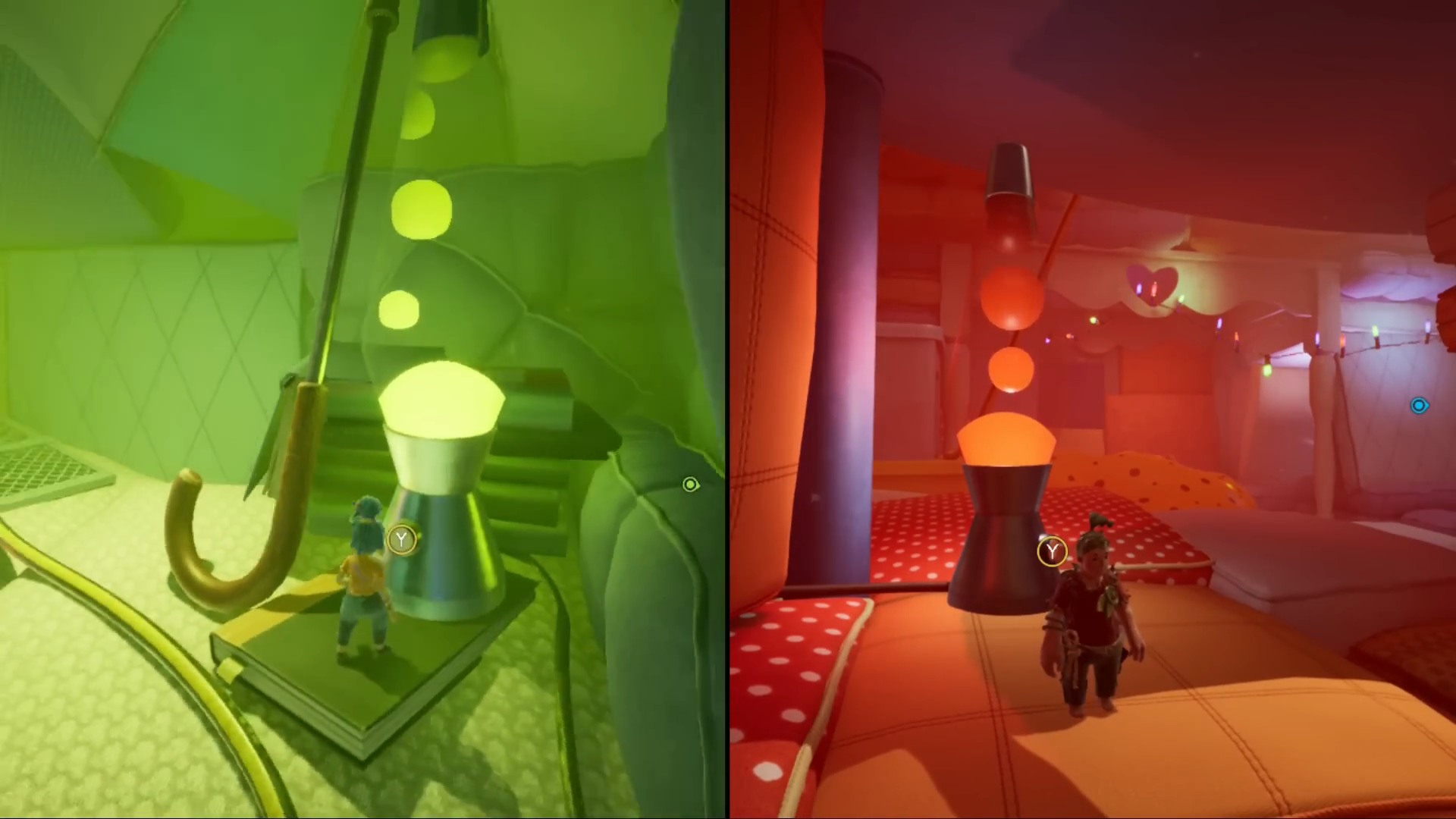
In a world where you are a very small creature inside a human-sized house, how you interact with ordinary decoration elements becomes very important. My team and I were looking for interesting objects to add some motion and style to a rather static scene. For this project in particular, It Takes Two was a very important reference and a very cool asset got our attention: The lava lamp.
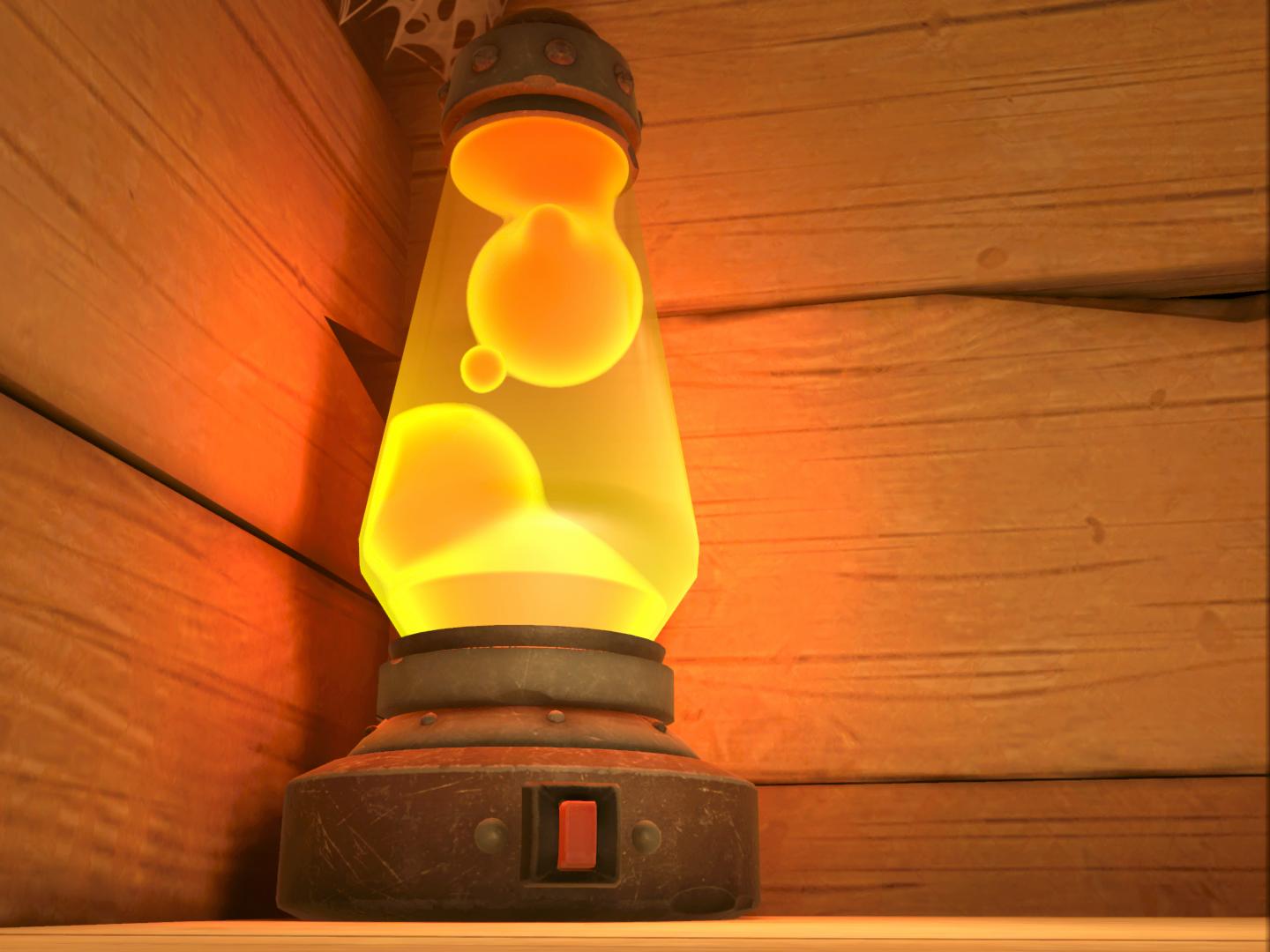
The baseline was the effect achieved in It takes two:
Implementation
A very simple approach to this could have been using emissive spheres and mask them using stencil or something similar. But I don't think that would've captured the look that we were aiming for quite well. I started looking for resources on how to recreate this effect and came upon two great sources:
- Martin Donald's tutorial: This video explained how one could shade a lava lamp's interior and used It Takes Two as a reference as well.
- Inigo Quilez's Article on Distance Functions: Inigo describes how to calculate distance functions and provides a very valuable set of functions for different shapes.
To model the inner shapes we needed three different elements:
- Two static infinite cones to represent the lava lamp's outer shape.
- Two static spheres, one for each side of the lamp (top and bottom).
- Several dynamic spheres that were animated by hand. A script was used to set the animated transforms on the material every frame.
First, a union is performed between all spheres. Secondly, an intersection is calculated for the exterior cones. Finally, the tracing function returns the intersection between the spheres union and the cones intersection, as shown in the code below:
        float GetDist(float3 p)
        {
            float spheres = 99999.9;

            for(int i = 0; i < _ShapeCount; i++)
            {
                Shape shape = _Shapes[i];
                float sp = sdSphere(p, shape.position, shape.size);
                spheres = UnionSmooth(spheres, sp, _ShapeSmoothness);
            }

            float cn1 = sdConeInfinite(p+_ConePositionTop, _ConeTopSinCos, 1);
            float cn2 = sdConeInfinite(p+_ConePositionBottom, _ConeBottomSinCos, -1);
            float cones = IntersectionSmooth(cn1, cn2, 0.02);
            return IntersectionSmooth(spheres, cones, _ConeSmoothness);
            return spheres;
        }
Using the function above, each pixel raymarchs until a collision is determined:
        float RayMarch(float3 rayOrigin, float3 rayDirection, float maxDistance)
        {
            float currentDistance = 0.0; //d = current distance
            for(int i = 0; i < MAX_STEPS; i++)
            {
                float3 p = rayOrigin + rayDirection * d;
                float surfaceToDistance = GetDist(p);
                currentDistance += surfaceToDistance;
                if(currentDistance > maxDistance || surfaceToDistance < SURF_DIST) break;
            }
            return d;
        }
Once the collision point is calculated, the normal is computed:
        float3 GetNormal(float3 p)
        {
            float d = GetDist(p);
            float2 e = float2(0.01,0.0);
            float3 n = d - float3(GetDist(p-e.xyy), GetDist(p-e.yxy), GetDist(p-e.yyx));
            return normalize(n);
        }
Finally, a position and a normal are available and using that information shading begins:
- Use a vertical fade to fake lighting inside the lamp coming from the bottom side.
- Use a fresnel effect to approximate subsurface scattering around the edges of the spheres.
- Shade the background of the lamp using a vertical fade between two user-defined colors.
        void ShapeShading_half(in half Alpha, in half3 LightOS, in half3 PositionOS, in half3 NormalOS, in half3 ViewDirOS, out half3 LitColor, out half OutAlpha)
        {
            half Intensity = 0;
            half Height;
            Height = abs(LightOS.y-PositionOS.y)*_HeightScale;
            Height = 1.0-saturate(Height);
            Height = smoothstep(_HeightEdge0, _HeightEdge1, Height);
            Height *= _HeightWeight;
            Intensity = Height;
            Intensity += 0.25;
            Intensity = saturate(Intensity);

            half fresnel = pow(1.0-saturate(dot(NormalOS, ViewDirOS)), _FresnelPower);
            half4 fresnelColor = lerp(_BaseColor, _OuterColor, fresnel);
            LitColor = Intensity * fresnelColor.rgb;
            OutAlpha = fresnelColor.a;

            LitColor = saturate(LitColor);
            OutAlpha = saturate(OutAlpha * Alpha);

            #if _BACKGROUND
                half4 bgColor = lerp(_BackgroundColorTop, _BackgroundColorBottom, Height);

                LitColor = LitColor * OutAlpha + bgColor.rgb * (1-OutAlpha);
                OutAlpha = OutAlpha + bgColor.a * (1-OutAlpha);
            #endif
        }
Results
Since we wanted the lamp to be an interactable element, we added a button that changed the color scheme of the lamp when pressed.
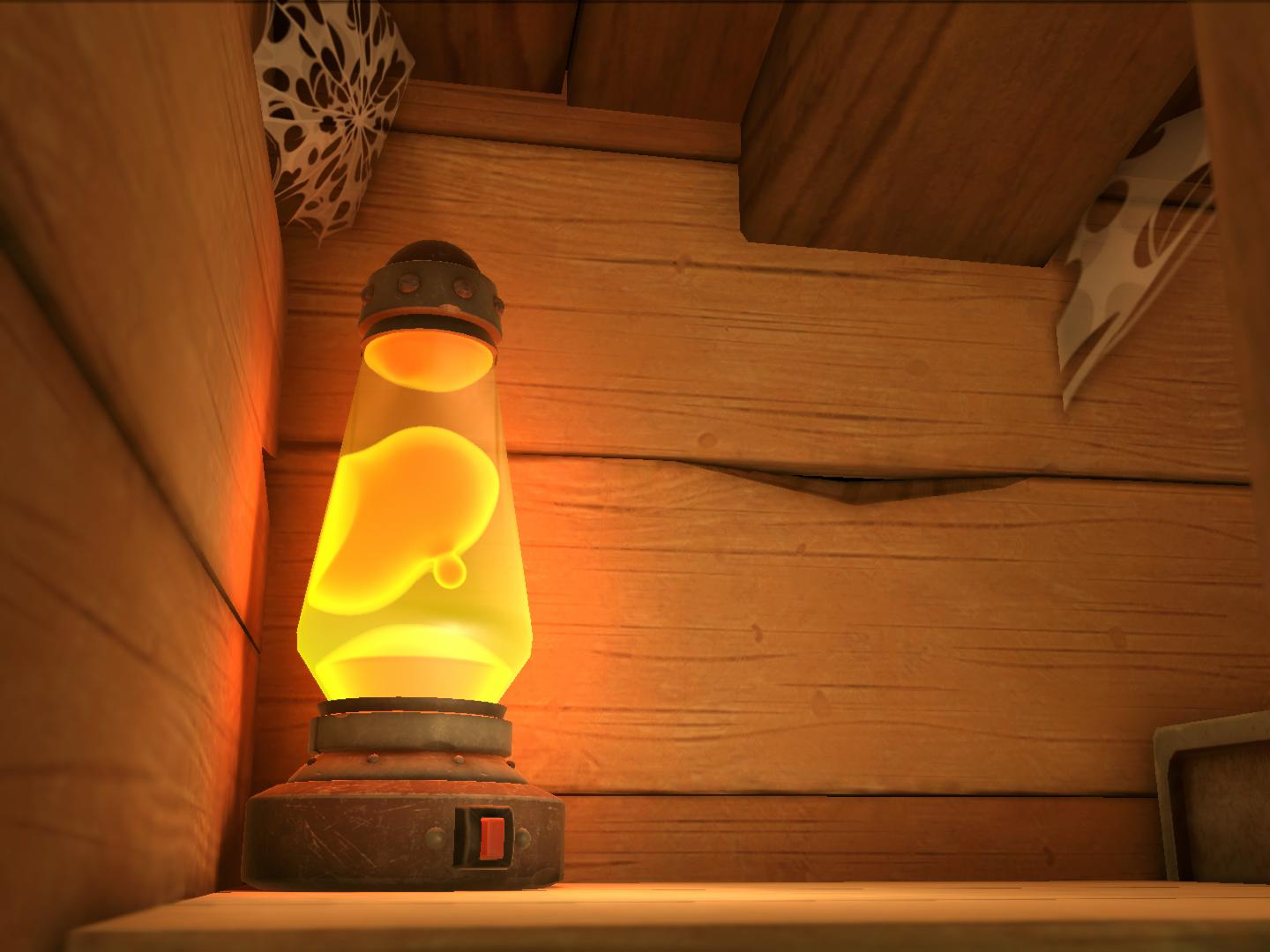
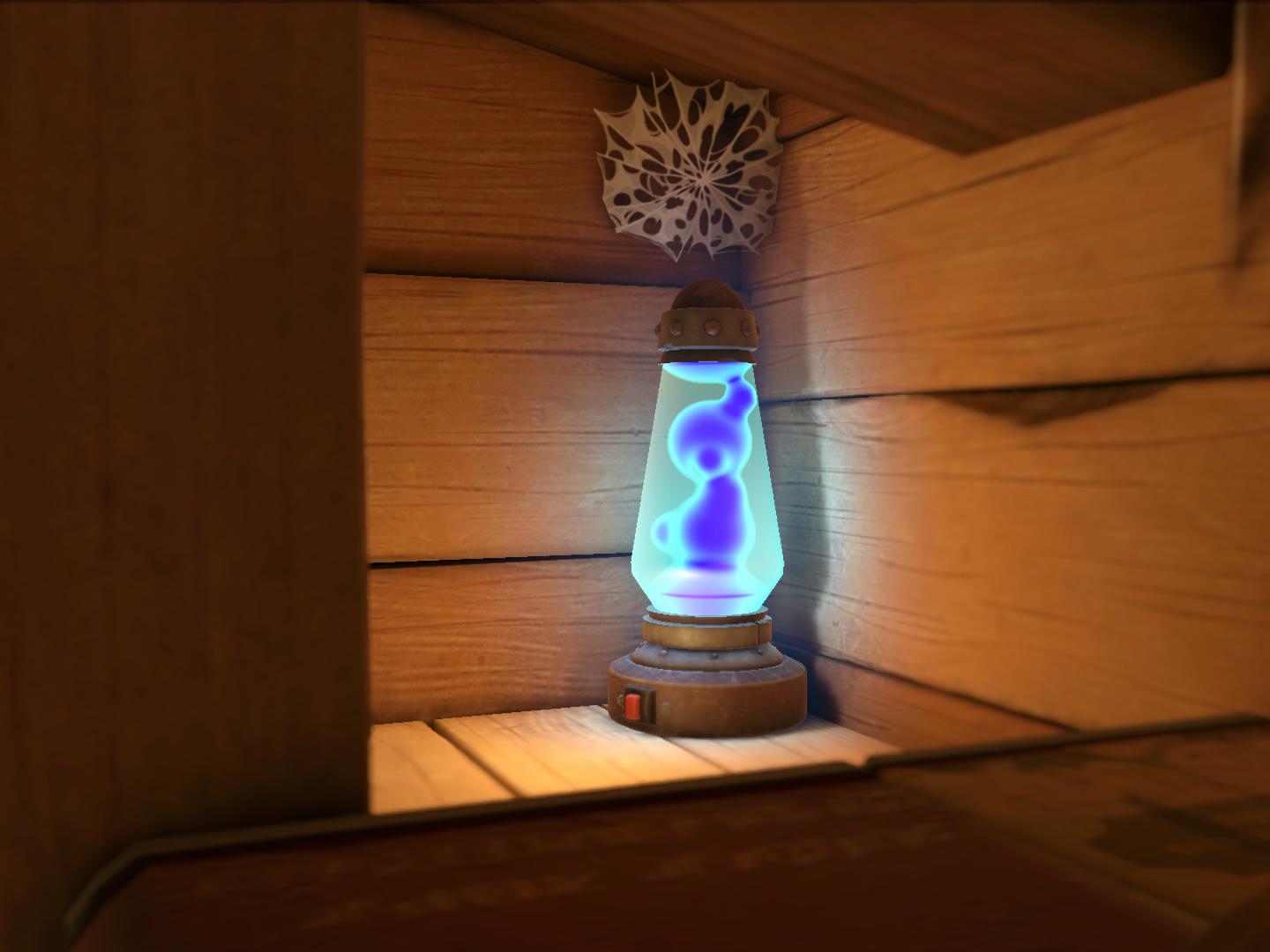
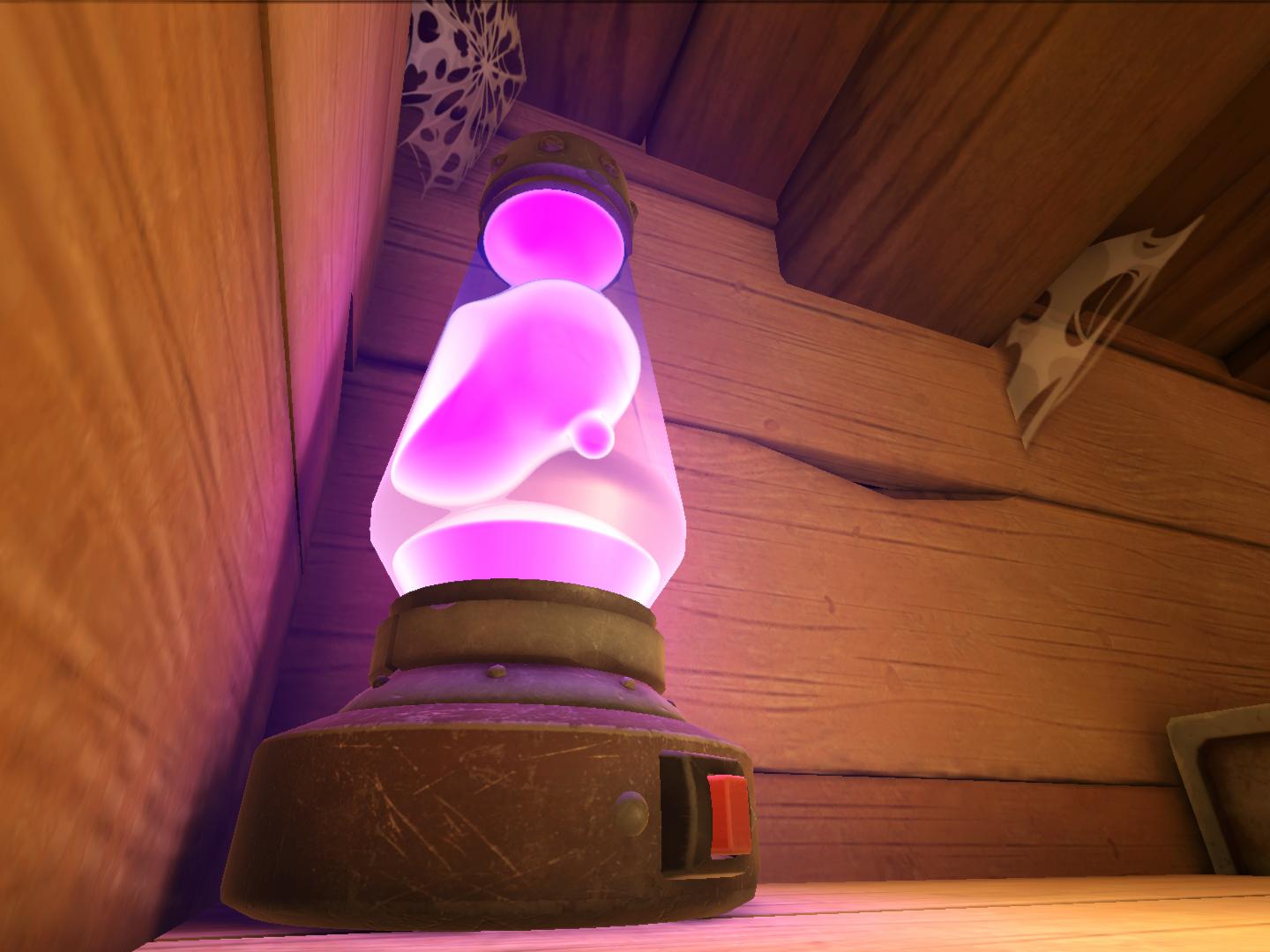
Here you can see the transition in real-time:
Going forward
Sometimes certain things just don't need to be iterated further on, and this is one of those cases. Sure, there are some details that could be improved. For example, the subsurface scattering aproximation using normal angles clearly fails when a sphere is merging in front of another. However, it doesn't really detract from the experience unless you know that is supposedly a mistake.
At the end of the day, what matters most is the overall impression and functionality. The imperfections are overshadowed by the simplicity and efficiency of the approach, making it a worthwhile trade-off. Not every solution needs to be perfect, sometimes good enough is exactly what’s needed.
Credits
3D Artist: Mónica Callado
3D Animator: Enric López Amorós