Decal Lights and Shadows
Januray 27th, 2025
Mika and the Witch's Mountain
Motivation
When I started working on Mika, I decided to do a complete lighting overhaul. In exteriors, the light from the sun helped give volume to the world. However, in interiors or largely occluded areas there was no lighting information. Everything had an unlit appearance and the shaders didn't support additional lights. The first two changes were:
- Added support for point and spot lights with shadow casting capabilities.
- Added a custom SSAO implementation.
This improved the game's appearance and allowed us to make more appealing interiors. But there is a catch, which is that each MeshRenderer can only be affected by four additional lights at the same time. Since these lighting features were implemented after the game world had been modelled, many meshes occupied a very large space of the world, which makes placing lights without exceeding the limit hard.
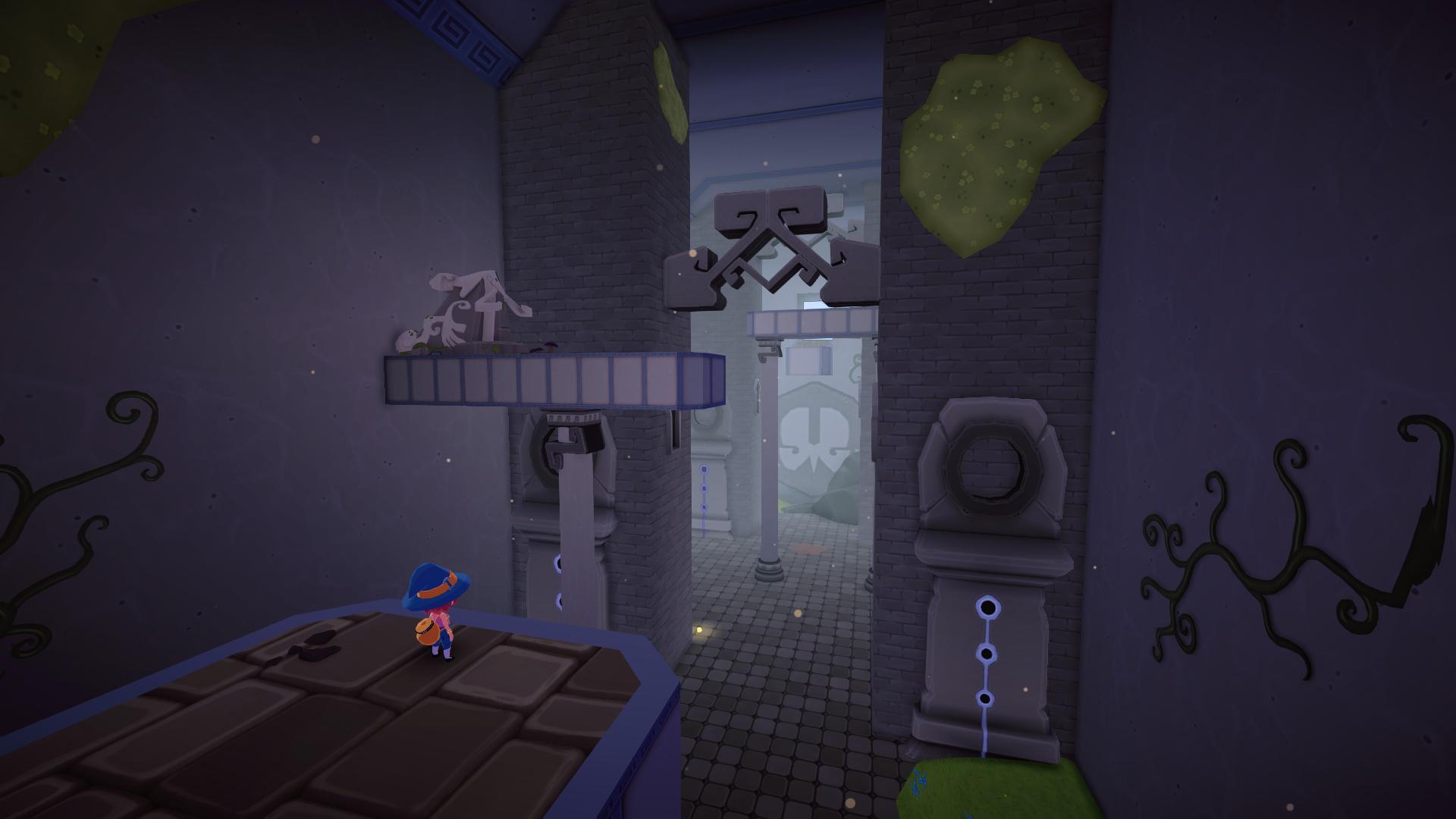
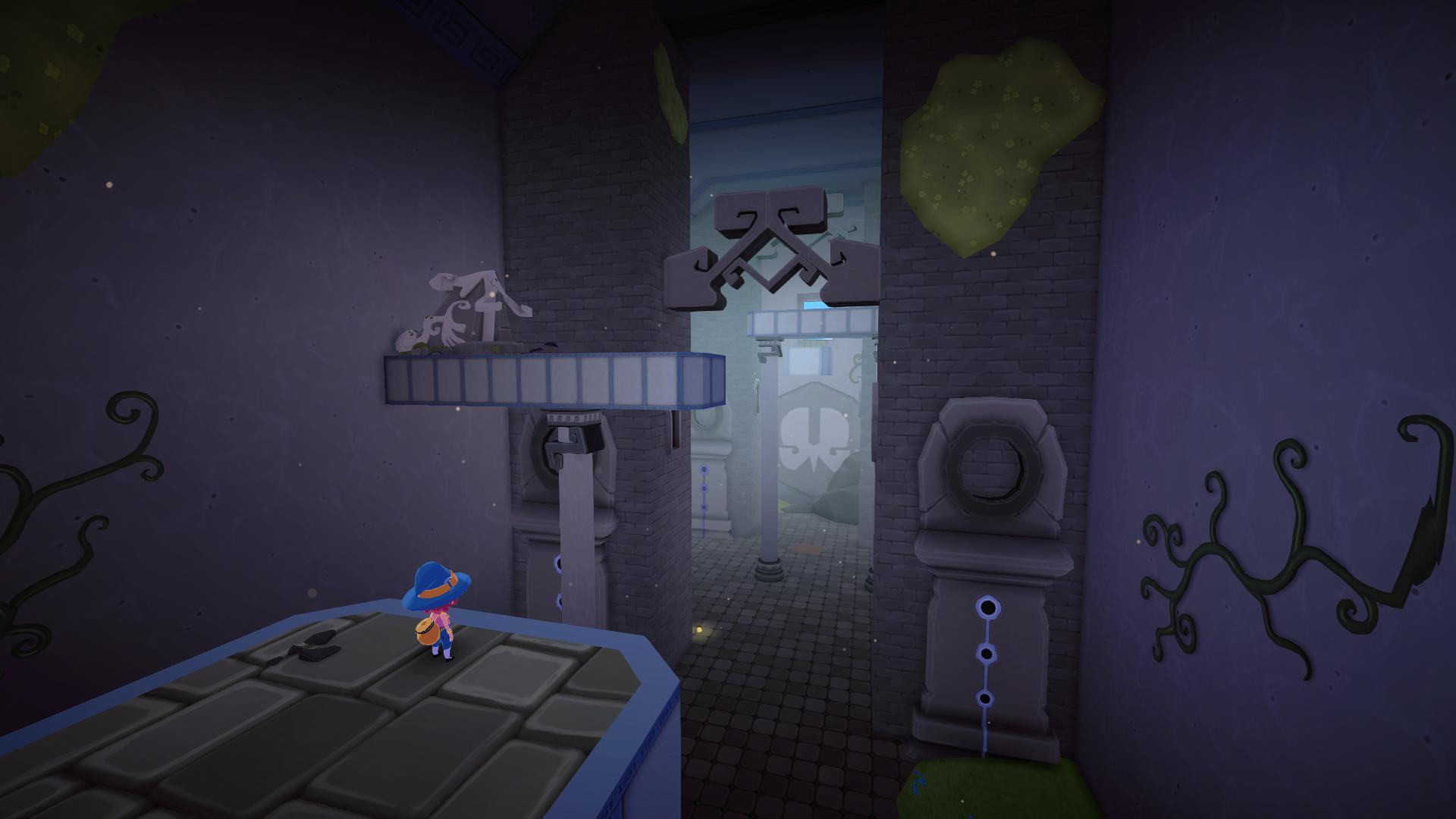
We needed a solution to this problem that didn't require remodelling the entire island just to add some fill lights. This is where decal lights and shadows come into action.
Implementation
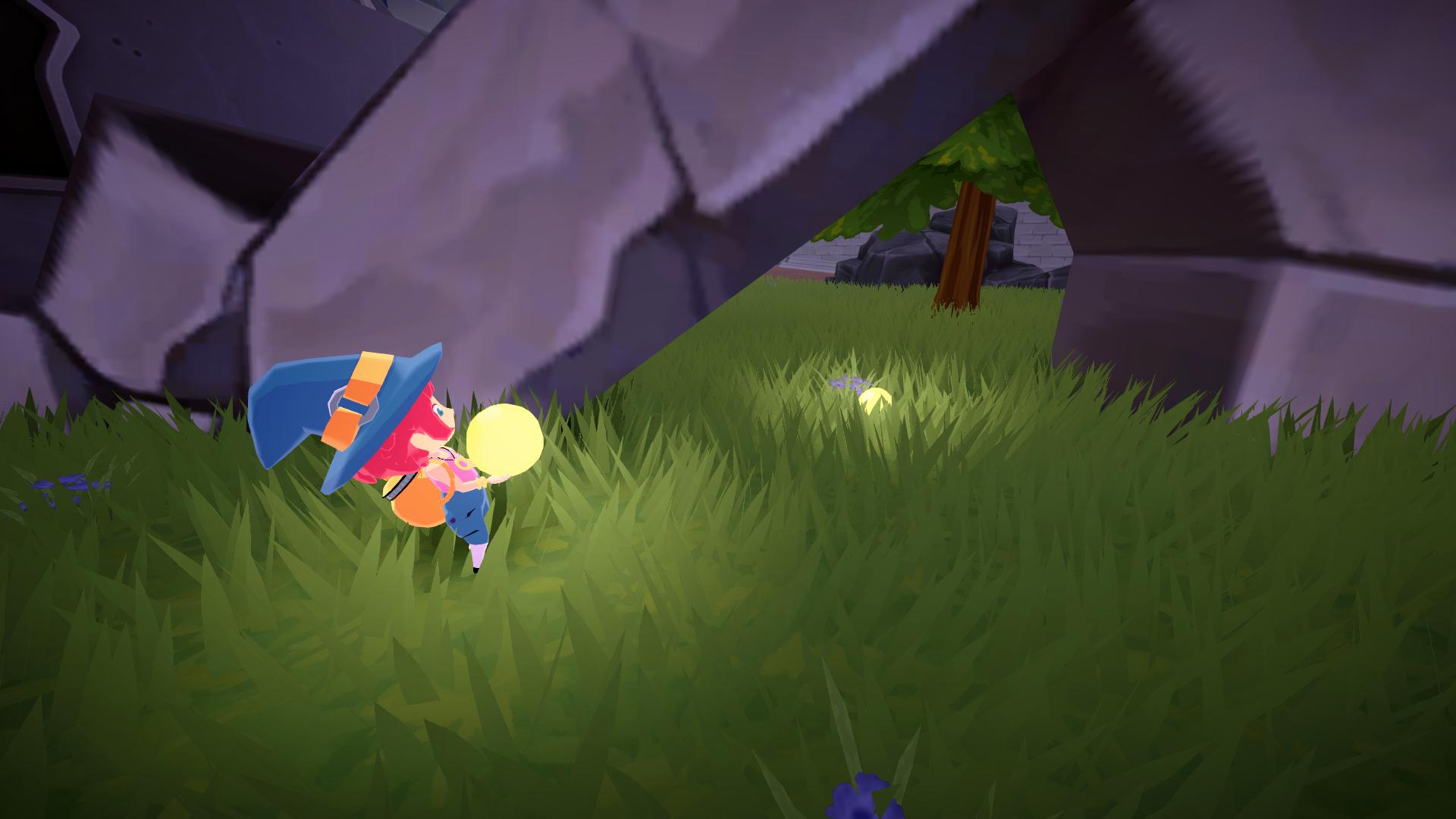
Decals can be applied in a deferred fashion, so that they only affect the pixels that they're drawn onto instead of an entire mesh. This is the key to render fake lights and shadows:
- Decal Lights: render spheres and multiply the scene color (DstColor) by the light color (SrcColor) based on its distance to the center of the sphere.
- Decal Shadows: render cubes and blend the scene color (DstColor) with a shadow color (SrcColor) based on height along the cube (local y axis).
Decal shadows use the typical transparency formula:
Blend SrcAlpha OneMinusSrcAlpha
Meanwhile, decal lights use a different formula to intensify the scene color based on the shader output:
Blend DstColor One
In both cases, the shader must be configured so that it doesn't write to the depth buffer, front faces are culled and back faces are only rendered when they are behing geometry:
            ZTest GEqual
            Cull Front
            ZWrite Off
If you have difficulty understanding what these settings mean, see the image below. In yellow, you can see the part of a sphere that would be visible when it intersects with geometry.

Using the depth buffer and some mathematics, it is possible to reconstruct the world position inside of the decal and use it to calculate its opacity.
How to get the local y axis inside the cube for decal shadows (height):
            float rawDepth =  SampleSceneDepth(screenUV);
            float3 positionWS = ComputeWorldSpacePosition(screenUV, rawDepth, UNITY_MATRIX_I_VP);
            half3 positionOS = TransformWorldToObject(positionWS);
            half3 absPositionOS = abs(positionOS);
            half maxCoord = max(absPositionOS.x, max(absPositionOS.y, absPositionOS.z));
            clip(-maxCoord+0.5);
            float height = positionOS.y + 0.5;
How to calculate the distance to the sphere center for decal point lights (distSqr):
            float2 screenUV = input.screenPos.xy / input.screenPos.w;
            float rawDepth = SampleSceneDepth(screenUV);
            float3 positionWS = ComputeWorldSpacePosition(screenUV, rawDepth, UNITY_MATRIX_I_VP);
            half3 positionOS = TransformWorldToObject(positionWS);

            half3 dir = positionOS;
            half distSqr = dot(dir, dir);
            clip(1.0-distSqr);

            half atten = LightingDistanceAttenuation(distSqr, 1.0);
The game uses the stencil buffer to separate different layers, like water and characters. How this is implemented is out of scope for this article but you can see the code in the last section if you're interested. Thanks to the stencil buffer, it is possible to make decal lights exclude the player or water.
Results
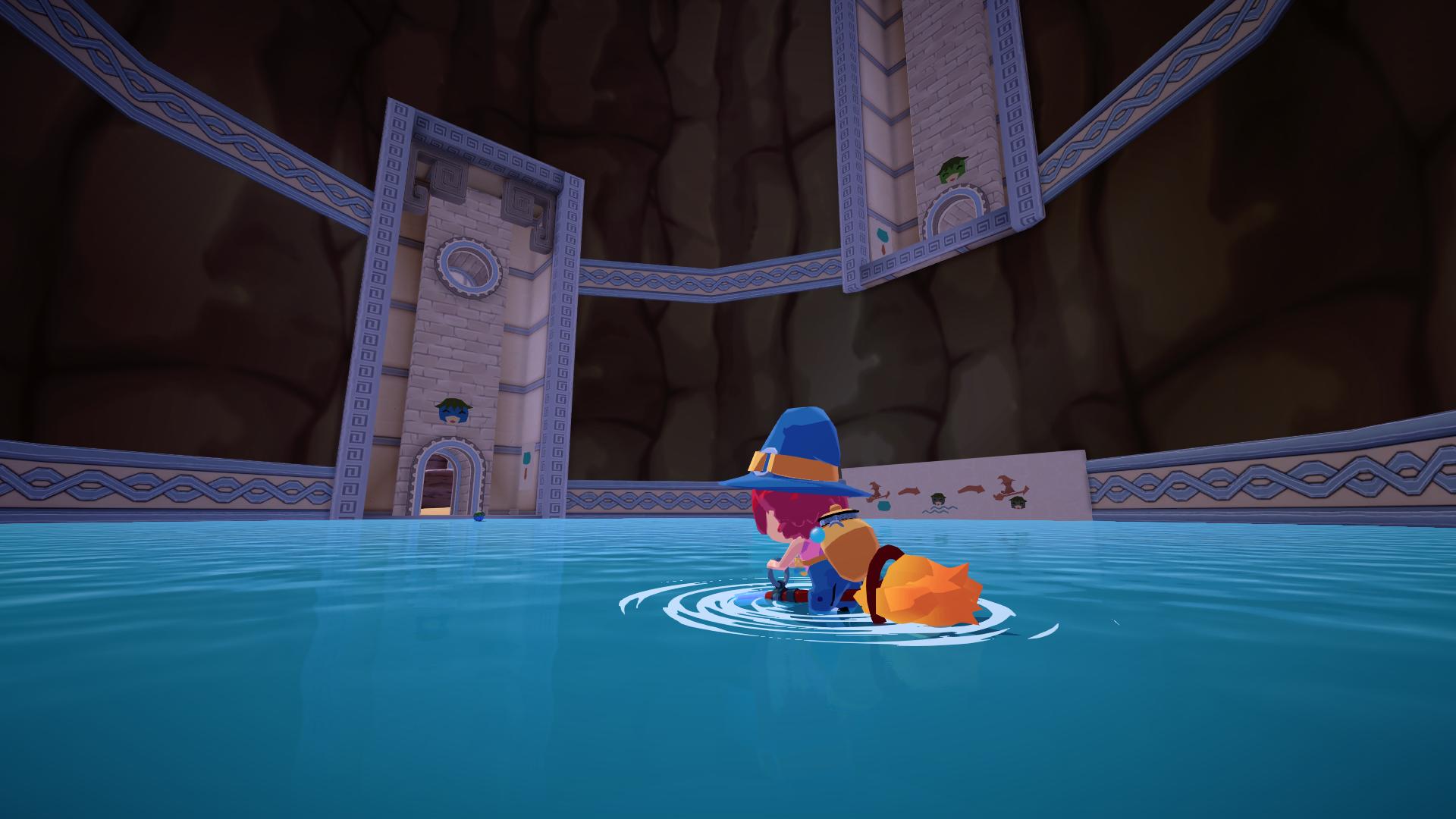
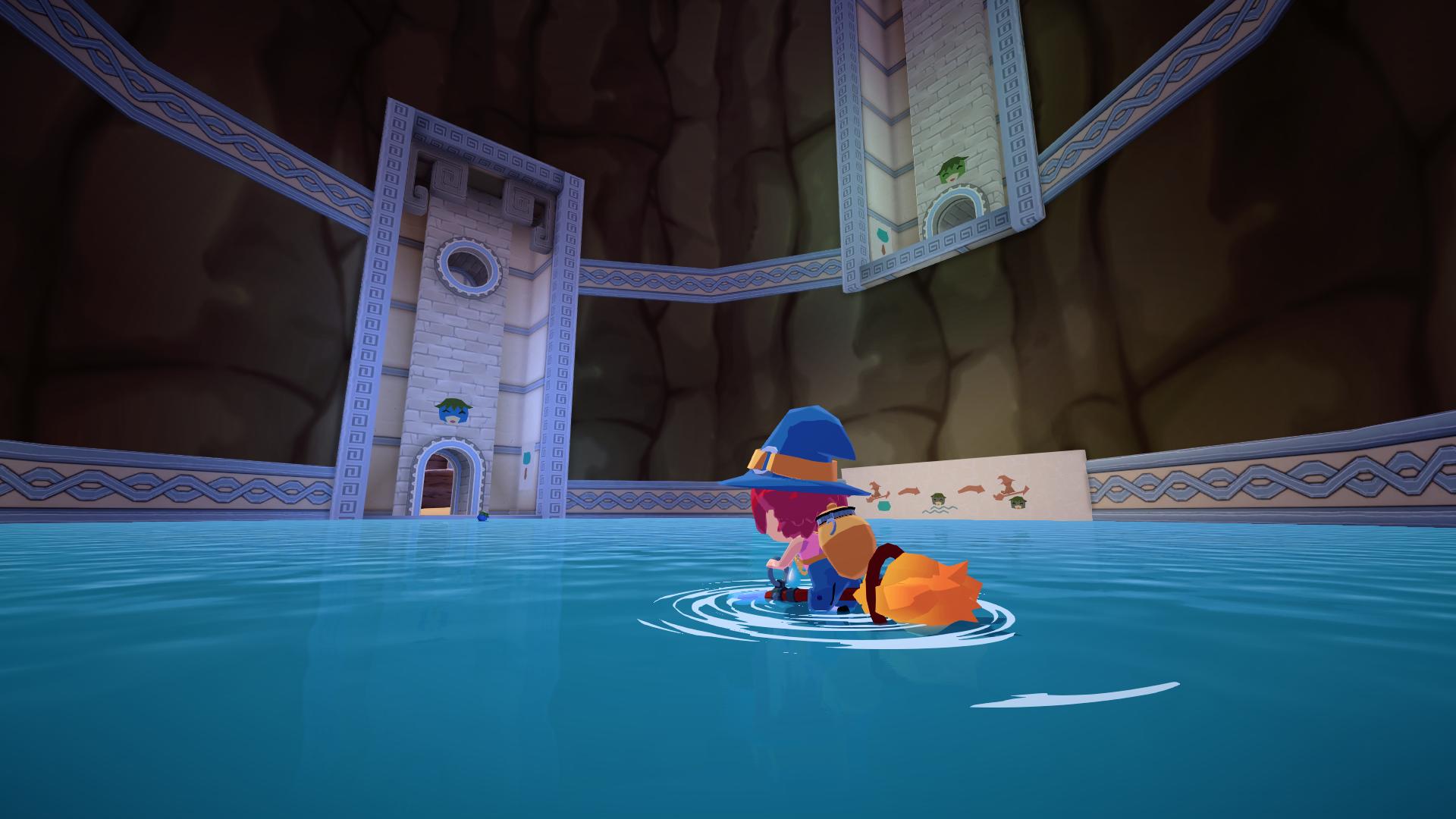
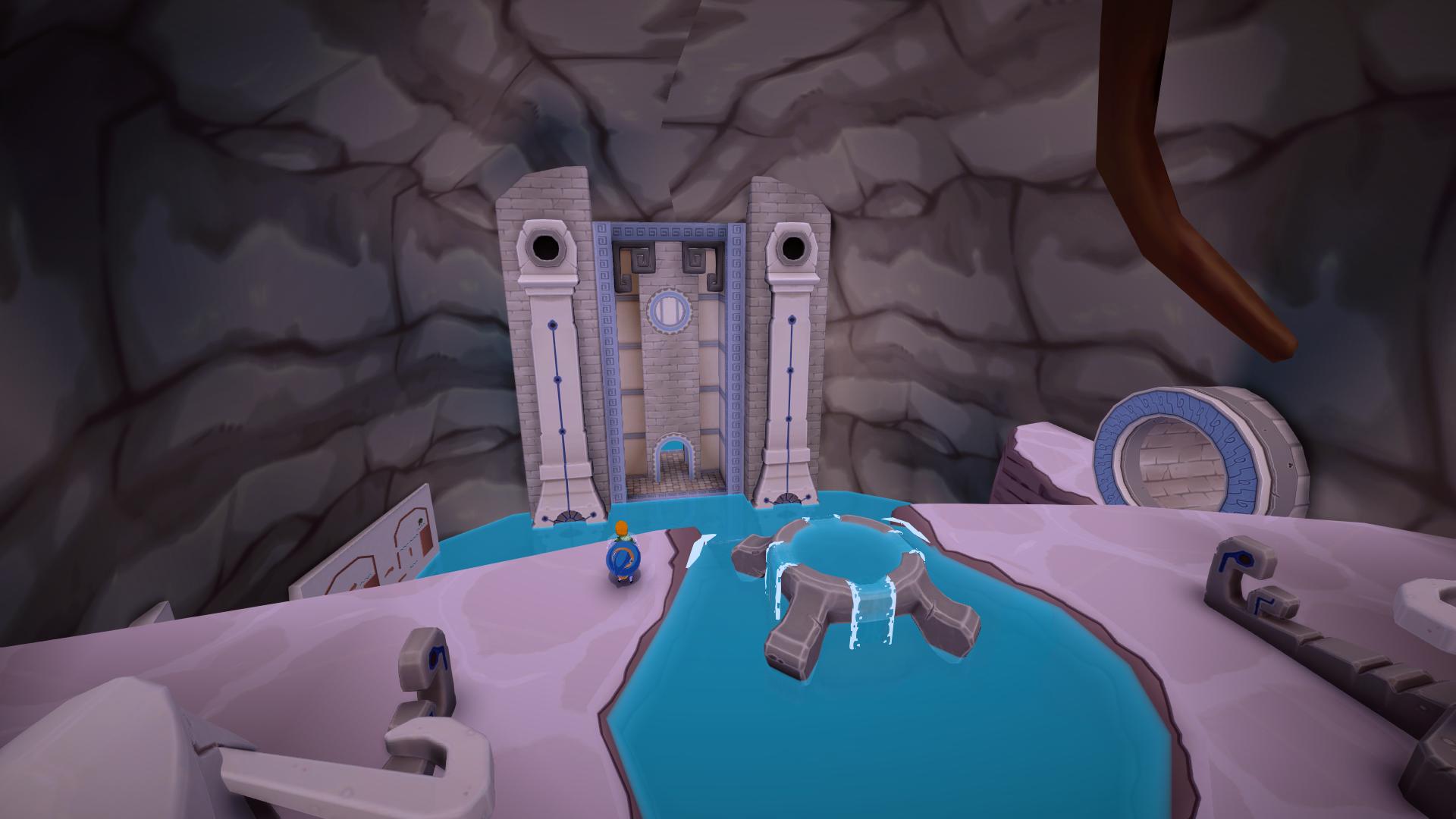
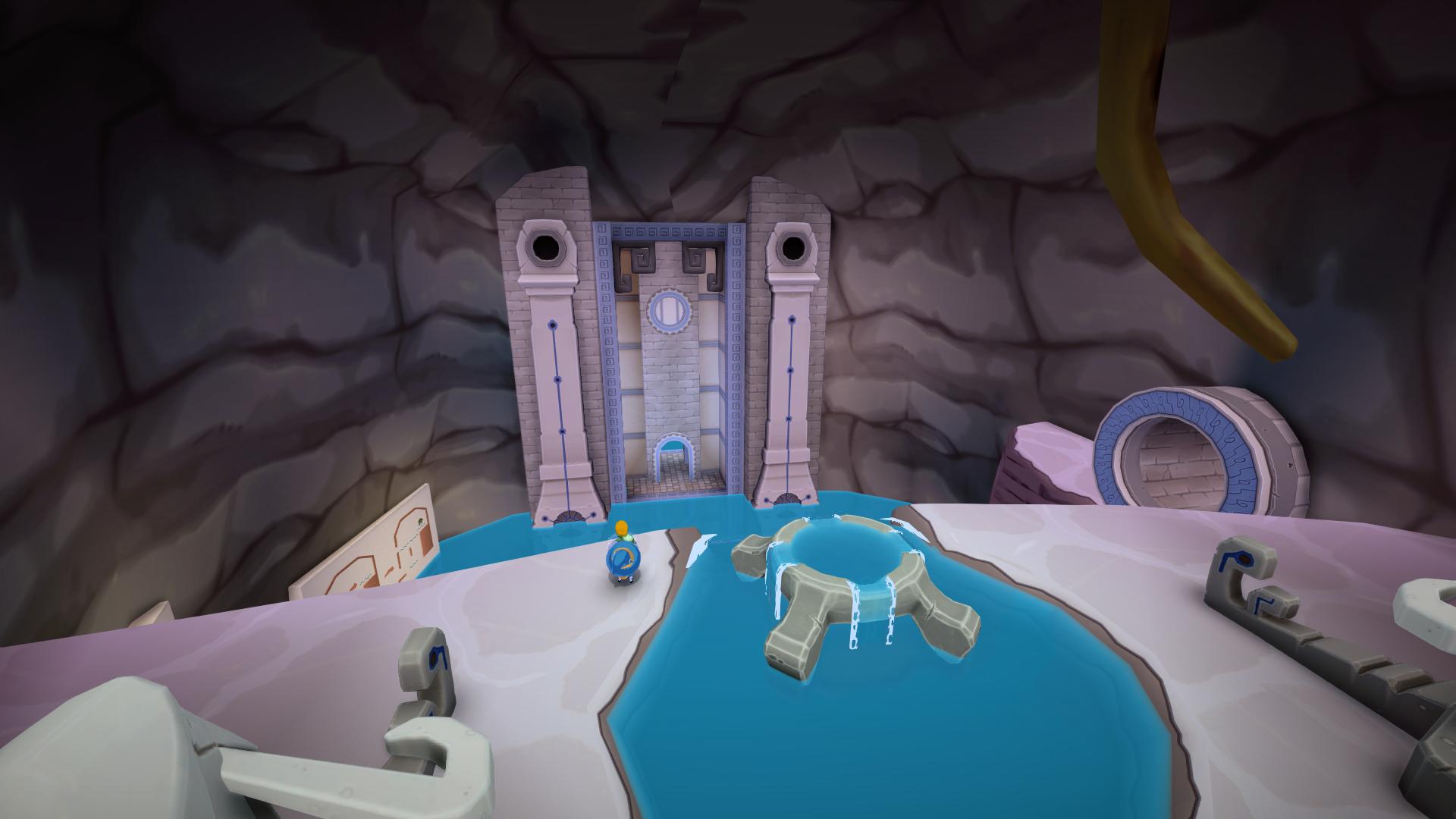
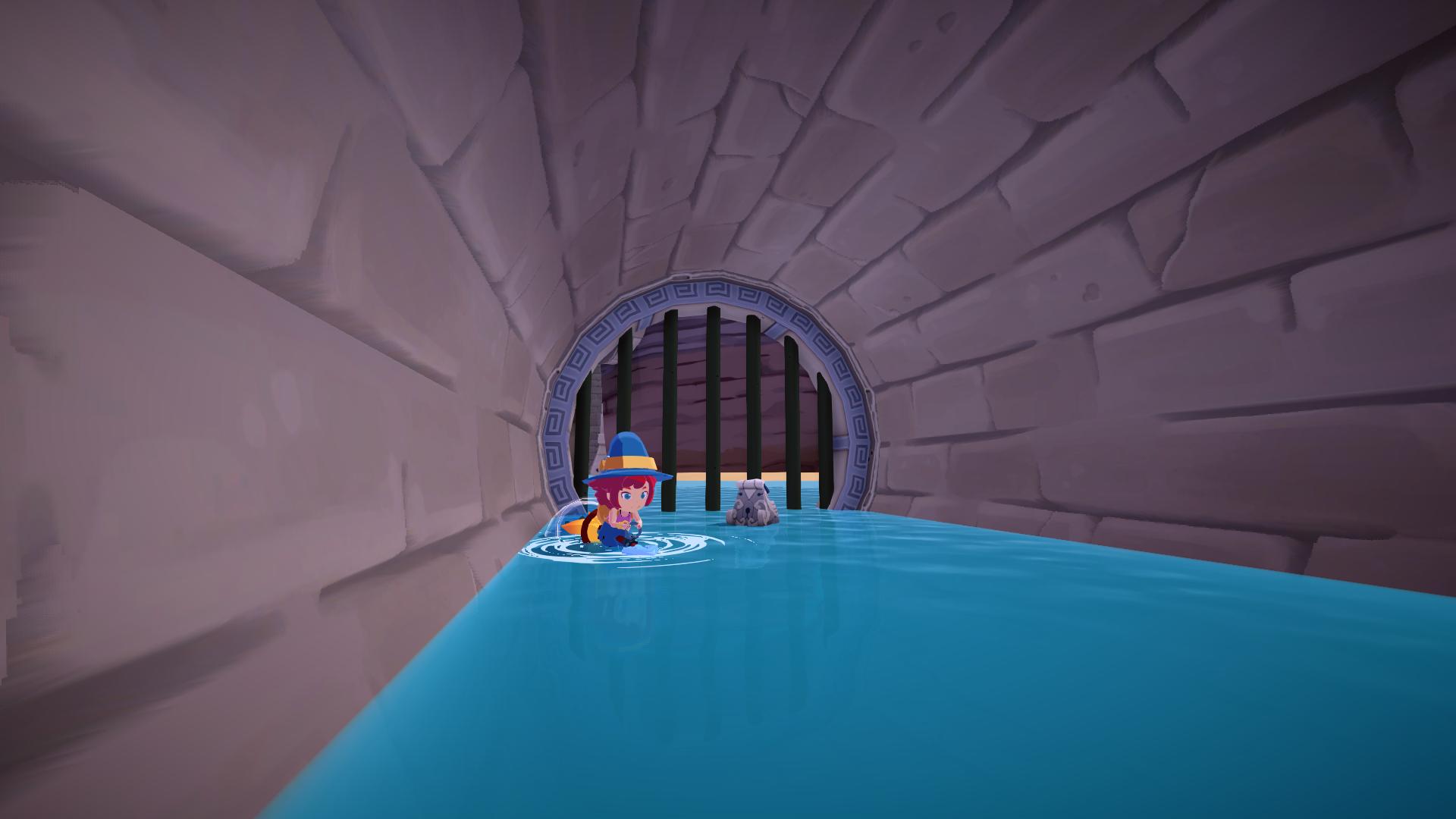
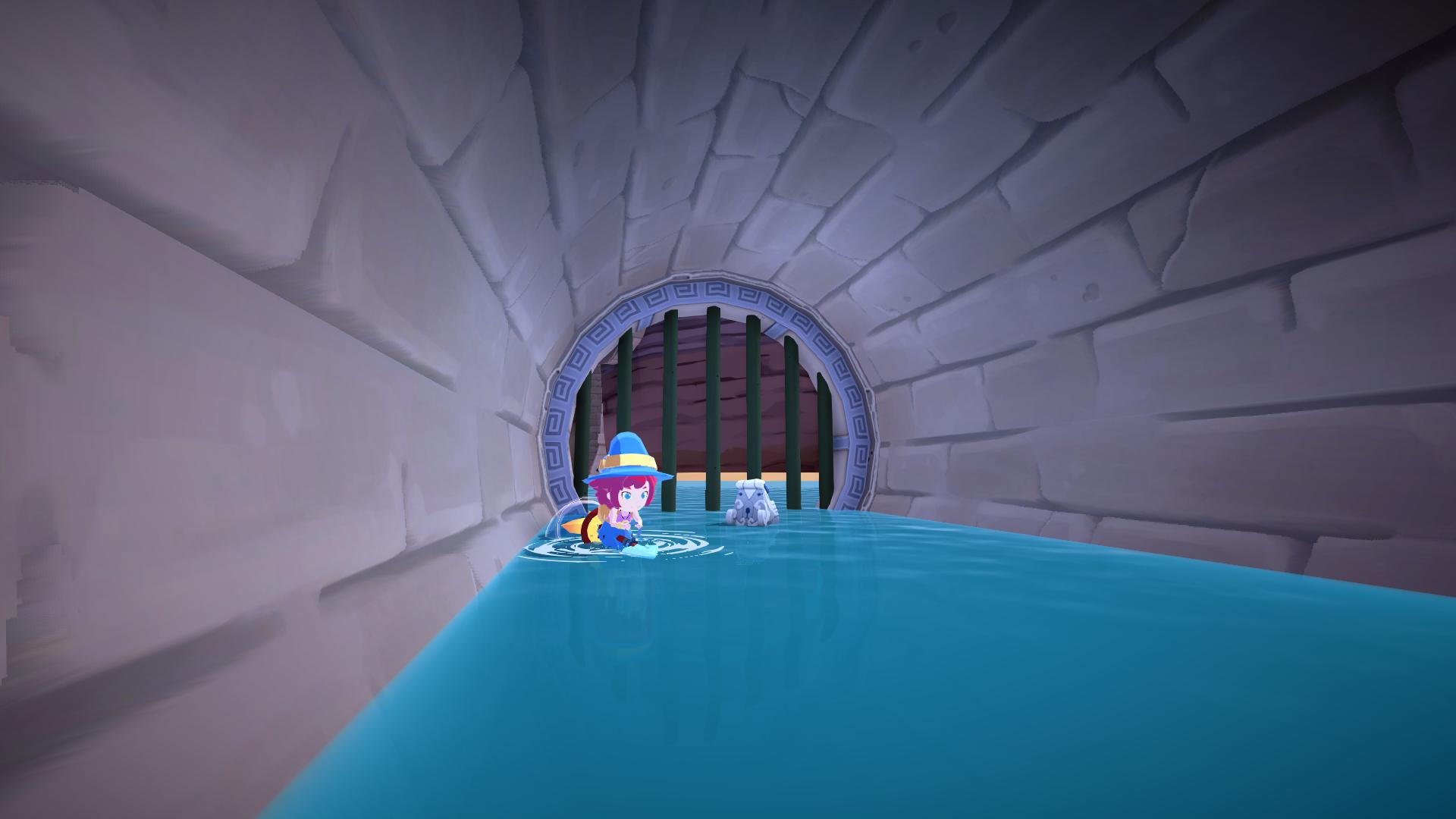
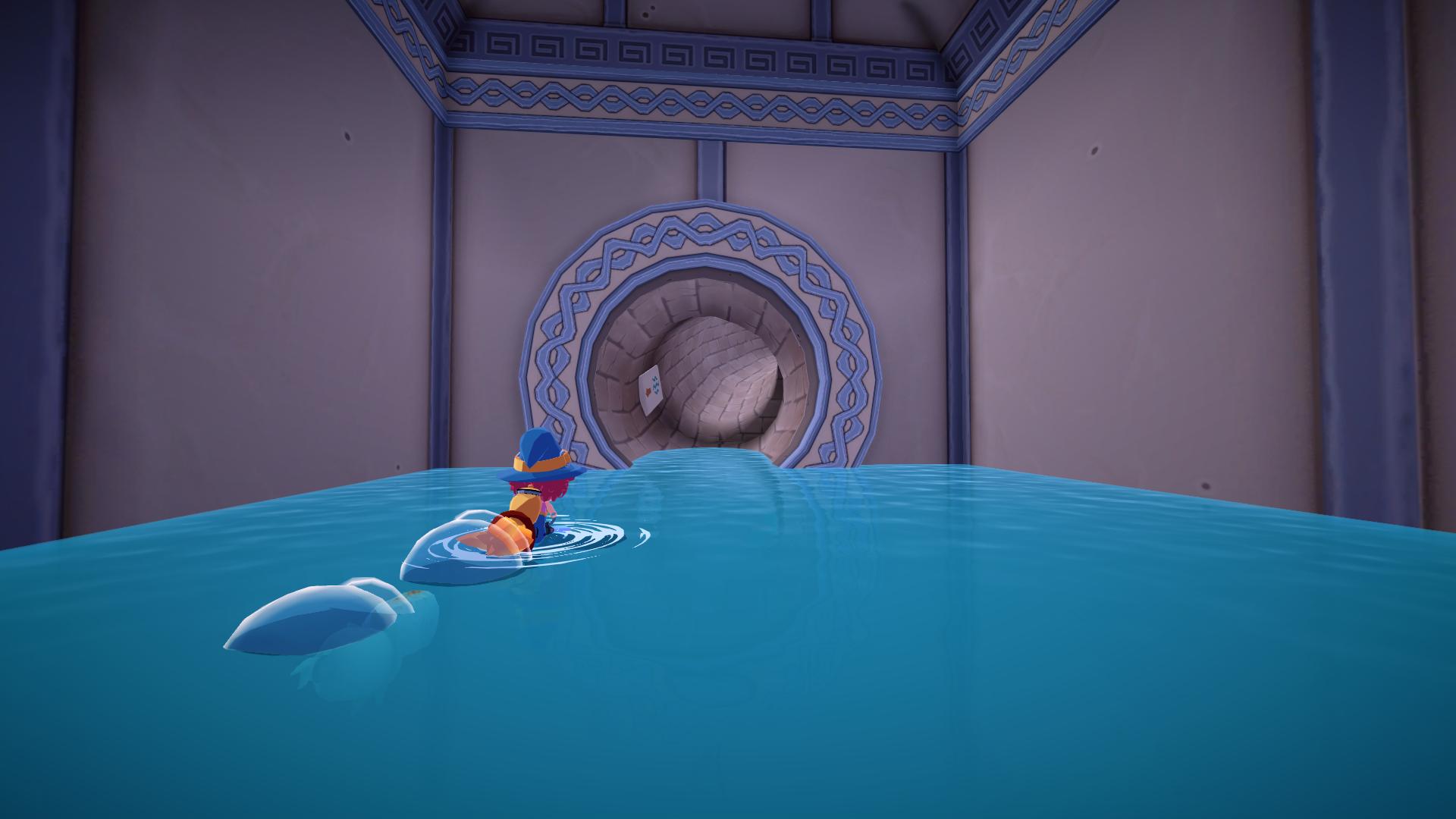
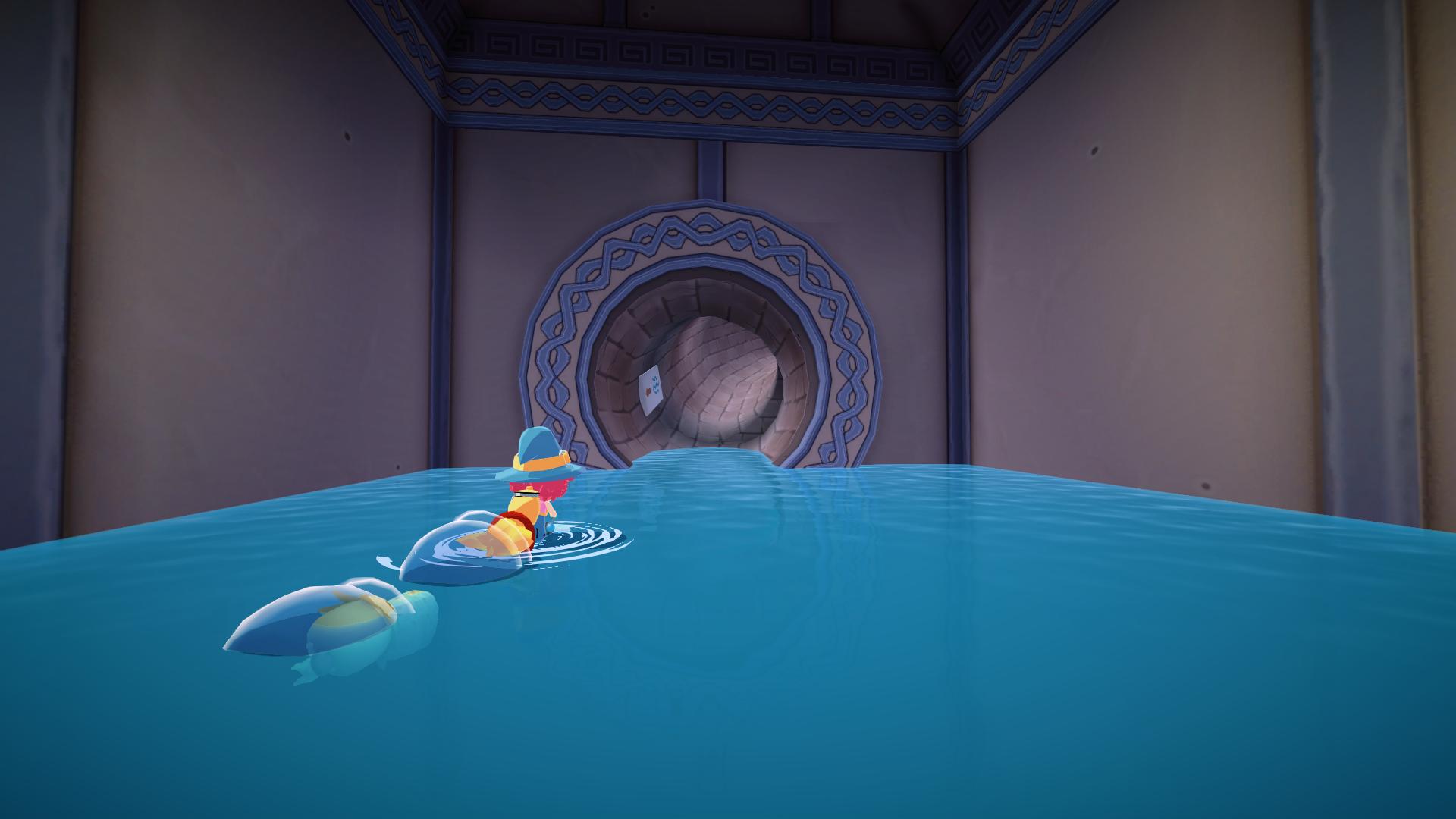
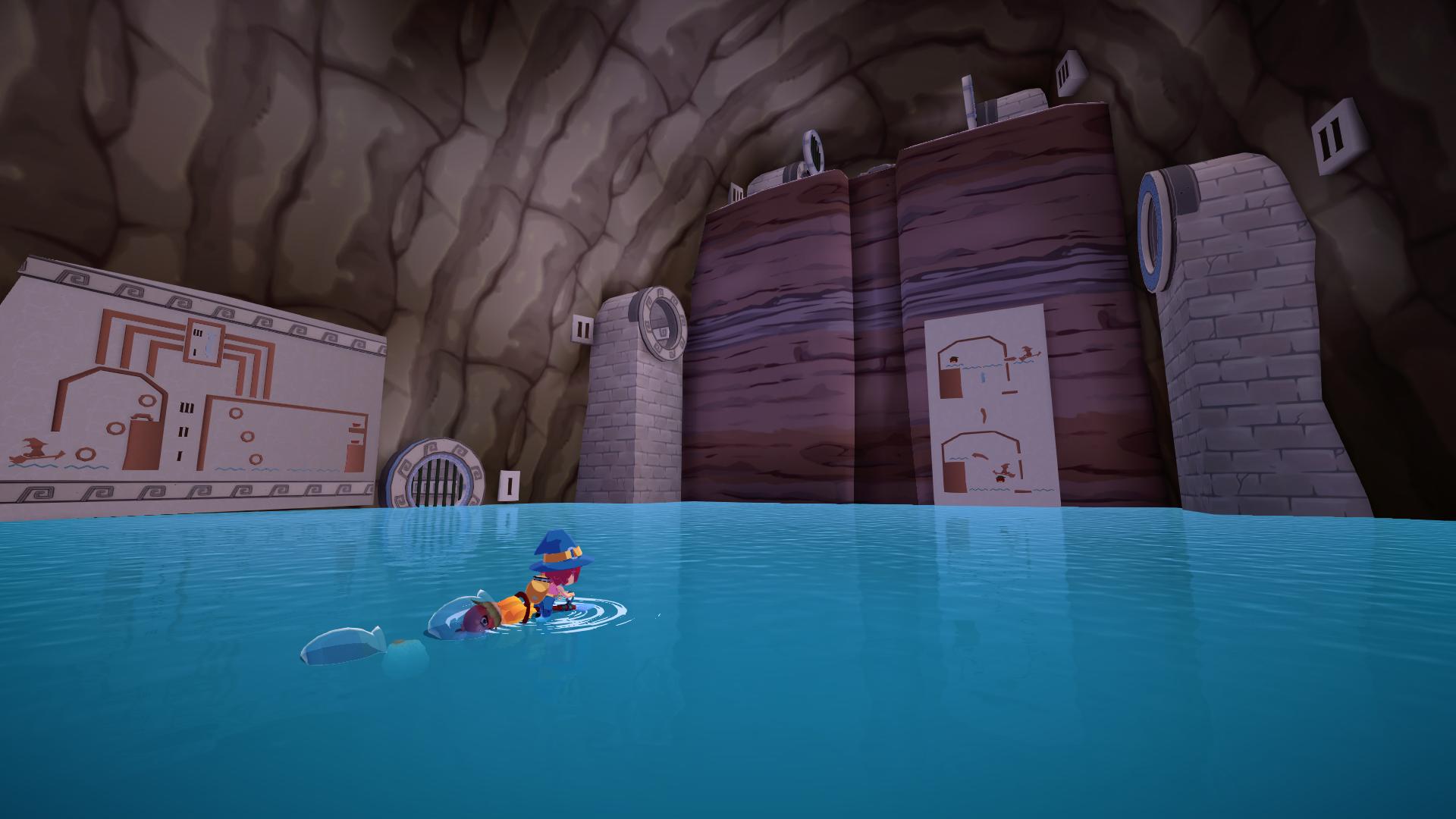
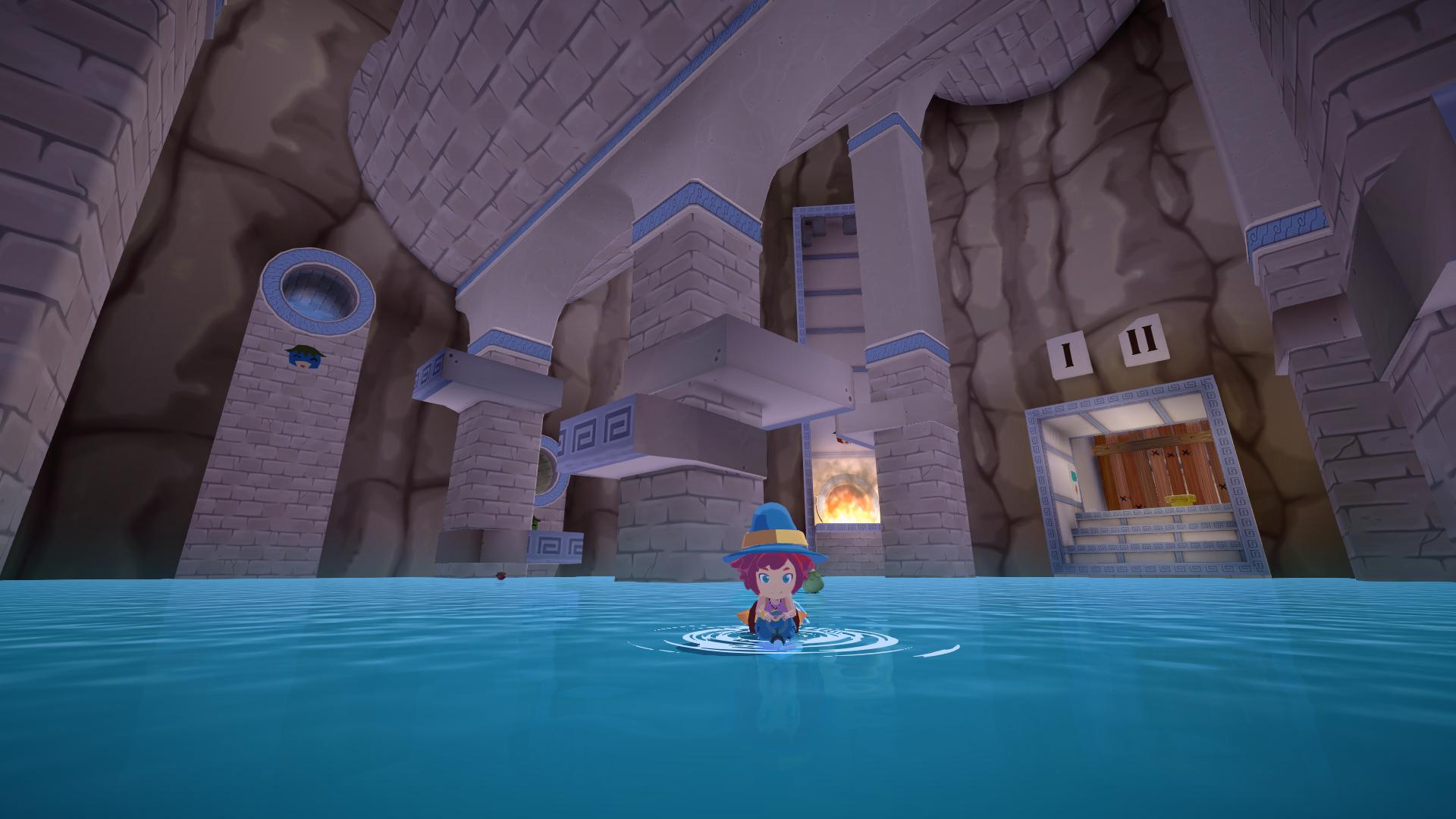
Decal lights and shadows are limitied to simple height gradients and fill light spheres without shadows, but together with a few actual lights and ambient occlusion, they can make environments a lot more appealing. These faked lights and shadows are used to great extent in interiors in the game, especially in the dungeons.
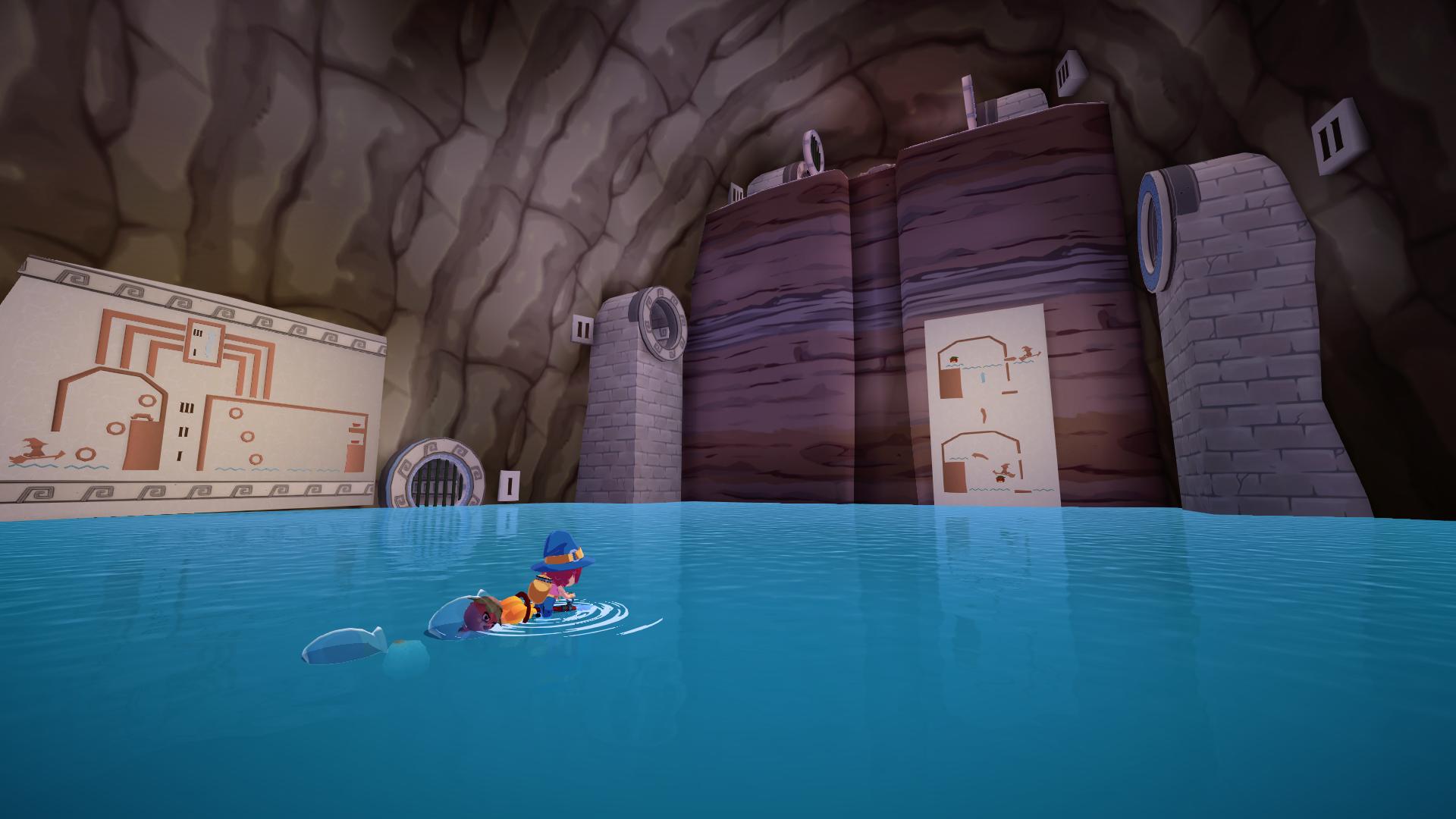
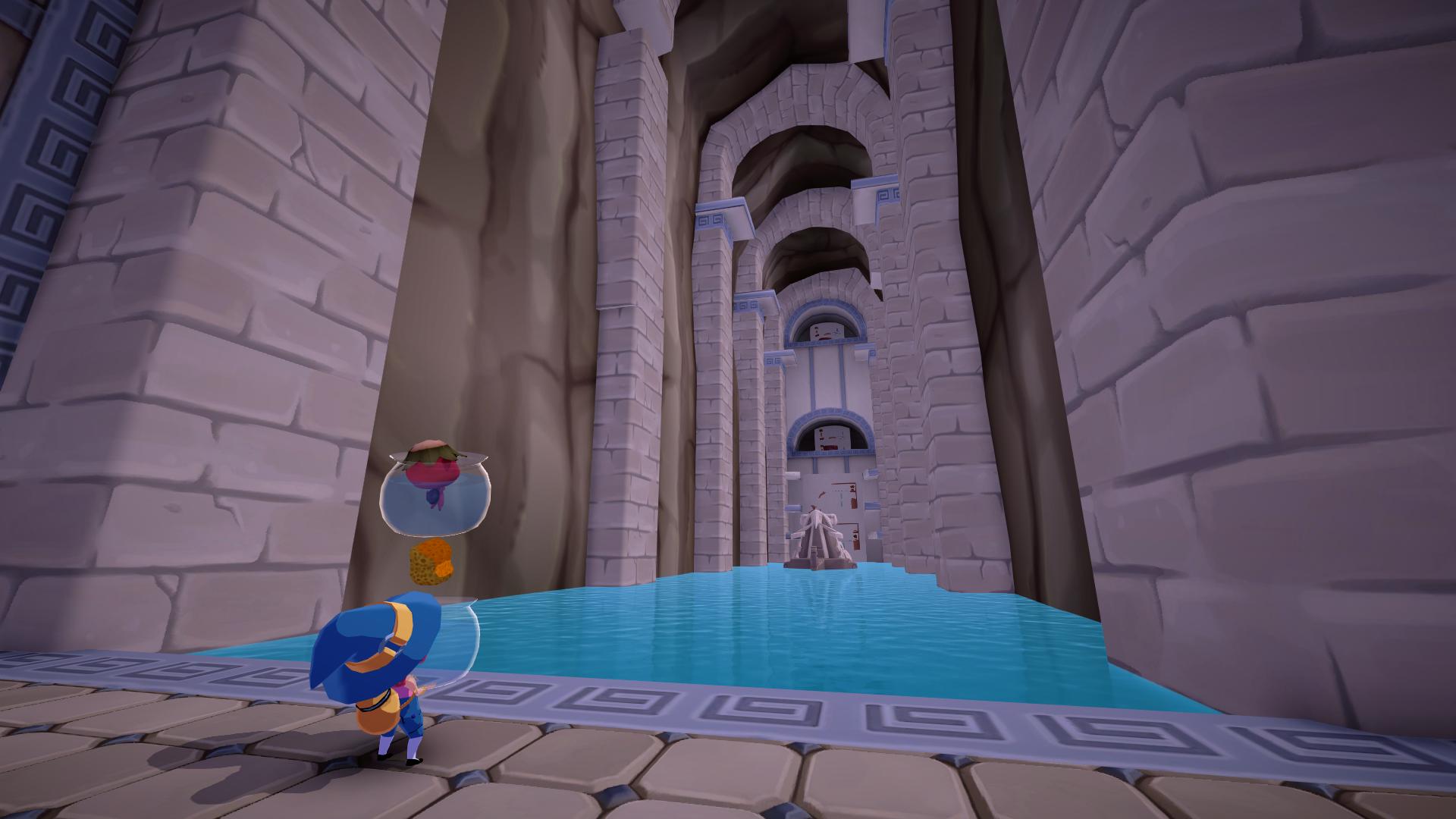
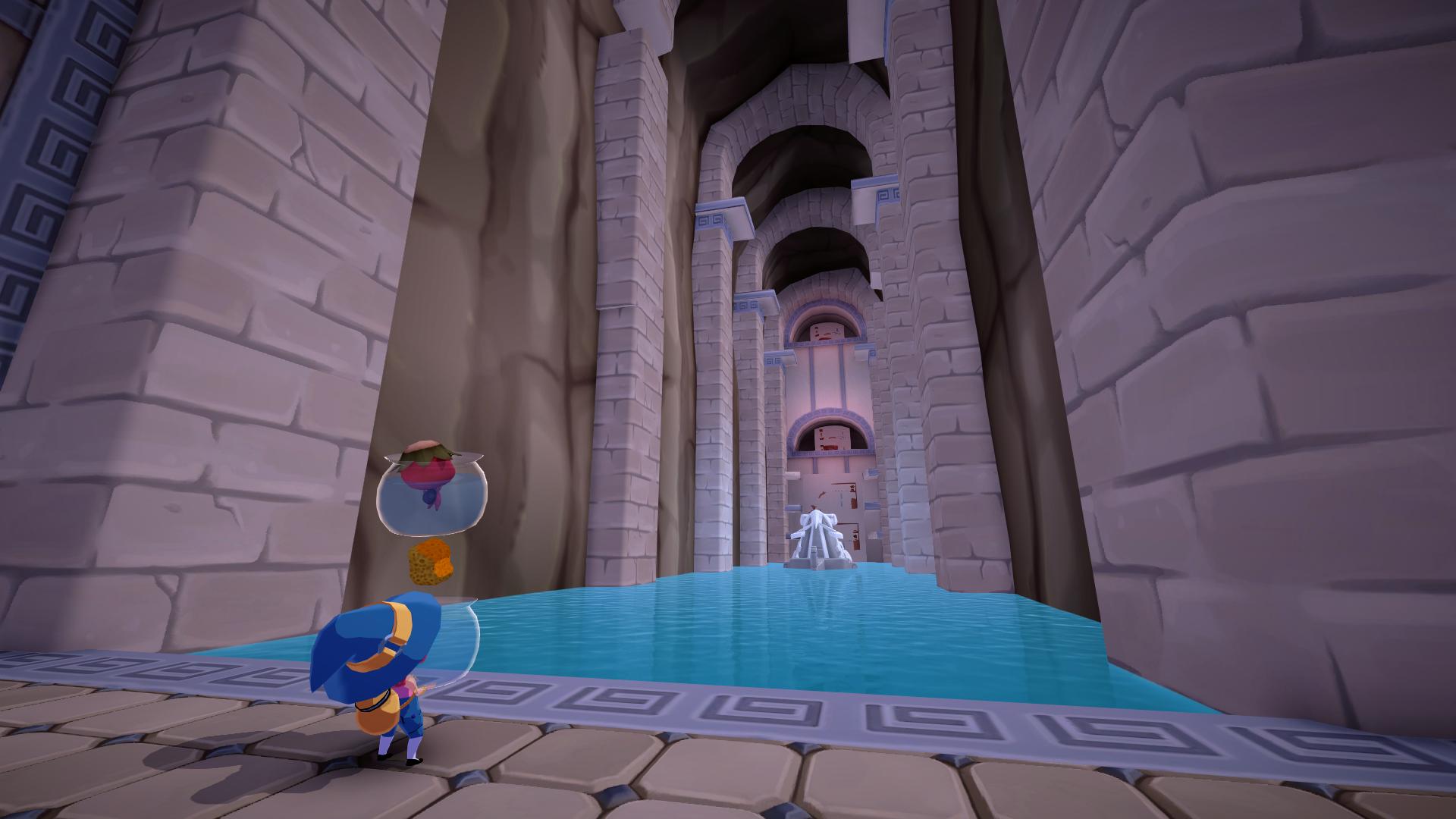
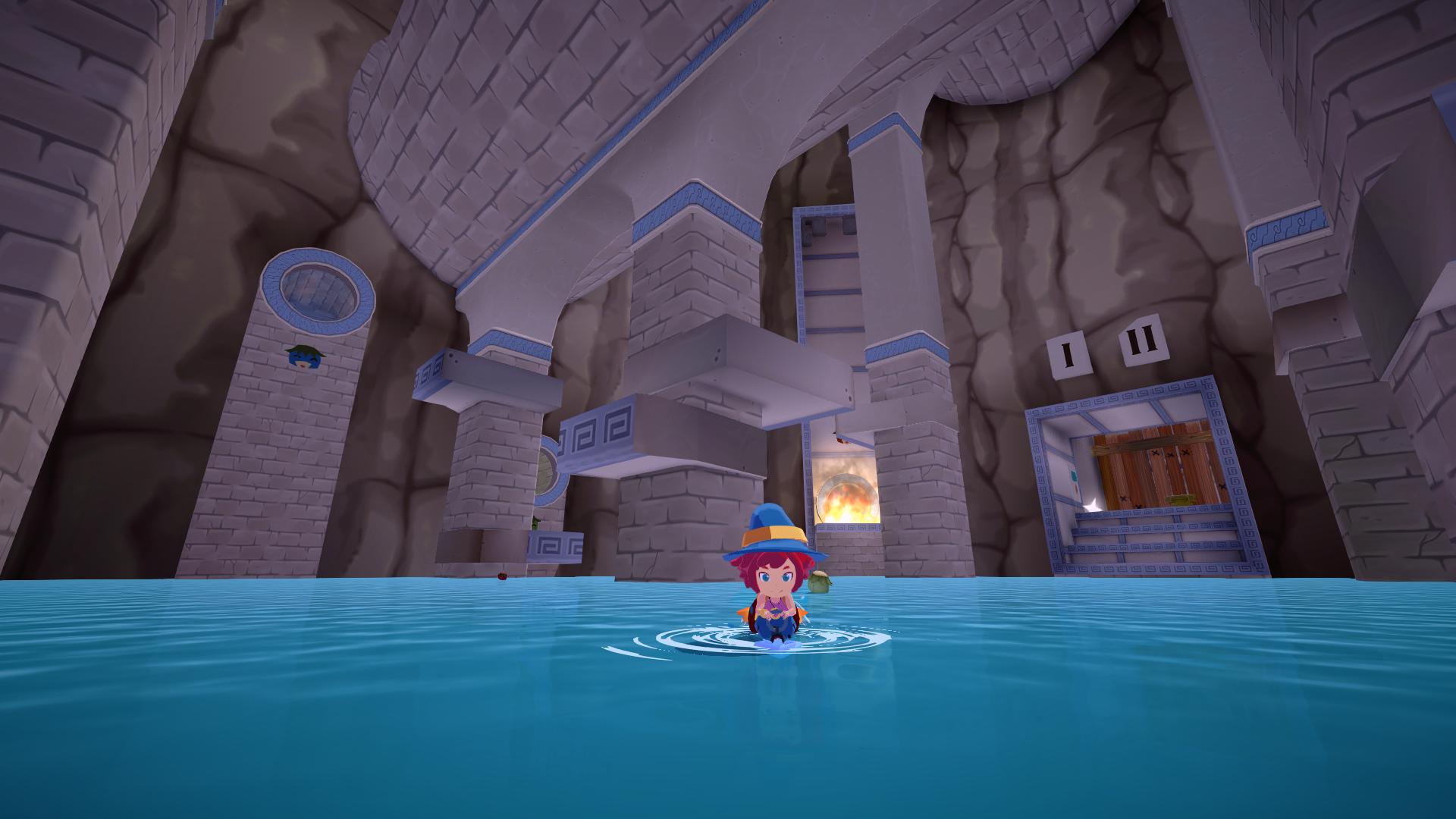
Going Forward
There is so much more that can be done with decals when it comes to lighting. For this game I really didn't have the time to delve into it, but here are some ideas that come to mind on how to take this lighting system further:
- Create shadow decals that can project a silhouette onto the ground. Potentially, allow that silhouette to be dynamic and rendered on demand. This could be used for detailed character shadows using decals.
- Create decal lights that can shape different shapes, like directional, area and spot lights.
- Add support for static shadows to decal lights using prerendered shadow maps.
- Add angle attenuation to decal lights, using scene normals or infering normals from the depth buffer.
- Add better controls to how decals affect characters or other layers.
- Create decal lights that add only specular highlights. This could be useful for scenes that use baked lighting. Using these specular decals, artists could add specularity to metals exactly where they want, without changing the lighting of the scene.
Complete shaders
Take into account that there are also some C# scripts to manage lighting properties using material property blocks.
Decal Shadows:
        Shader "Mika/HeightDecal"
        {
            Properties
            {
                _BaseColor ("Color", Color) = (1,1,1,1)
                _FadingUnits ("Fading Units", Float) = 1
                [KeywordEnum(CUBE, CYLINDER)]
                MASK_SHAPE("Mask Shape", Float) = 0
            }
            SubShader
            {
                Tags {
                    "LightMode" = "UniversalForward"
                    "RenderType"="Transparent"
                    "RenderPipeline" = "UniversalPipeline"
                    "Queue" = "Transparent-99"
                    "UniversalMaterialType" = "Unlit"
                }

                Pass
                {
                    Name "passDecalHeight"
                    ZTest GEqual
                    Cull Front
                    ZWrite Off
                    Blend SrcAlpha OneMinusSrcAlpha

                    Stencil {
                        Ref 1
                        Comp NotEqual
                        Pass Keep
                    }

                    HLSLPROGRAM
                    #pragma vertex vert
                    #pragma fragment frag
                    #pragma multi_compile_fog
                    #pragma multi_compile _ LOD_FADE_CROSSFADE
                    #pragma multi_compile MASK_SHAPE_CUBE MASK_SHAPE_CYLINDER

                    #include "Packages/com.unity.render-pipelines.core/ShaderLibrary/Color.hlsl"
                    #include "Packages/com.unity.render-pipelines.core/ShaderLibrary/Texture.hlsl"
                    #include "Packages/com.unity.render-pipelines.universal/ShaderLibrary/Core.hlsl"
                    #include "Packages/com.unity.render-pipelines.universal/ShaderLibrary/Lighting.hlsl"
                    #include "Packages/com.unity.render-pipelines.universal/ShaderLibrary/DeclareDepthTexture.hlsl"
                    #include_with_pragmas "Assets/Shaders/Base Mika style/MikaFunctions_Lighting.hlsl"

                    uniform half4 _BaseColor;
                    uniform float _FadingUnitsXPositive;
                    uniform float _FadingUnitsXNegative;
                    uniform float _FadingUnitsZPositive;
                    uniform float _FadingUnitsZNegative;
                    uniform float _Edge0;
                    uniform float _Edge1;

                    struct Attributes
                    {
                        float4 positionOS : POSITION;
                    };

                    struct Varyings
                    {
                        float4 positionHCS : SV_POSITION;
                        float4 screenPos : TEXCOORD0;
                    };

                    Varyings vert (Attributes input)
                    {
                        Varyings output;
                        output.positionHCS = TransformObjectToHClip(input.positionOS.xyz);
                        output.screenPos = ComputeScreenPos(output.positionHCS);
                        return output;
                    }

                    SamplerState point_clamp_sampler;
                    float4 _CameraDepthTexture_TexelSize;

                    half4 frag (Varyings input) : SV_Target
                    {
                        float2 screenUV = input.screenPos.xy / input.screenPos.w;
                        float rawDepth =  SampleSceneDepth(screenUV);
                        float3 positionWS = ComputeWorldSpacePosition(screenUV, rawDepth, UNITY_MATRIX_I_VP);
                        half3 positionOS = TransformWorldToObject(positionWS);

                        half3 absPositionOS = abs(positionOS);

                        #ifdef MASK_SHAPE_CUBE
                        half maxCoord = max(absPositionOS.x, max(absPositionOS.y, absPositionOS.z));
                        clip(-maxCoord+0.5);
                        #elif MASK_SHAPE_CYLINDER
                        clip(-absPositionOS.z+0.5);
                        half distToCenter = length(absPositionOS.xy);
                        clip(-distToCenter+0.5);
                        #endif

                        float3 cubeScale = float3(
                            length(float3(
                                unity_ObjectToWorld[0].x,
                                unity_ObjectToWorld[1].x,
                                unity_ObjectToWorld[2].x)
                            ), // scale x axis
                            length(float3(
                                unity_ObjectToWorld[0].y,
                                unity_ObjectToWorld[1].y,
                                unity_ObjectToWorld[2].y)
                            ), // scale y axis
                            length(float3(
                                unity_ObjectToWorld[0].z,
                                unity_ObjectToWorld[1].z,
                                unity_ObjectToWorld[2].z)
                            )  // scale z axis
                        );

                        float height = positionOS.y + 0.5;
                        float heightFade = smoothstep(_Edge0,_Edge1,height);

                        float2 lateralFadeXZ = (absPositionOS.xz * cubeScale.xz);
                        lateralFadeXZ *= 2;

                        float2 fadingUnits = float2(
                            positionOS.x > 0 ? _FadingUnitsXPositive : _FadingUnitsXNegative,
                            positionOS.z > 0 ? _FadingUnitsZPositive : _FadingUnitsZNegative
                        );
                        float2 fadingSpan = fadingUnits*2;
                        float2 lateralFadeStart = cubeScale.xz - fadingSpan;

                        lateralFadeXZ -= lateralFadeStart;
                        lateralFadeXZ /= fadingSpan;

                        lateralFadeXZ = 1.0 - saturate(lateralFadeXZ);
                        float lateralFade = lateralFadeXZ.x * lateralFadeXZ.y;

                        float4 positionHCS = TransformWorldToHClip(positionWS);
                        half fogIntensity = ComputeFogIntensity2(positionHCS.z / positionHCS.w);

                        half alpha = _BaseColor.a * fogIntensity * heightFade * lateralFade;

                        #if LOD_FADE_CROSSFADE
                        alpha *= unity_LODFade.x;
                        #endif

                        return half4(_BaseColor.rgb, alpha);
                    }
                    ENDHLSL
                }
            }
        }
Decal Lights:
        Shader "Mika/LightDecal"
        {
            Properties
            {
                [HDR] _BaseColor ("Color", Color) = (1,1,1,1)
                _ReadMask ("Read Mask", Int) = 15
                _Comparison ("Comparison", Int) = 6
            }
            SubShader
            {
                Tags {
                    "LightMode" = "UniversalForward"
                    "RenderType"="Transparent"
                    "RenderPipeline" = "UniversalPipeline"
                    "Queue" = "Transparent-100"
                    "UniversalMaterialType" = "Unlit"
                }

                Pass
                {
                    Name "passDecalLight"
                    ZTest GEqual
                    Cull Front
                    ZWrite Off
                    Blend DstColor One

                    //In binary, character layer is 1001 and water layer is 0001.
                    //Using a ReadMask of 15 (1111) means that only water is excluded.
                    //Using a ReadMask of 7 (0111) means that both water and characters are excluded.
                    Stencil {
                        Ref 1
                        ReadMask [_ReadMask]
                        Comp [_Comparison]
                        Pass Keep
                    }

                    HLSLPROGRAM
                    #pragma vertex vert
                    #pragma fragment frag
                    #pragma multi_compile_fog
                    #pragma multi_compile _ LOD_FADE_CROSSFADE

                    #include "Packages/com.unity.render-pipelines.core/ShaderLibrary/Color.hlsl"
                    #include "Packages/com.unity.render-pipelines.core/ShaderLibrary/Texture.hlsl"
                    #include "Packages/com.unity.render-pipelines.universal/ShaderLibrary/Core.hlsl"
                    #include "Packages/com.unity.render-pipelines.universal/ShaderLibrary/Lighting.hlsl"
                    #include "Packages/com.unity.render-pipelines.universal/ShaderLibrary/DeclareDepthTexture.hlsl"
                    #include_with_pragmas "Assets/Shaders/Base Mika style/MikaFunctions_Lighting.hlsl"

                    uniform half4 _BaseColor;

                    struct Attributes
                    {
                        float4 positionOS : POSITION;
                    };

                    struct Varyings
                    {
                        float4 positionHCS : SV_POSITION;
                        float4 screenPos : TEXCOORD0;
                    };

                    Varyings vert (Attributes input)
                    {
                        Varyings output;
                        output.positionHCS = TransformObjectToHClip(input.positionOS.xyz);
                        output.screenPos = ComputeScreenPos(output.positionHCS);
                        return output;
                    }

                    half4 frag (Varyings input) : SV_Target
                    {
                        float2 screenUV = input.screenPos.xy / input.screenPos.w;
                        float rawDepth = SampleSceneDepth(screenUV);
                        float3 positionWS = ComputeWorldSpacePosition(screenUV, rawDepth, UNITY_MATRIX_I_VP);
                        half3 positionOS = TransformWorldToObject(positionWS);

                        half3 dir = positionOS;
                        half distSqr = dot(dir, dir);
                        clip(1.0-distSqr);

                        half atten = LightingDistanceAttenuation(distSqr, 1.0);

                        float4 positionHCS = TransformWorldToHClip(positionWS);
                        half fogIntensity = ComputeFogIntensity2(positionHCS.z / positionHCS.w);

                        half alpha = _BaseColor.a * fogIntensity;

                        #if LOD_FADE_CROSSFADE
                        alpha *= unity_LODFade.x;
                        #endif

                        return half4(_BaseColor.rgb * atten * alpha, 1);
                    }
                    ENDHLSL
                }
            }
        }