GPU Instanced Foliage
Januray 24th, 2025
Mika and the Witch's Mountain
Motivation
During the initial prototype phase of Mika and the Witch's Mountain, a basic foliage system was developed that allowed the team to populate the island with grass. However, it was not easy to maintain or configure and it was expensive to render, specially on weaker hardware. For this reason, I decided to do some research on foliage rendering that led me to explore different ways to get the results we wanted.
Original implementation
I wasn't part of the original team that programmed the first foliage system, and they had already left by the time I came in. However, I checked their implementation and it was very easy to understand:
- Use a base mesh for each grass blade.
- Generate random points on a surface and put the base mesh in each of those points.
- Create the combined mesh and render it as usual with a material whose color matches its surface.
This seems very straightforward and performant at first since everything except rendering is calculated offline. However, it doesn't really scale that well:
- There is a limit to the number of vertices that can be combined into a single mesh in Unity.
- Having many large meshes just for foliage occupies a ton of memory both on disk and on VRAM.
- Large surfaces can have varying colors across them. When the blade color doesn't match its surface, it loses a lot of its appeal.
Possible implementations
Taking into account the limitations of the original system, I focused on finding ways to overcome them. These are some of the possible solutions I found:
- Geometry shaders: Using a geometry shader, it is possible to create geometry in the GPU, without it ever requiring storage or loading from disk. Once set up, it is very easy to configure, understand and iterate on for artists because the foliage becomes part of the ground surface itself. Additionally, it is very easy to render each blade with the surface color because it's part of the same shader with the same properties. The geometry shader can sample the ground color where the blade is located and pass that as vertex color for the generated foliage geometry. There is a catch to this, and it's the fact that geometry shaders are very slow, especially when they perform high amplification (i.e., generating many output primitives for each input primitive), as this significantly increases the workload on the GPU.
- Compute shaders: Similarly to how geometry shaders work, it could be possible to generate blades of grass in runtime taking into account the camera transform to only populate with grass whatever's visible for the player in that frame. However, it is not that easy to sample the surface color in this case and compute shaders are not that performant on some systems.
- GPU Instancing: This render method is very efficient because it consists in storing only the instance (blade) specific data in a buffer, and then using the same mesh to render all the instances in a single draw call. Everything possible is pre-calculated (baked), which makes GPU Instancing very efficient. It is not as simple to get a working system that is easy to iterate on as it was with geometry shaders, but the benefits outweigh the costs by a large margin.
After reviewing the solutions described above, I decided to give GPU Instancing a try because it would allow us to render a lot more foliage in the long run.
The GPU Instancing system
There were some gaps to fill at first, like defining how to generate the blades, how to color them, and how to store them. The resulting workflow that I defined was:
- Create a mesh on which blades will be placed randomly.
- Add a reference to the actual visible surfaces where the blades are placed. This is needed later to obtain the surface colors.
-
Generate blades:
- Calculate random position, rotation and scale in the mesh surface.
- Raycast towards the visual surface mesh, retrieve barycentric coordinates and mesh data. Use that information to obtain the vertex color and sample the base map texture. Store this color as the blade color.
- Use the generation mesh vertex color to indicate different properties of blades across its surface. For example, we used the RG channels to define density and height respectively.
- Apply a scale modification for all blades based on world space perlin noise. This is optional but adds a bit of variety to the grass in general.
- Calculate the bounds of the resulting set of blades and subdivide it into a 3D grid of smaller groups that can later be culled using the camera frustrum. This will help reduce vertex and rasterization processing load for the GPU at the expense of a few extra draw calls.
- Serialize the array of data into a compressed byte array. This is much faster than using Unity's default serializer and occupies just a fraction of the disk memory.
That entire process is automated using buttons in the inspector once the required references are set up. This way, it becomes very easy to iterate on. When the game starts, it just needs to deserialize the blades, set a compute buffer with their data and issue a gpu instanced draw call for the amount of blades required. The shader uses a keyword to identify that it is using GPU Instancing, and then retrieves each instance data accordingly in the vertex shader. We ended up storing the next variables for each instance:
- Model matrix.
- Inversed model matrix.
- Surface color.
- Blade height.
- Random value.
The blade height was used to color tall grass a bit different and make the final result more interesting. As for the random value, we used it to create a smooth LOD transition. Foliage is not only frustrum culled, groups at a certain distance from the camera are also culled, but we didn't want the foliage to just pop in. Instead, we used a random value to cull certain blades in the vertex shader before culling the entire group. This way, individual blades pop in gradually instead of displaying the entire group at once.
Additionally, we scaled down the blades when they were very close to the culling threshold, which looks almost as if blades were growing up progressively as you get close to them. These two techniques combined made the LOD transition seamless.
Results
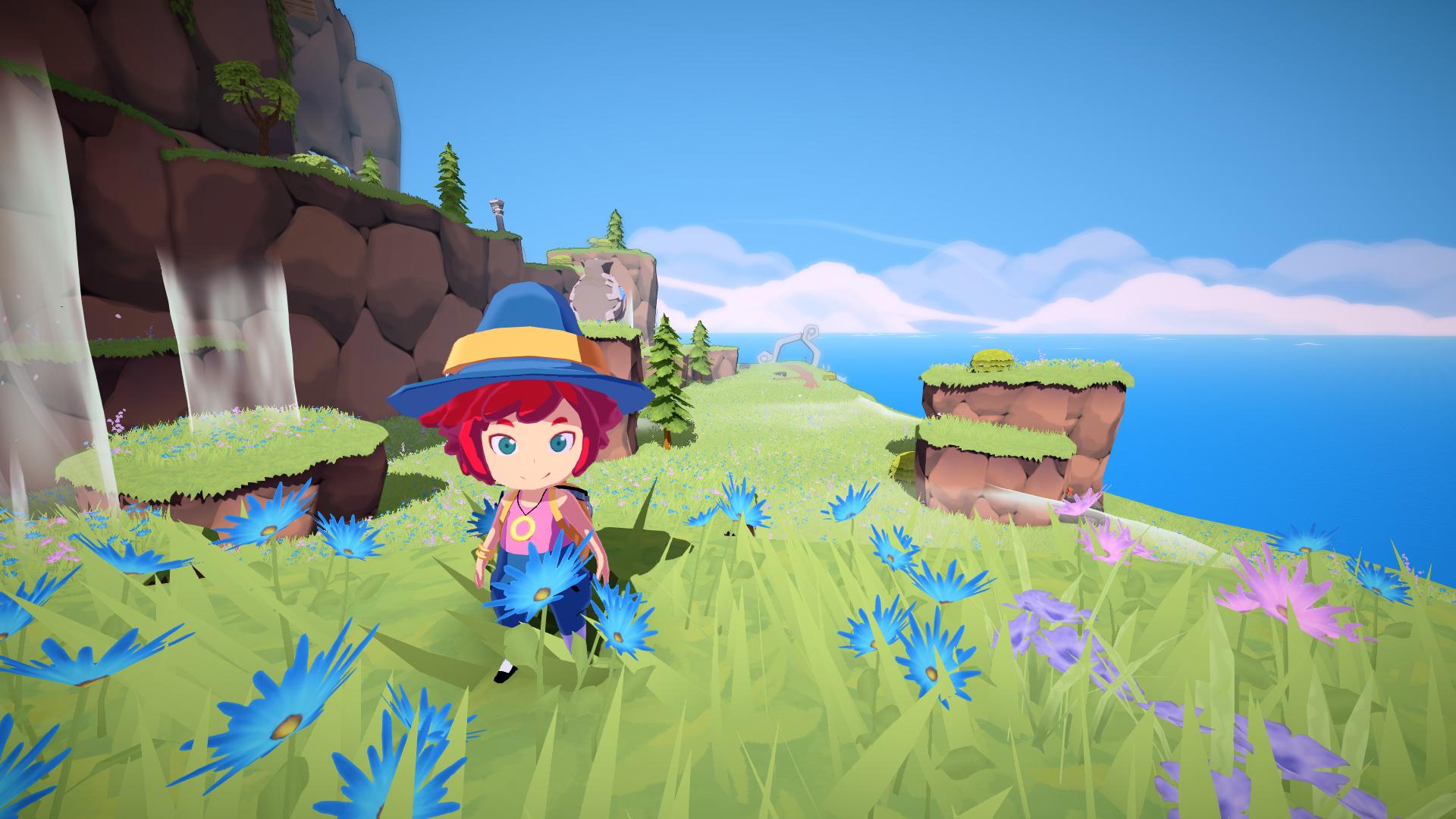
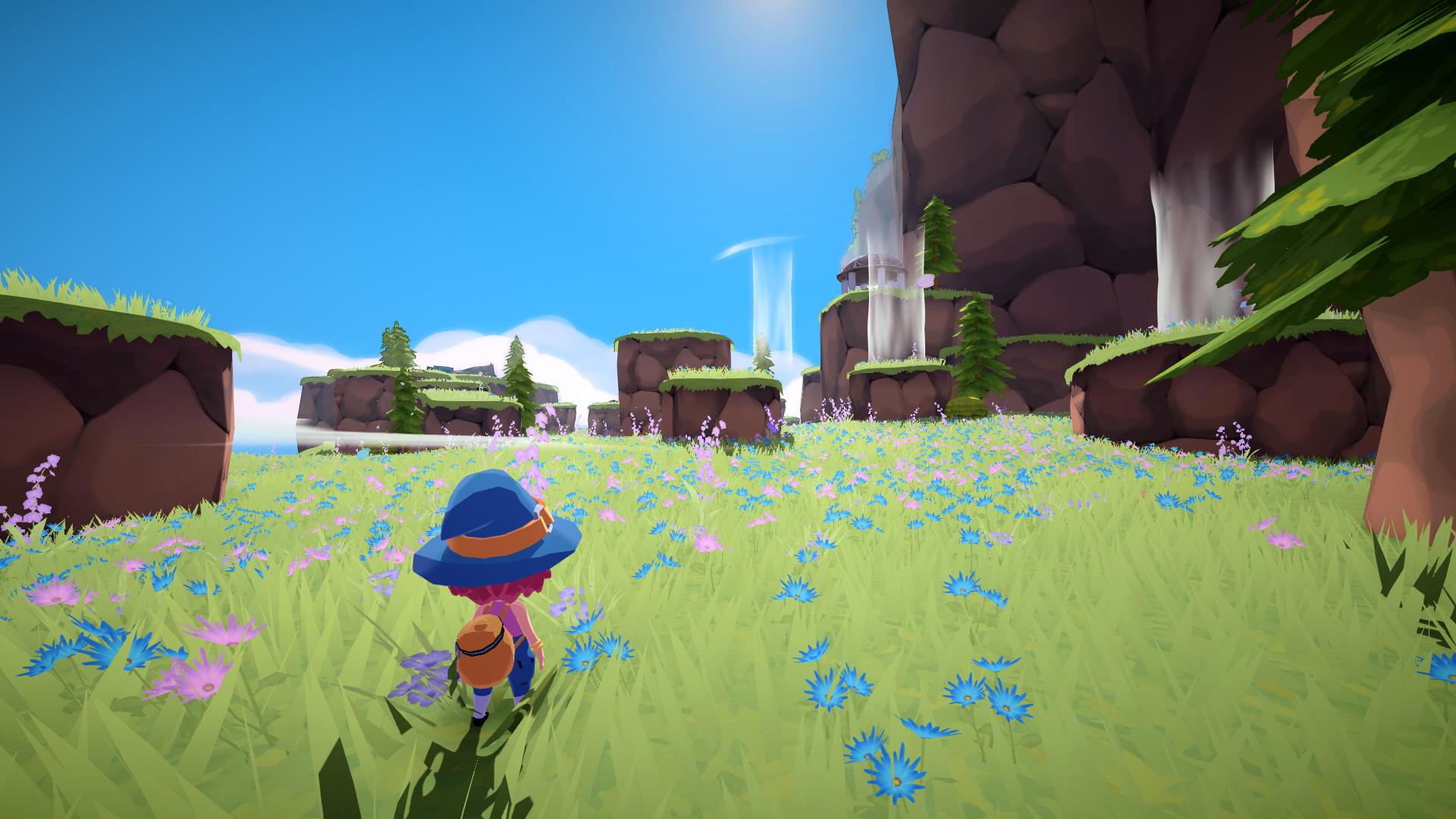
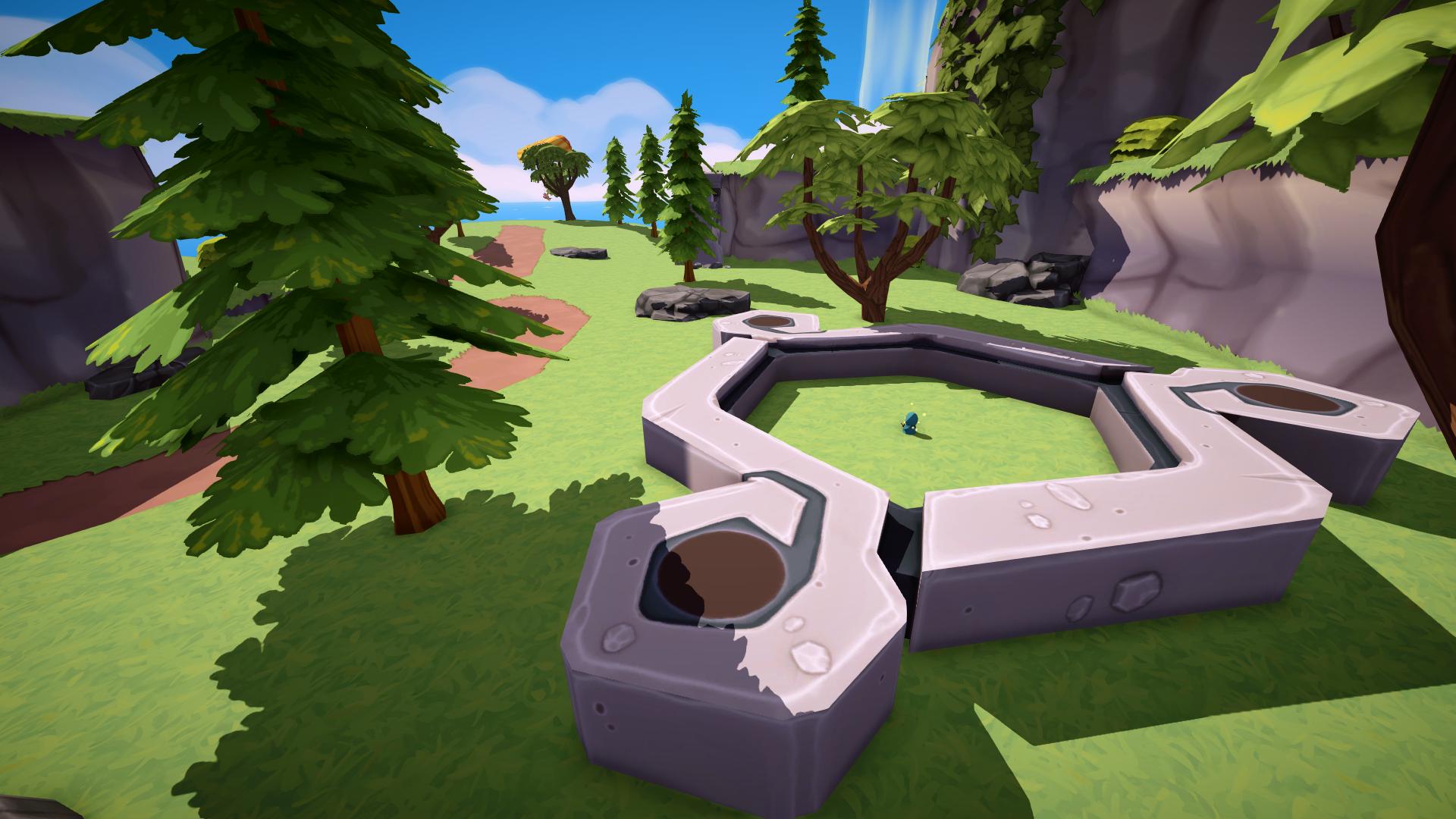
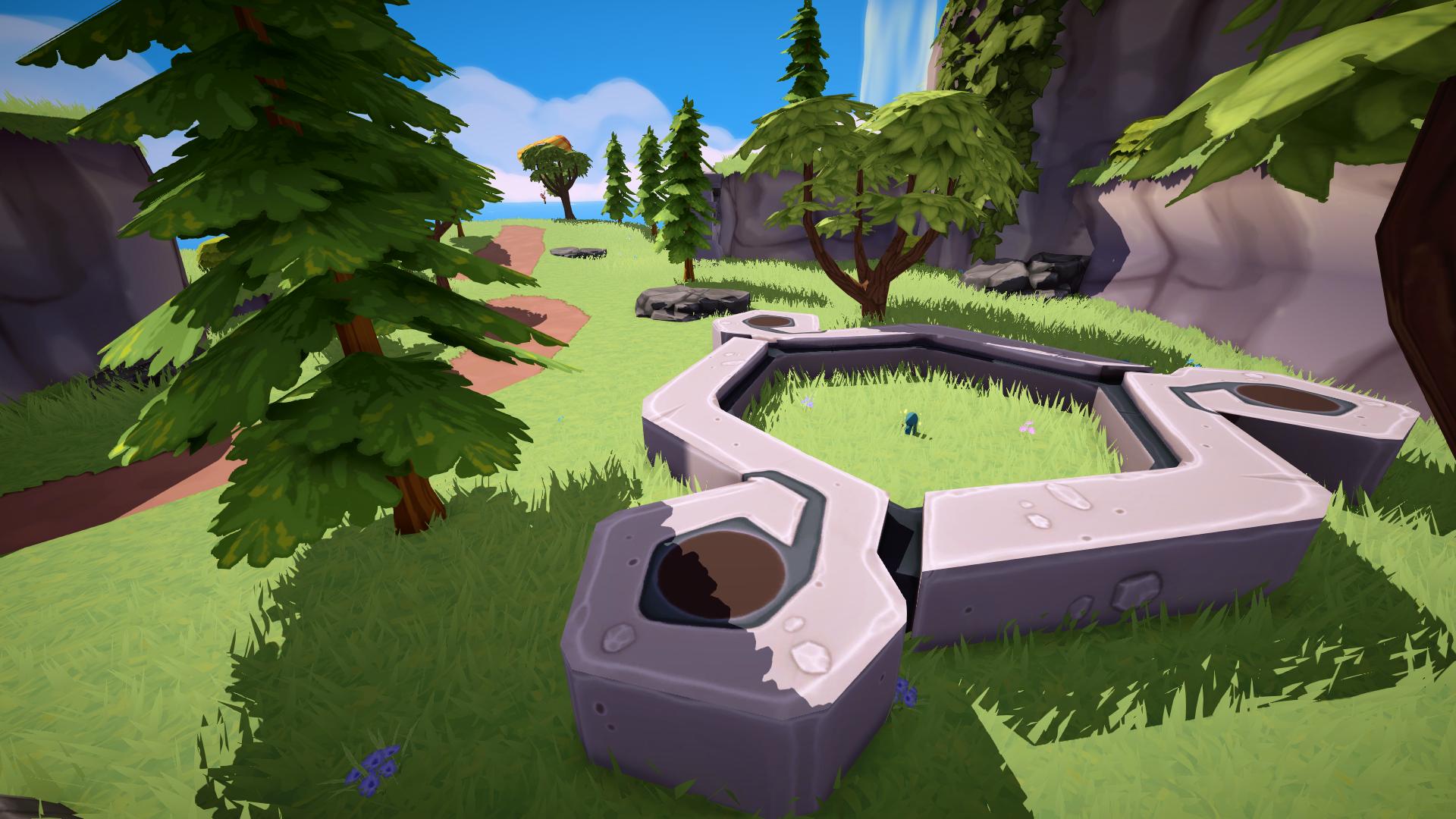
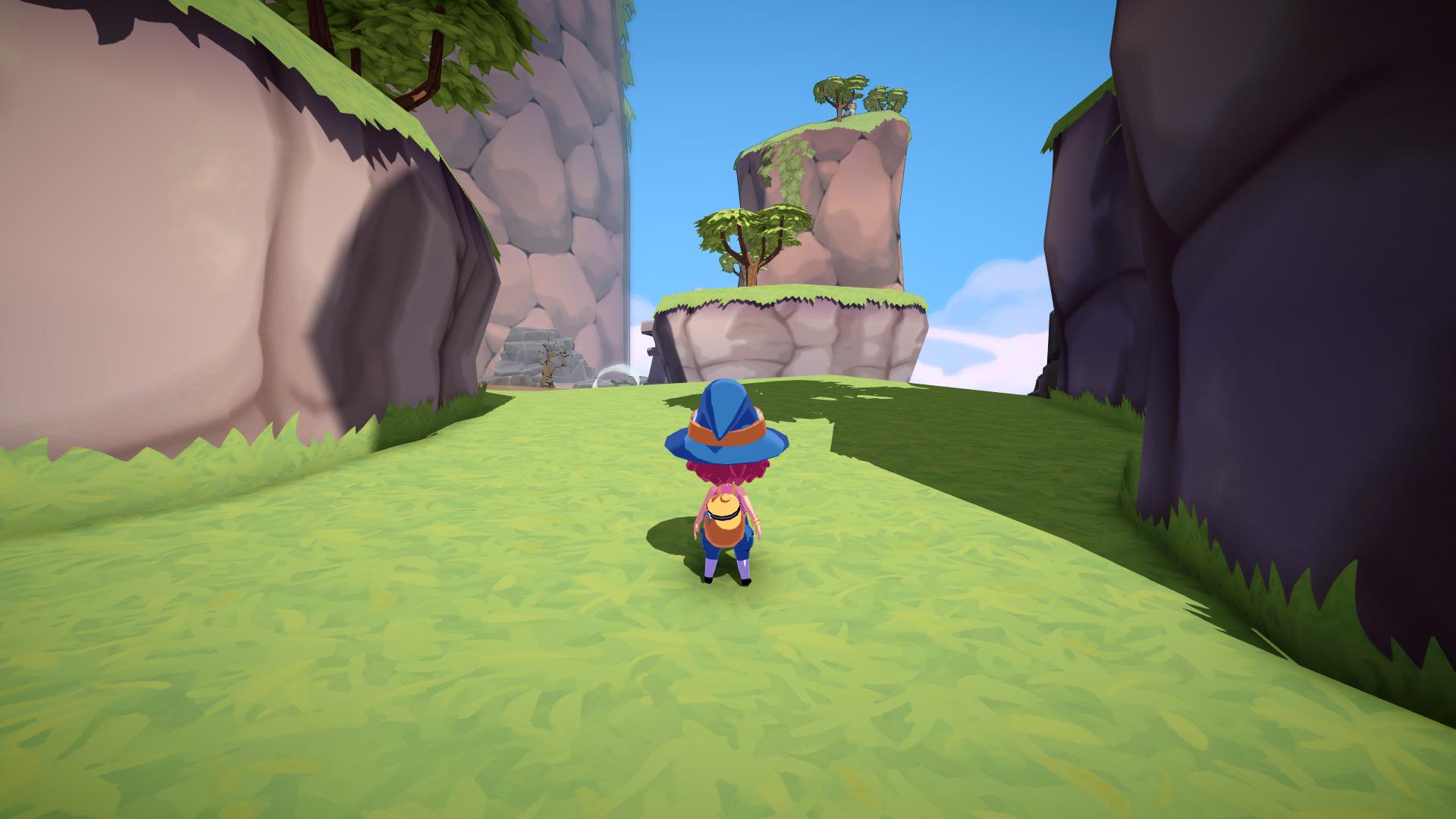
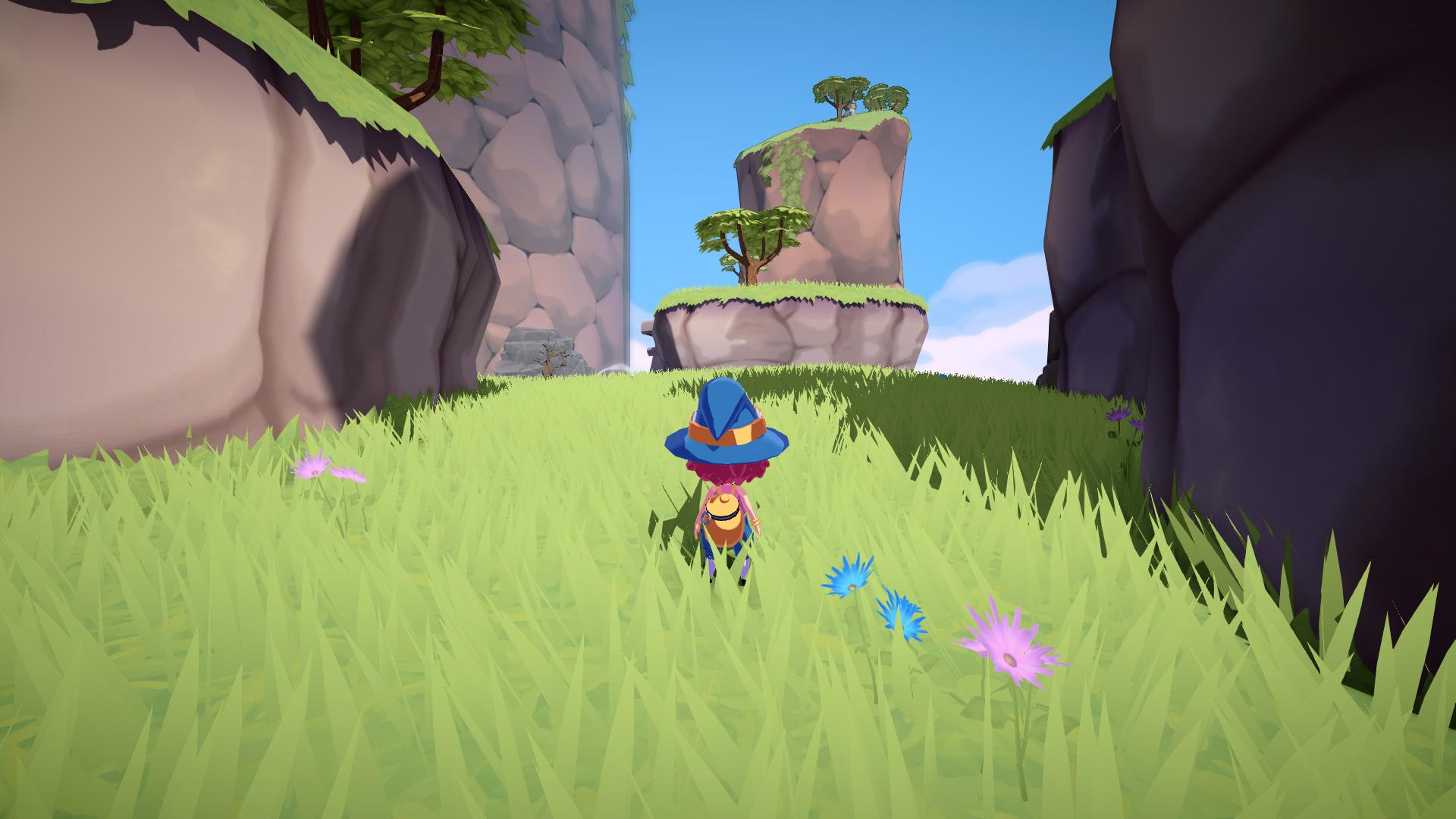
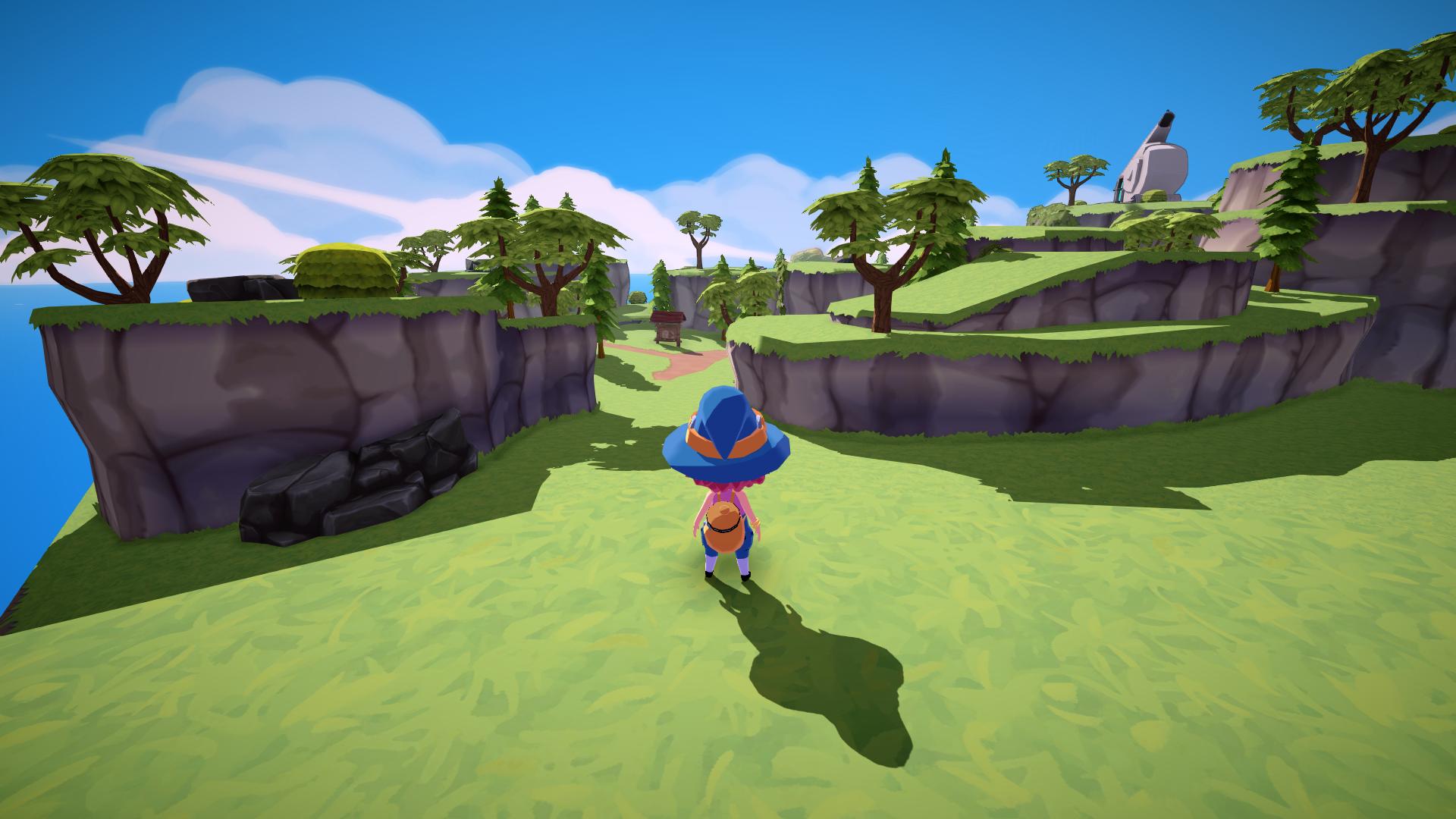
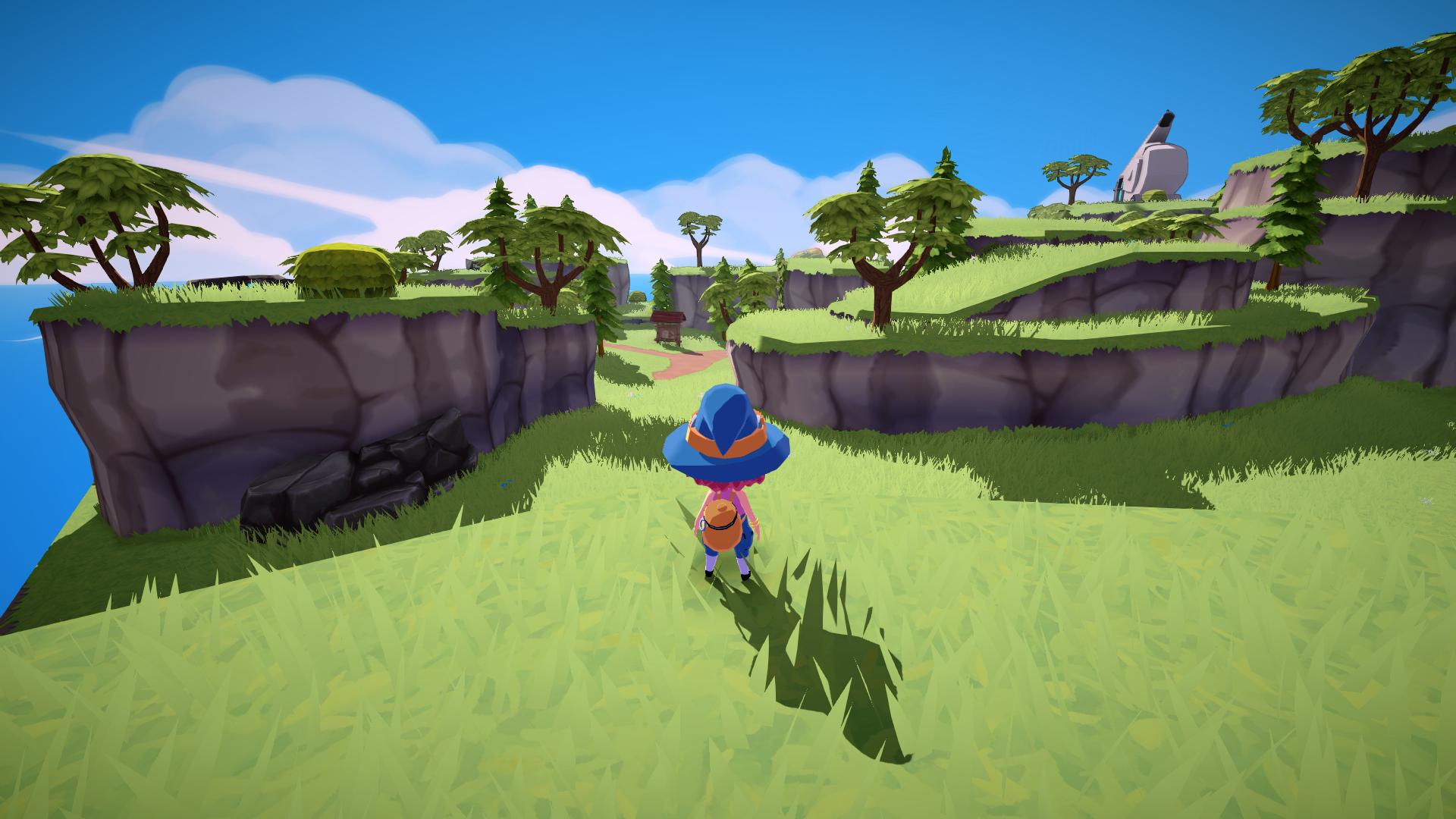
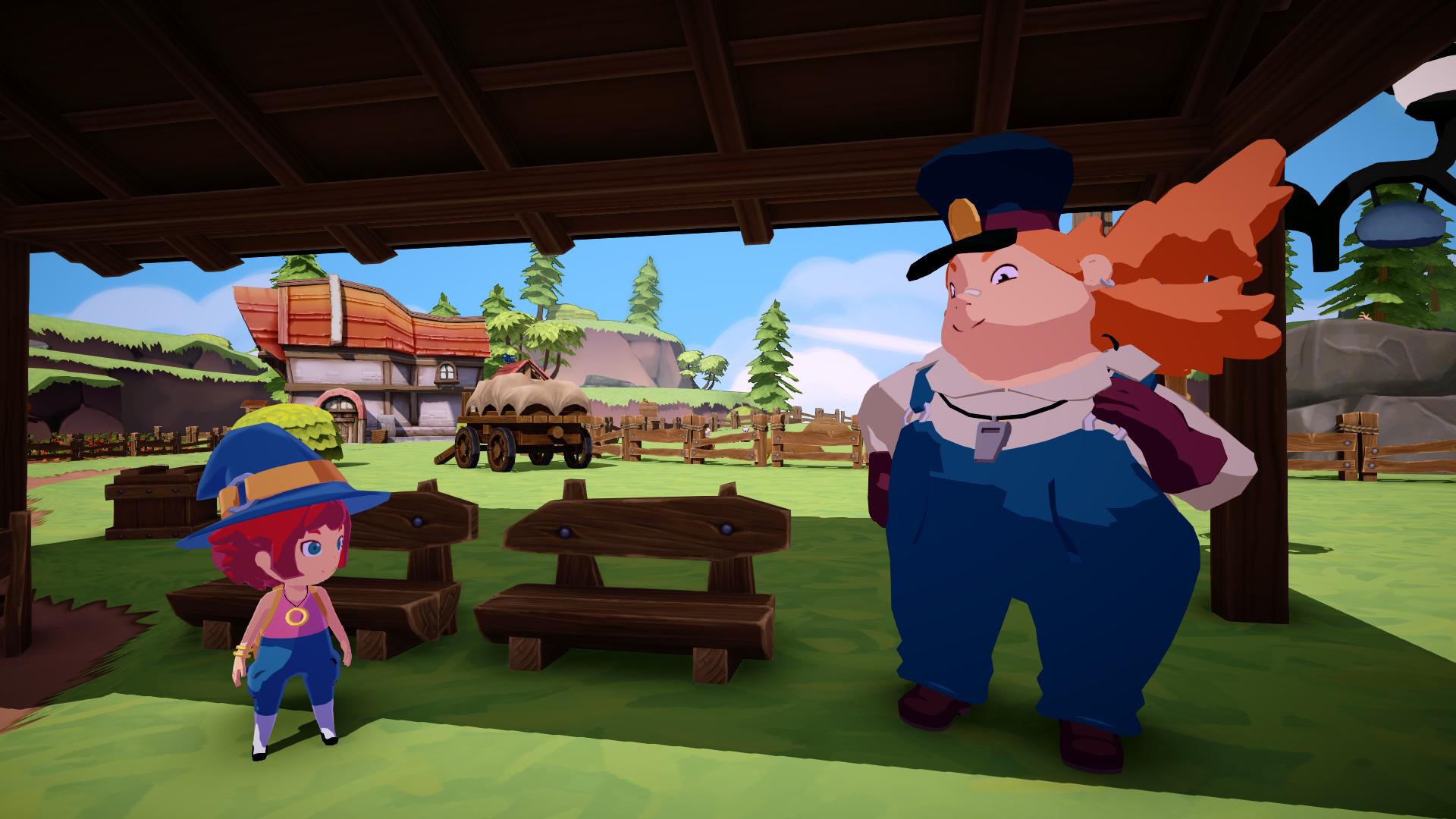
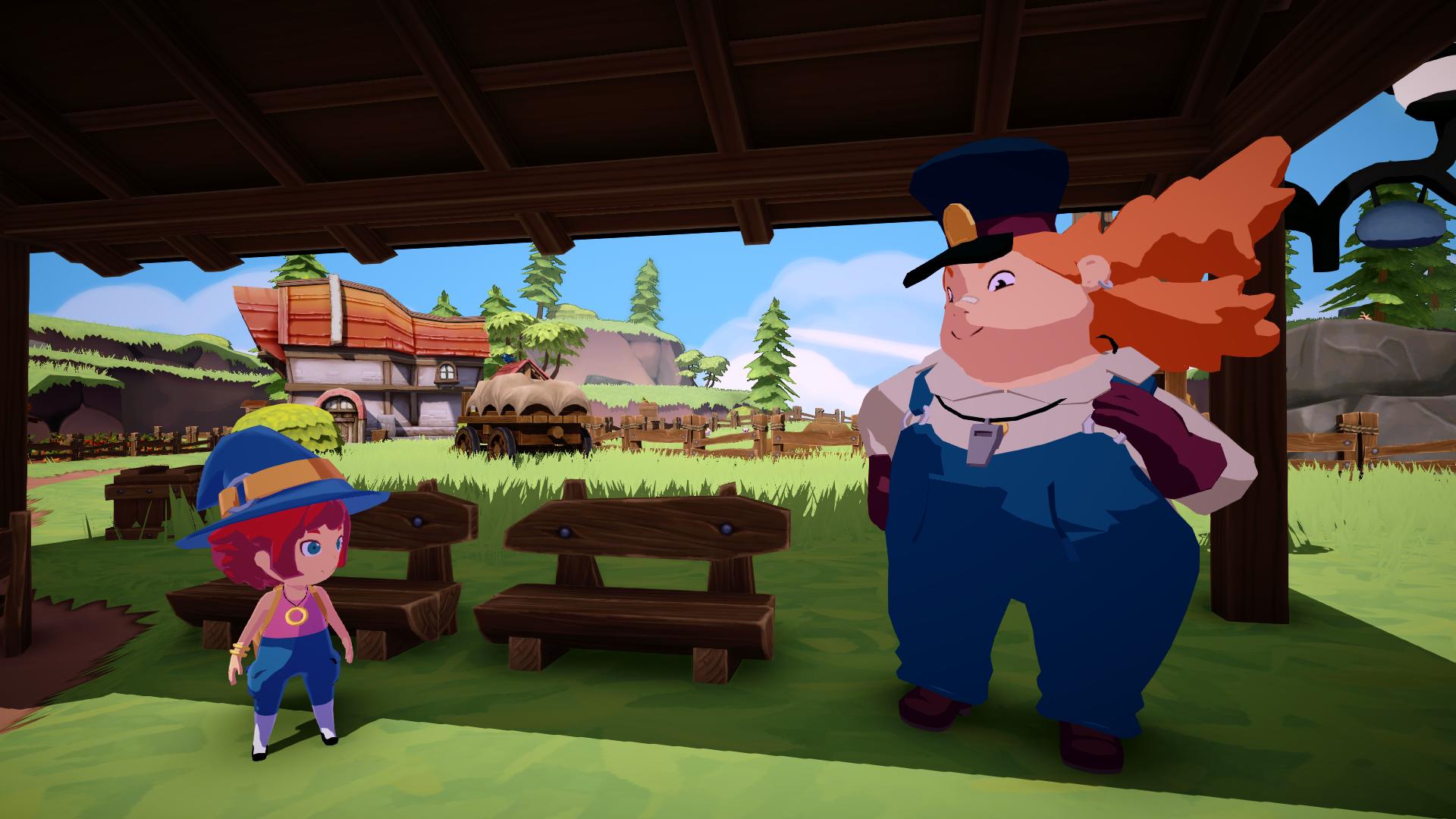
GPU Instancing allowed us to render millions of blades of grass and flowers very fast, even on weaker hardware. In the game, there is a zone called Windy Meadows where a vast field populated with foliage can be seen. This is a very GPU-intensive zone, but we managed to get it running at native 4k60fps on PS5 with a very high level of detail. I don't think this would have turned out so well without GPU Instancing based on our initial tests with the original implementation. On weaker hardware, like Nintendo Switch, the game maintains 1080p30fps using a lower level of detail all things considered.


Going Forward
Our system still had room for a lot of improvement. It could be easier to iterate on and understand for artists, and it could be faster to generate the instances. If I had to code this again, I would try:
- Using a compute shader to generate the blades once and store them directly in the GPU. This would be much faster than the current CPU implementation, which means that it could potentially be executed in runtime or at least lead to faster iterations for artists.
- Using texture arrays and storing a per-instance index to combine different groups that differ only in the texture they're using. This could potentially save many draw calls in zones like Windy Meadows where there are different types of foliage.
- Using a compute shader to perform faster and more granular culling of groups and individual instances.
Some new shading techniques could potentially make this GPU Instancing system obsolete, like Mesh Shaders. However, they are not currently supported by Unity, but in other contexts they should be considered and I'd love to give them a try in the future.