Shell Texturing
April 27th, 2025
Unreleased Project
Motivation
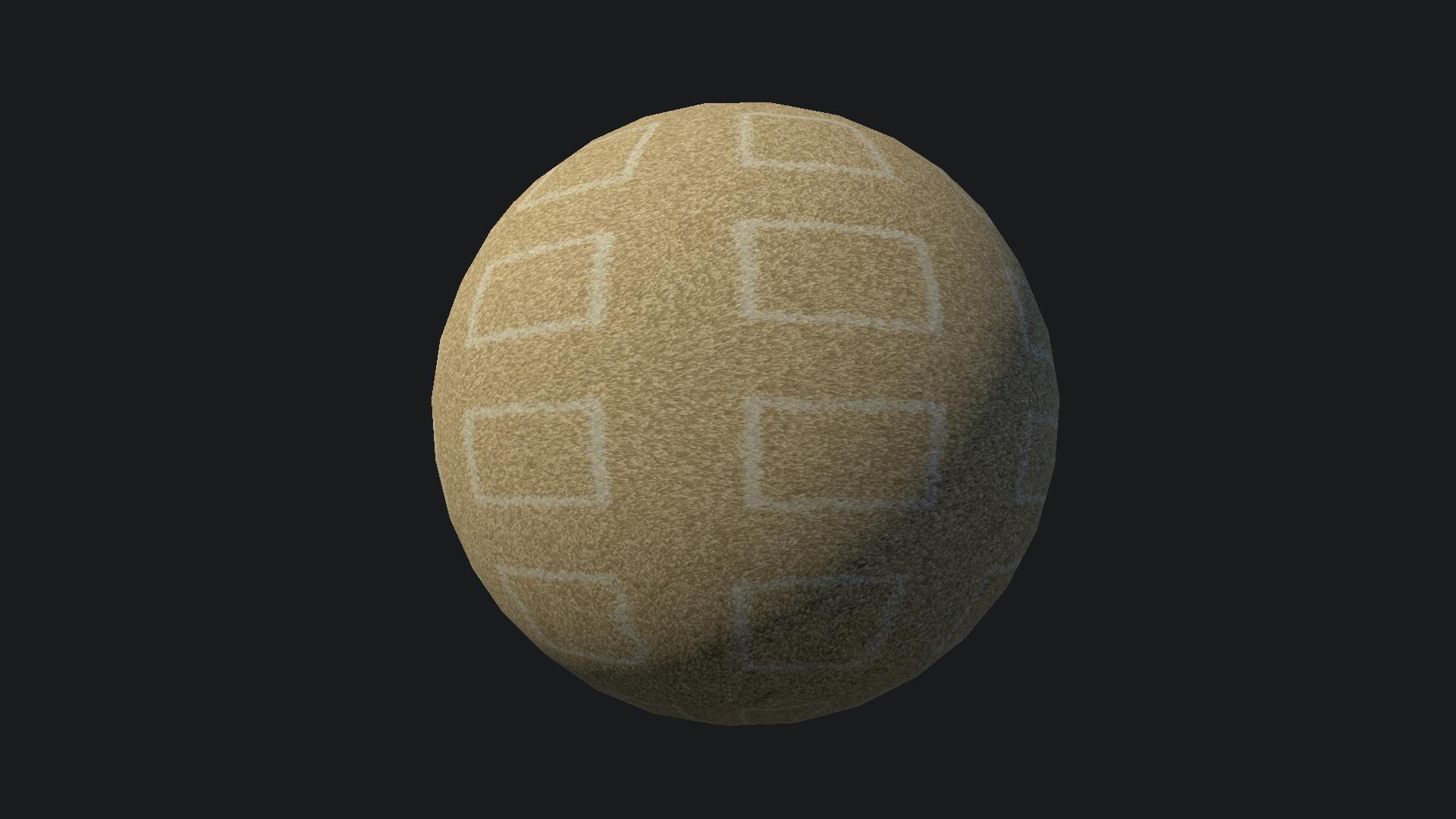
I'm currently studying different techniques to simulate depth on surfaces. When it comes to rendering fluffy materials, such as fur, moss or carpet, there is a classic technique known as Shell Texturing that's been used for decades in the game industry for its efficiency and simplicity. In this article, I will cover how it works and show examples of different materials feautring it.
Implementation
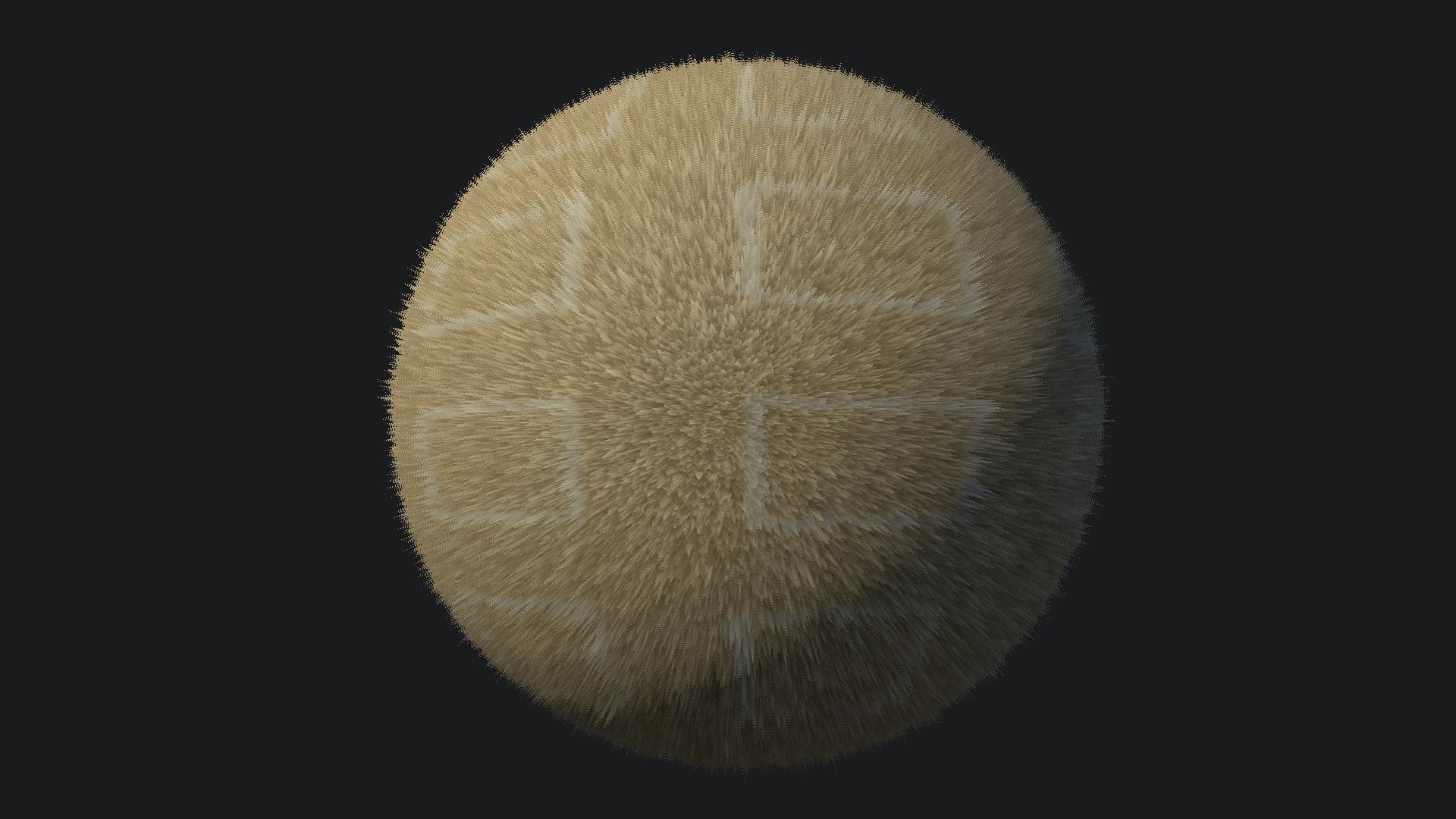
Shell texturing consists of stacking layers of polygons with different clipping thresholds based on a height map. With enough resolution, this sells an illusion of depth that works especially well for certain materials such as hair, moss, carpets, etc.
For each triangle, several copies are generated uniformly spaced along the vertices normals. Each layer will have a different height value that will act as a clipping threshold to discard fragments below the layer height. In a planar surface, a similar visual result could be achieved using parallax occlusion mapping, maybe even better and at a lower cost. However, the advantage of shell texturing is that it is actual geometry, meaning that it adapts better to curved surfaces, correctly writes to depth without extra work, and is more stable at grazing angles.
Layer generation
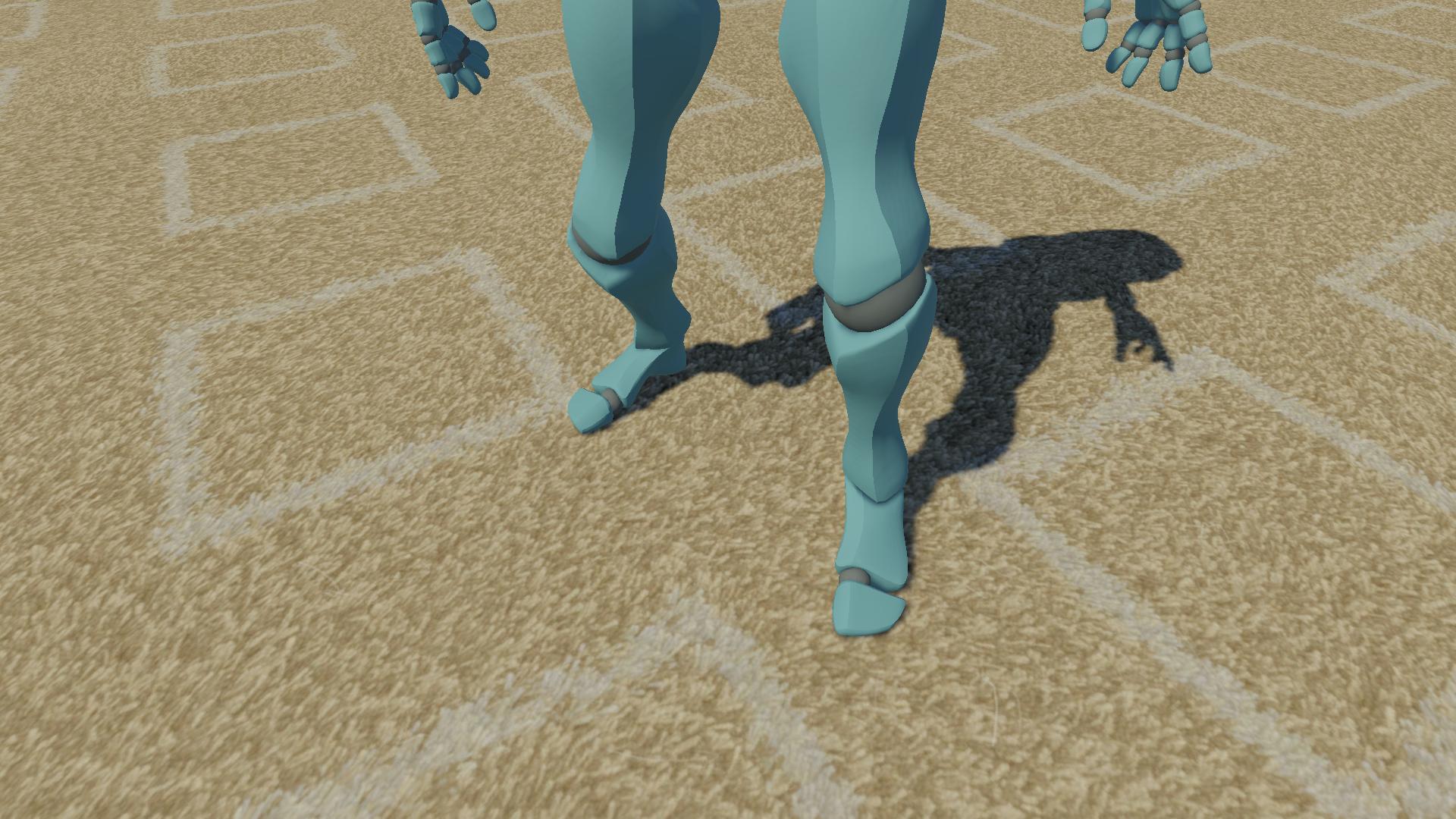
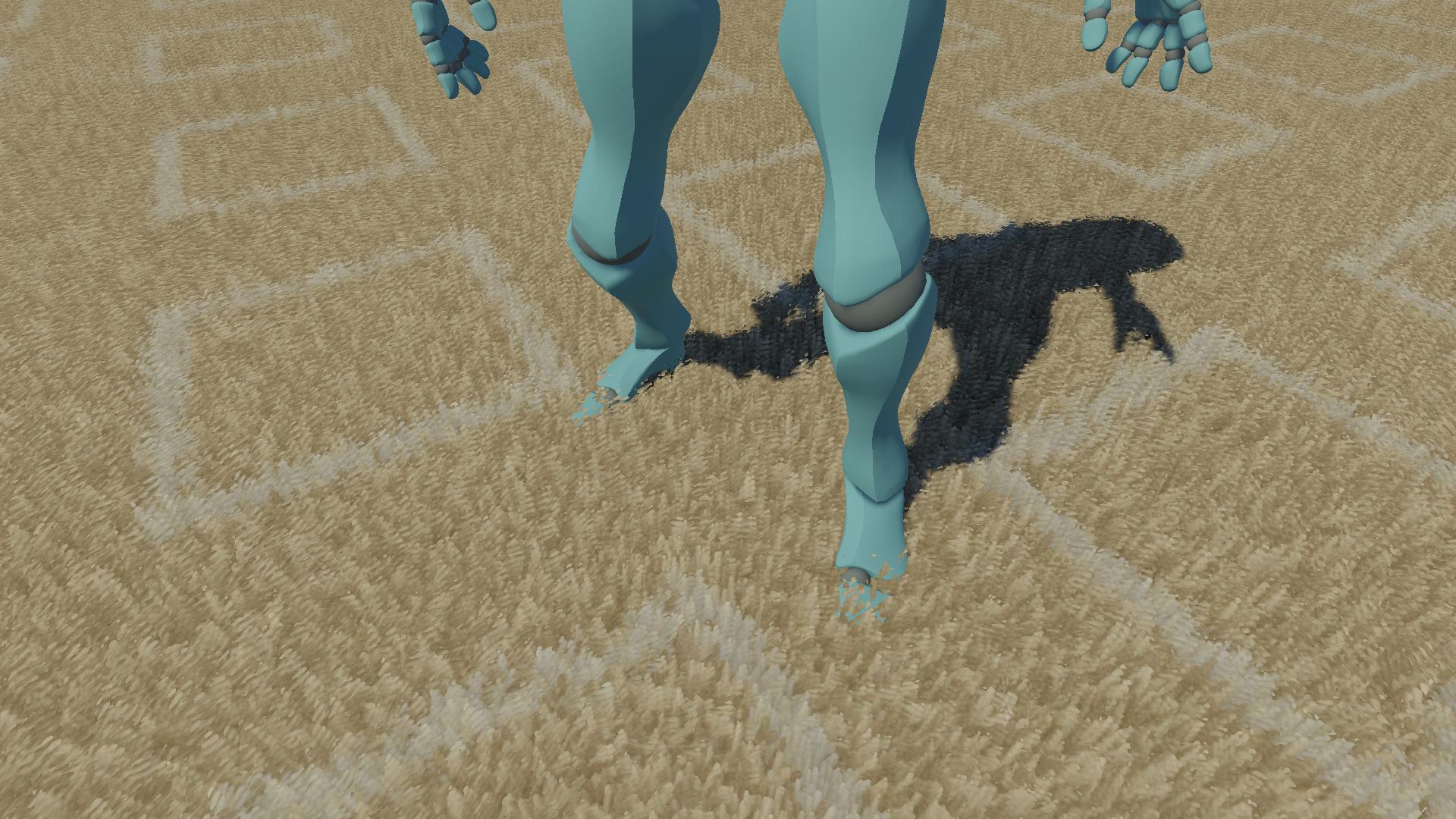
I have implemented two ways of generating layers:
- Geometry shader: Procedurally generates the layers in realtime in the GPU before the fragment shader runs. This has the advantage that meshes are low poly and only become detailed for presentation. Moreover, the amount of layers can depend on view distance and thus result in smooth LOD transitions. However, geometry shaders are expensive, especially for magnification operations such as this where many triangles are generated from a single one, so it must be applied with care and the meshes should be fairly low poly.
- Pregenerated layers: While importing a mesh that uses shell texturing in Unity, generate a more detailed LOD version that already contains the needed layers. Then, use these LODs to transition between a flat surface far from the camera to a more detailed version with shell texturing when the view distance becomes shorter. This is much more performant than the previous method, but the transition is more obvious.
Shading
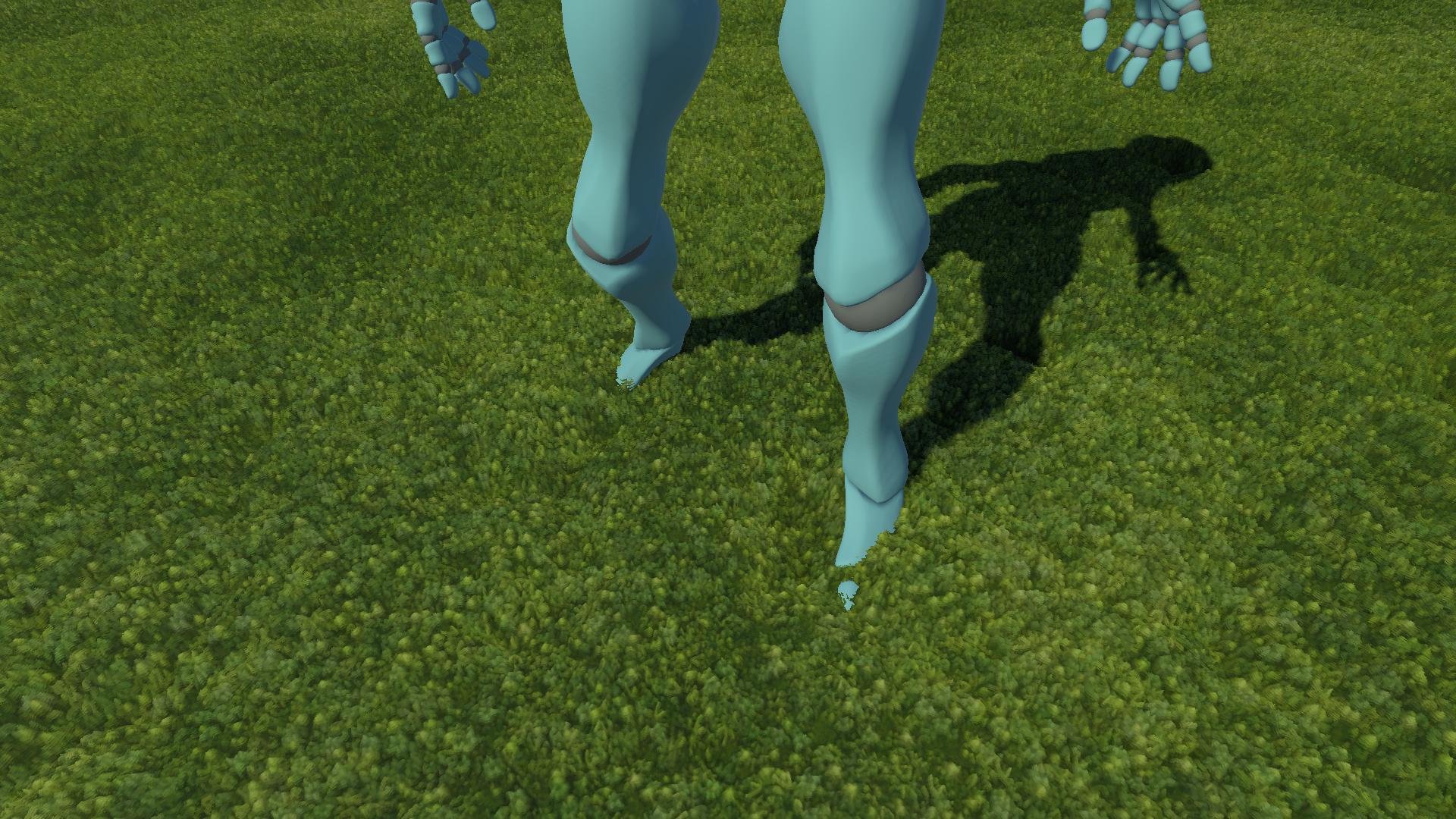
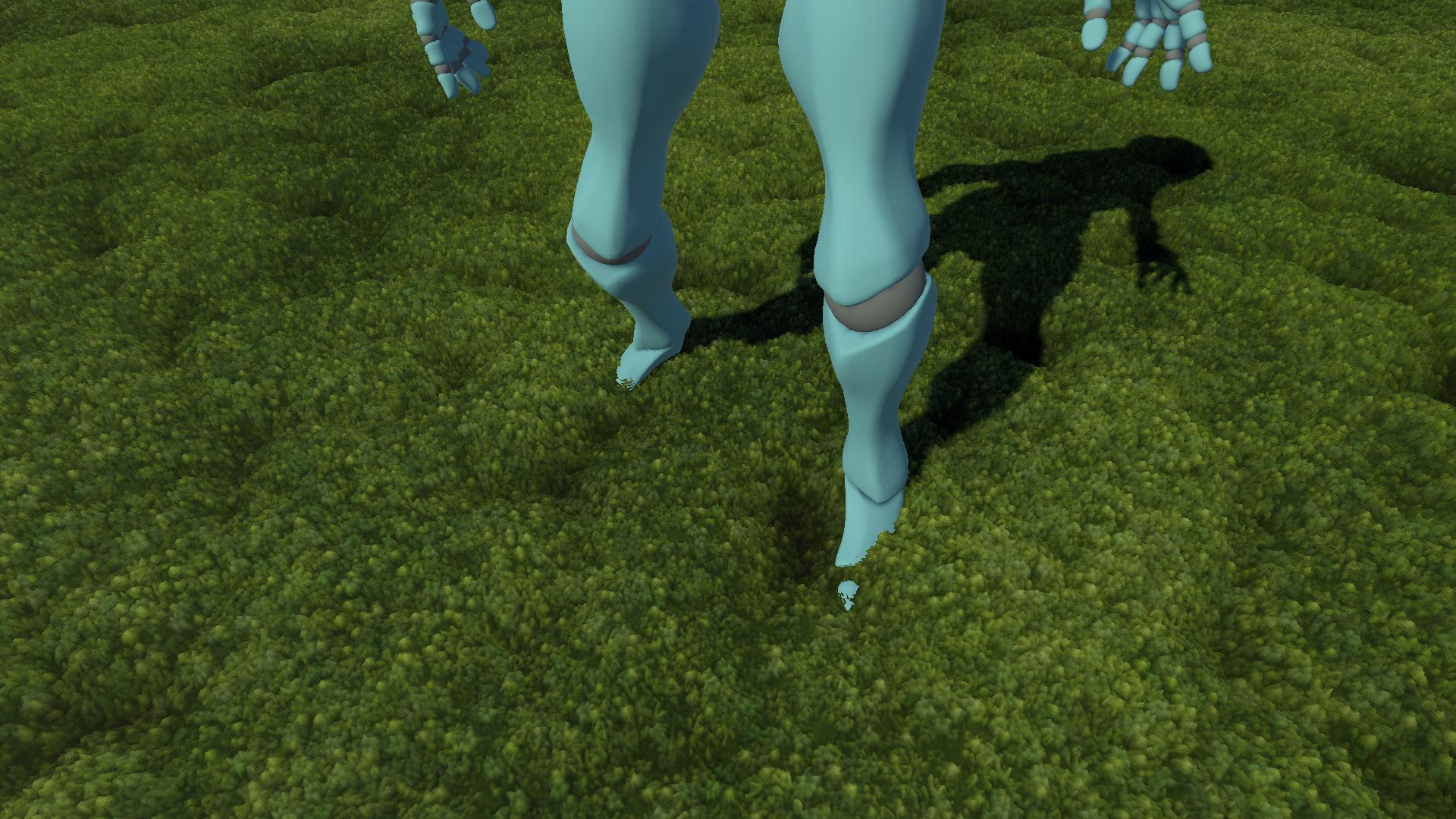
Doing all the work of layering the material to then shade it uniformly is a bit of a waste. If the shading does not resemble the depth of the surface, it is hard to actually appreciate it. In order to efficiently address this, I just multiply the color of the surface by a factor of its layer height. Therefore, deep zones seem darker than higher parts of the surface. The strength and exponent of this function can be adjusted by the artist via material parameters.
Shadows
It is important to prevent the shell textured materials from casting shadows on themselves. In the case of geometry shaders, the shadow caster pass simply does not run the geometry step, so only the base layer casts shadows. For surfaces with pregenerated layers, they are pushed back down along their normal to match the base layer exactly. This is not realistic in any way, but shell texturing is meant to be used on very thin surfaces, so in practice the absence of shadows coming from the upper layers is not noticeable.
Aliasing
At grazing angles, the effect breaks heavily as the empty space between layers becomes wider in screen space. This is obviously solved using more layers to minimize that space. However, you would theoretically need an infinite number of layers to fully hide the gaps in extreme cases. This is why I consider this technique only valid for very thin surfaces, as this aliasing problem is less noticable there.
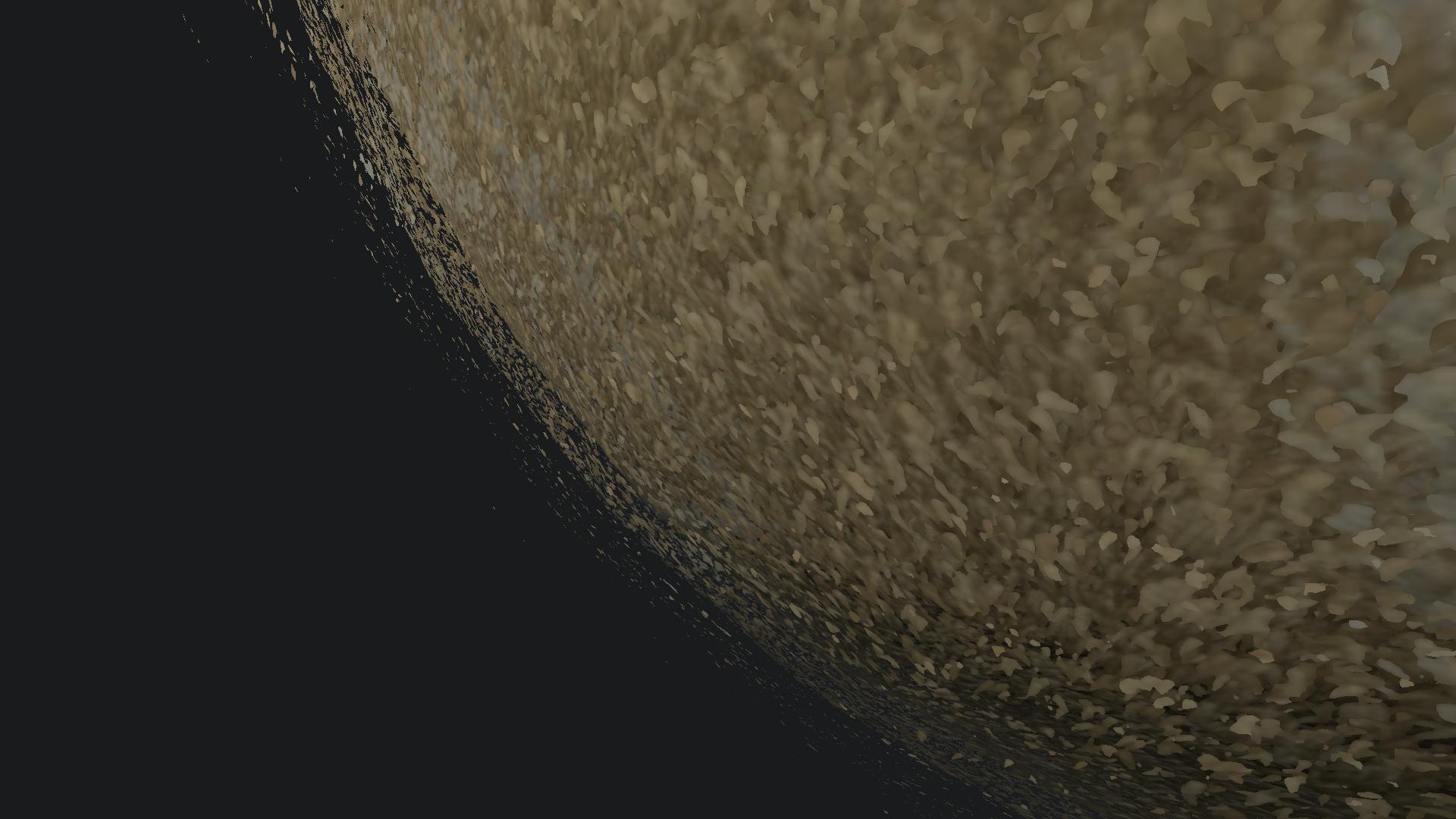
If you are developing a game with a fixed camera angle, you can ignore the aliasing problem altogether and just set the number of layers to something that looks good in your game. However, it is a problem in any game with a dynamic camera perspective.
It must be noted that using many layers has a high performance cost, even without using a geometry shader. Each overlapping layer will be processed for every fragment, so each addtitional layer means that each pixel the surface covers is rendered one more time in terms of per-pixel cost. This causes a performance problem known as overdraw that leads to high memory bandwidth consumption, which is especially problematic in low-end GPUs.
Results
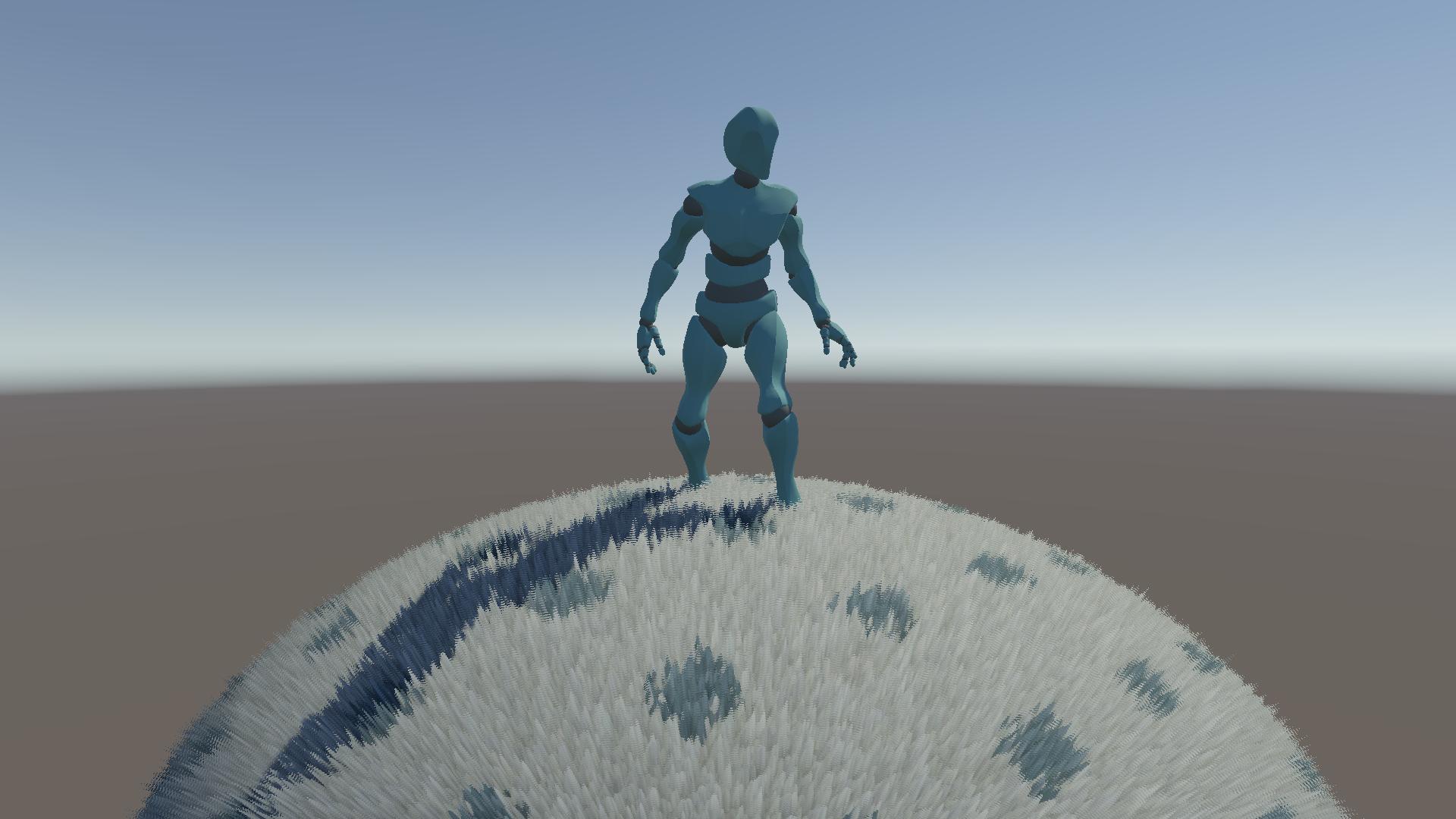
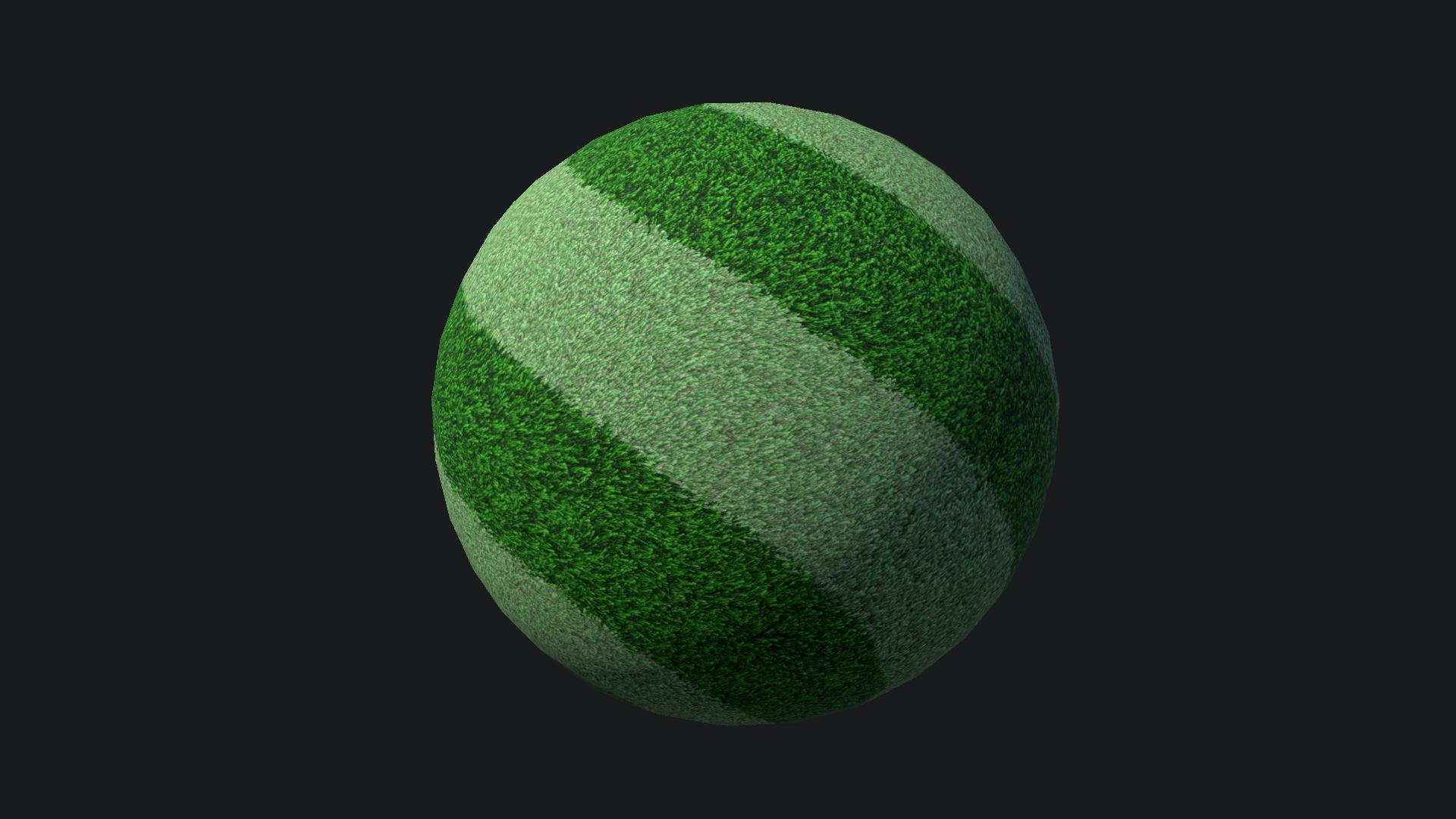
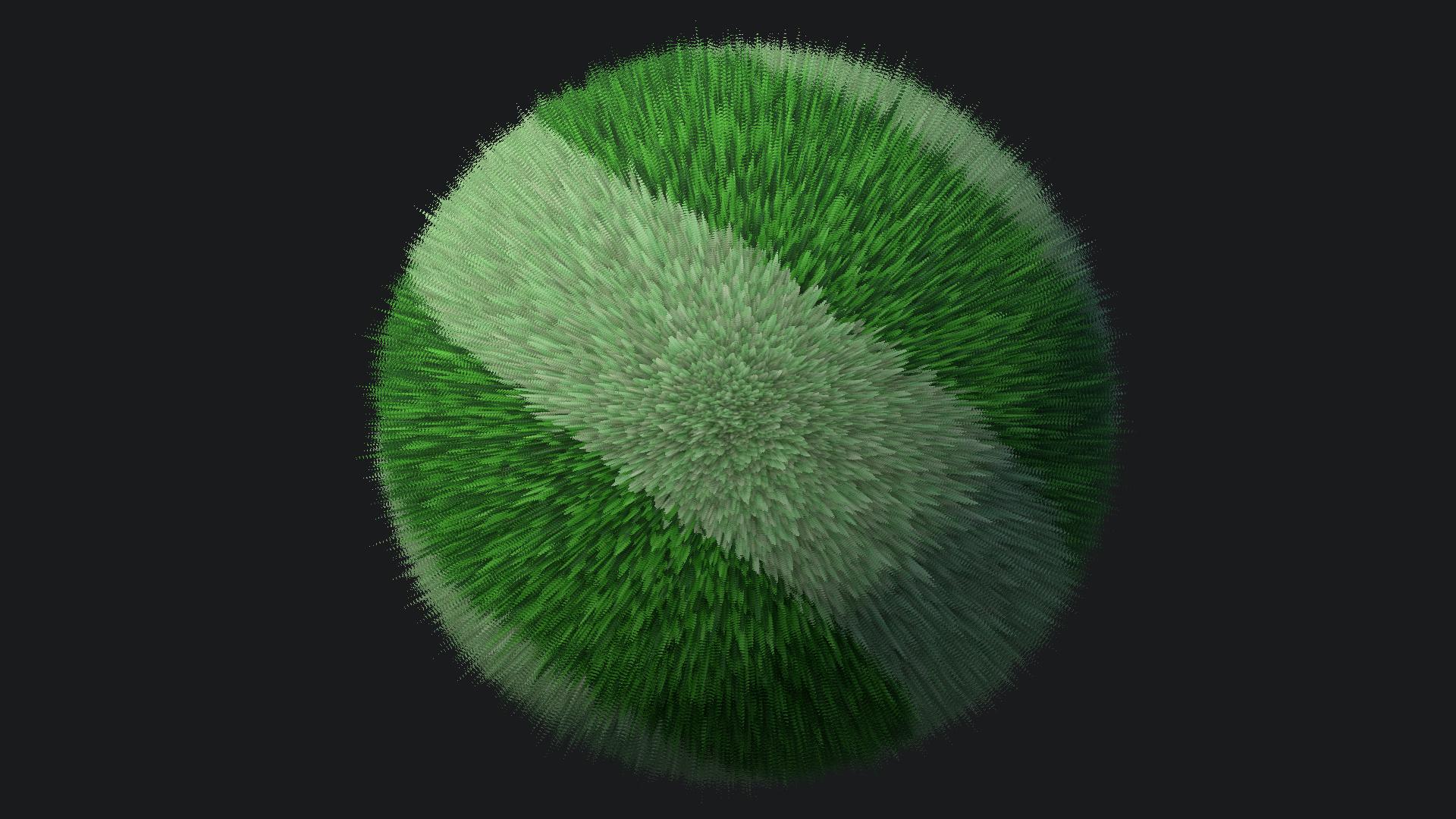
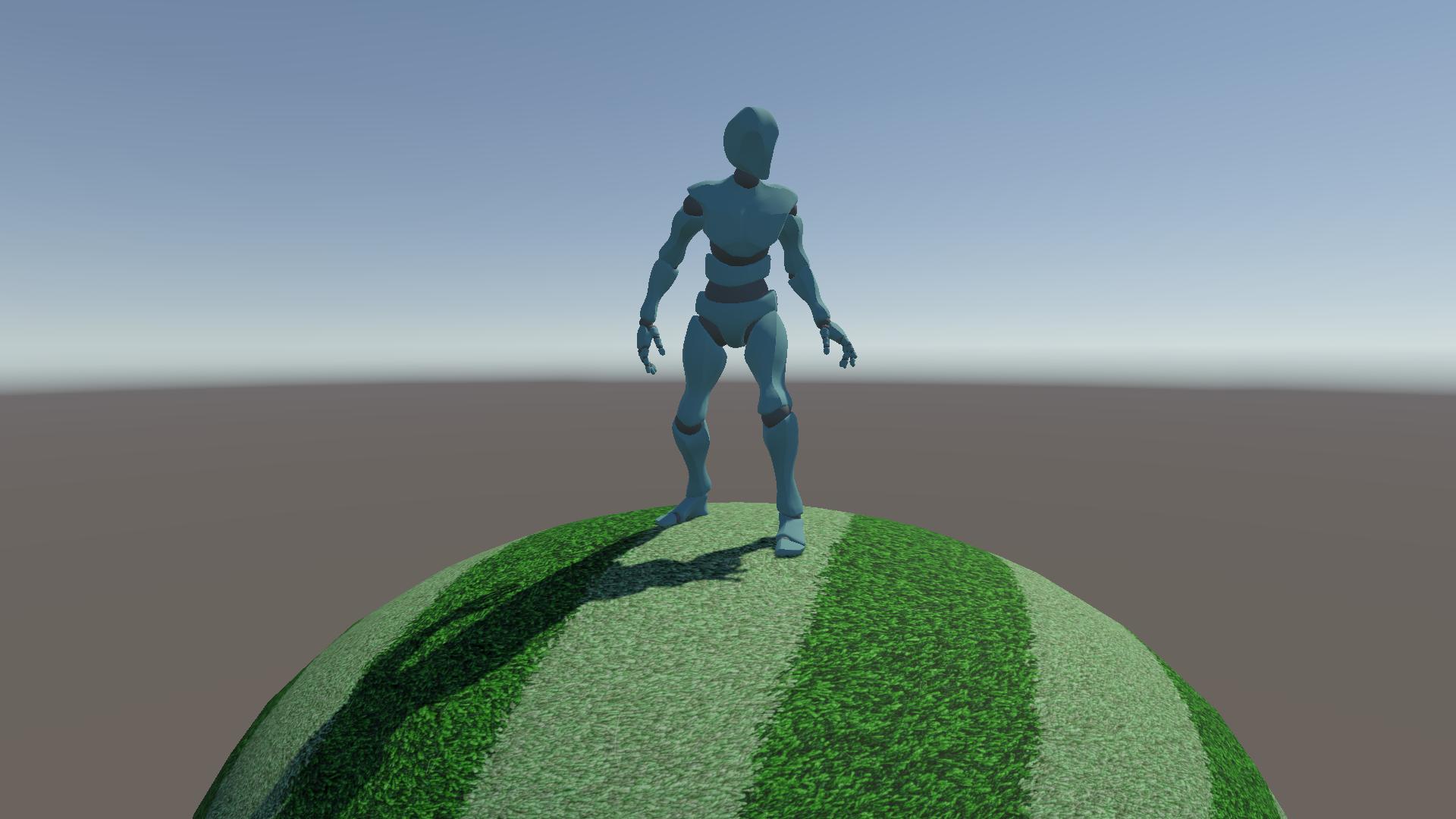
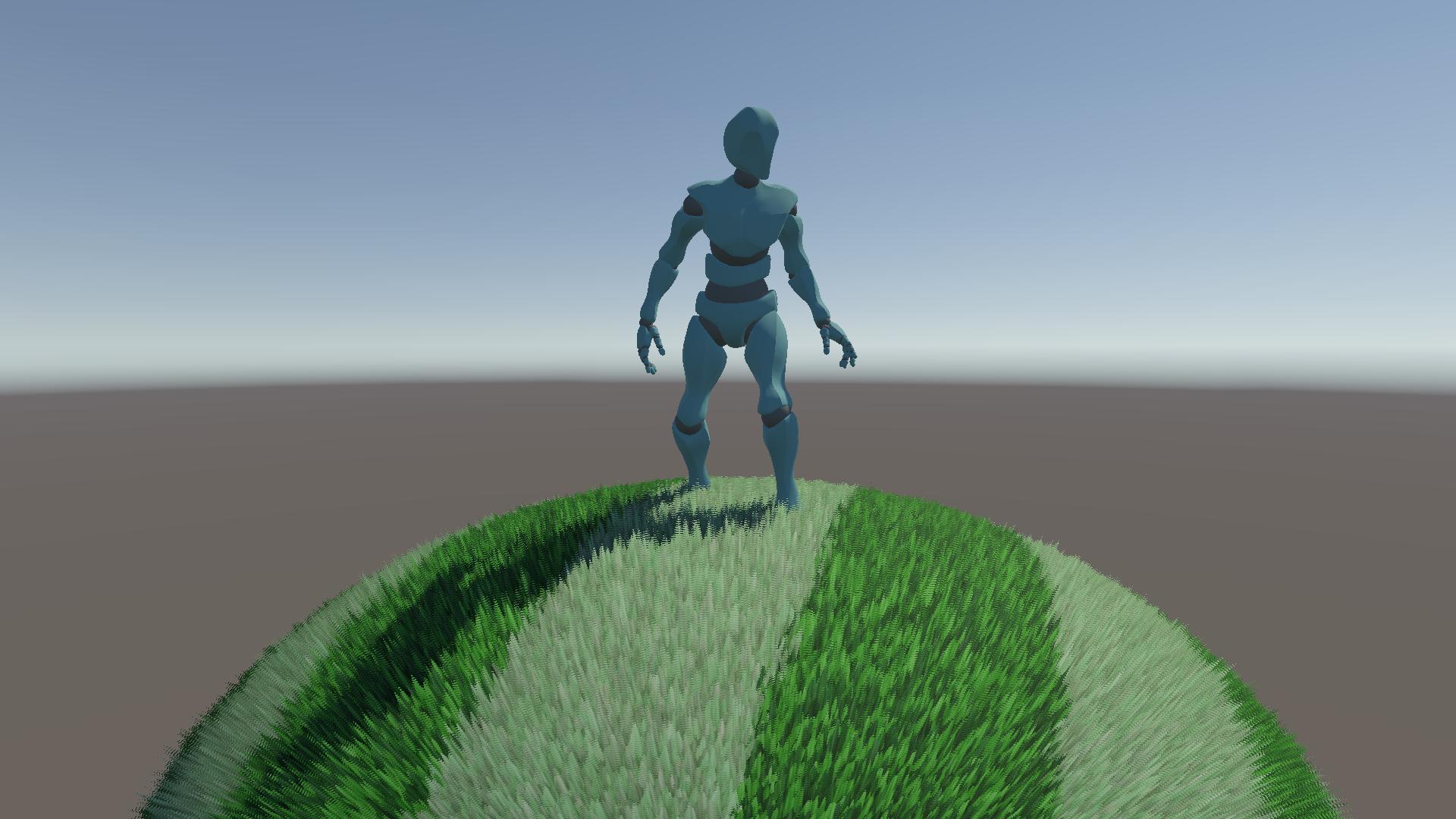
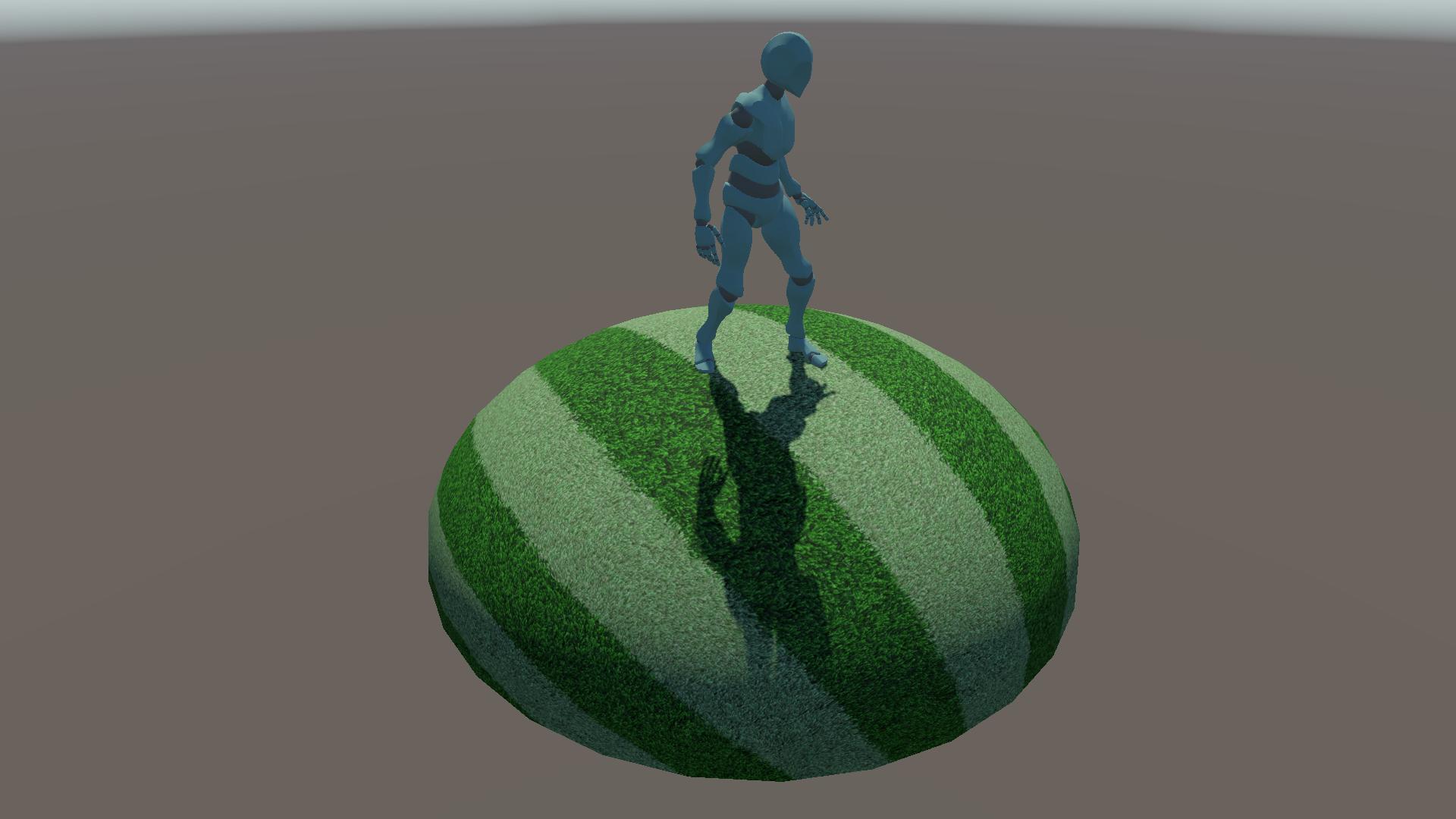
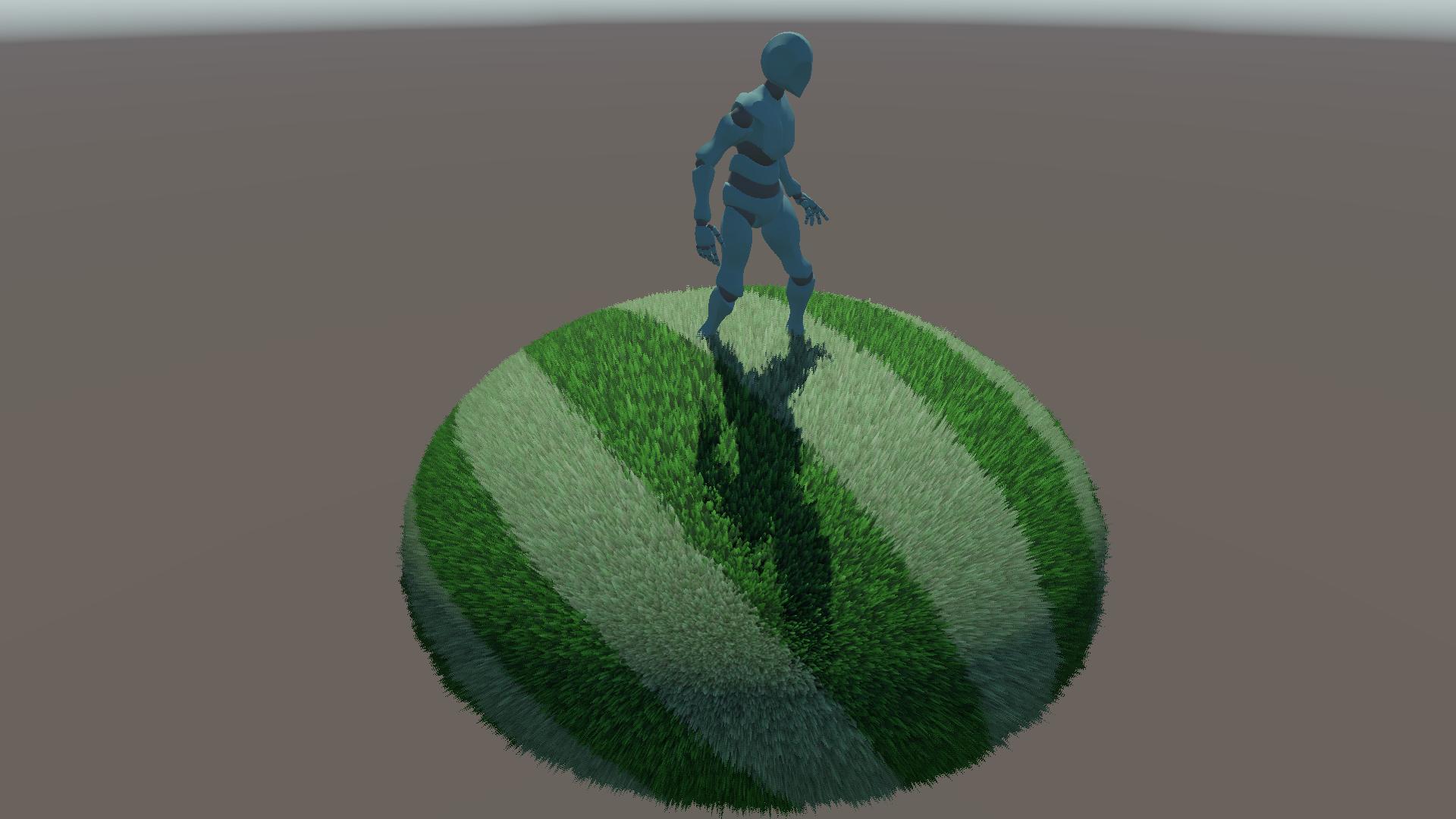
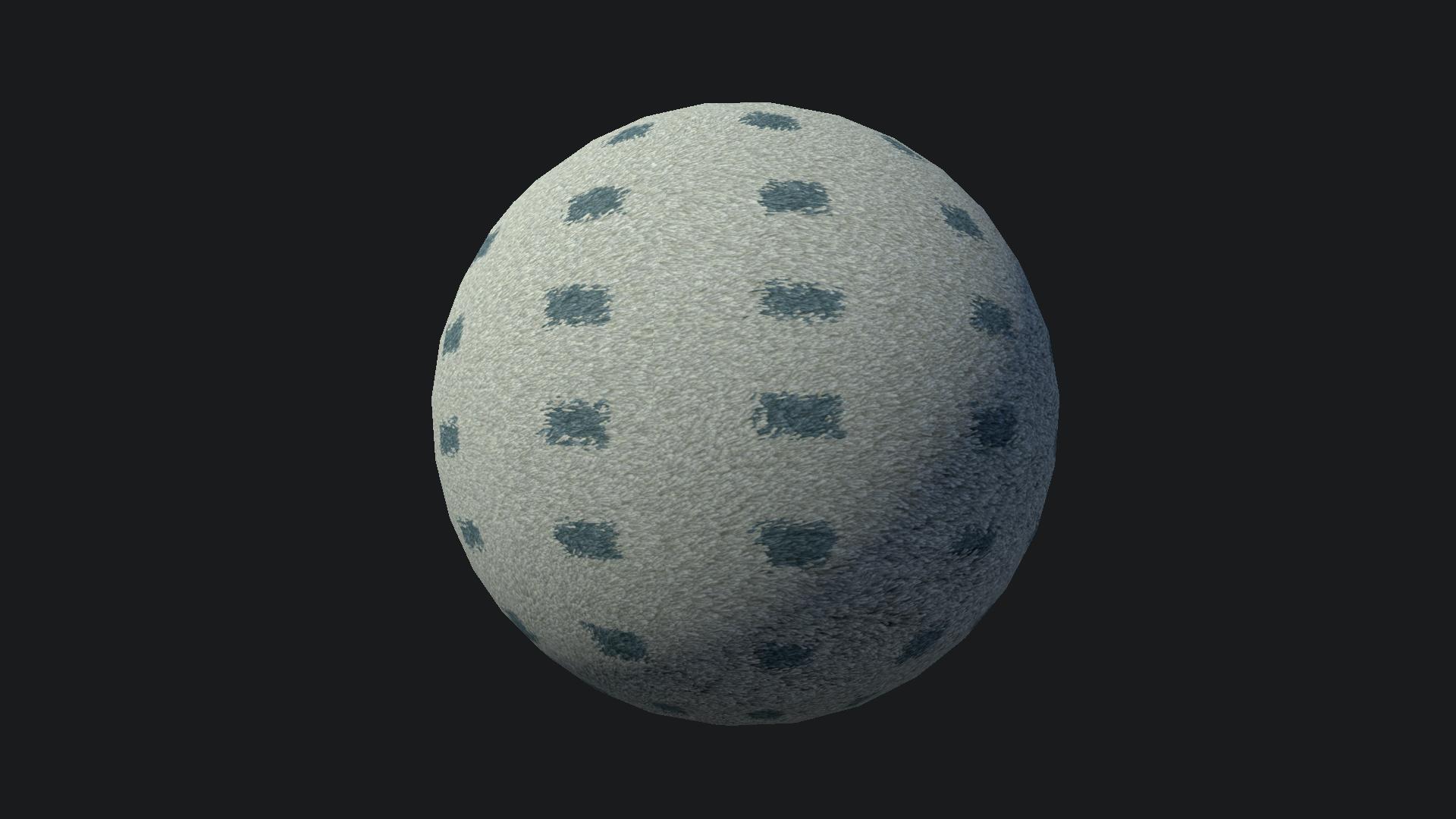
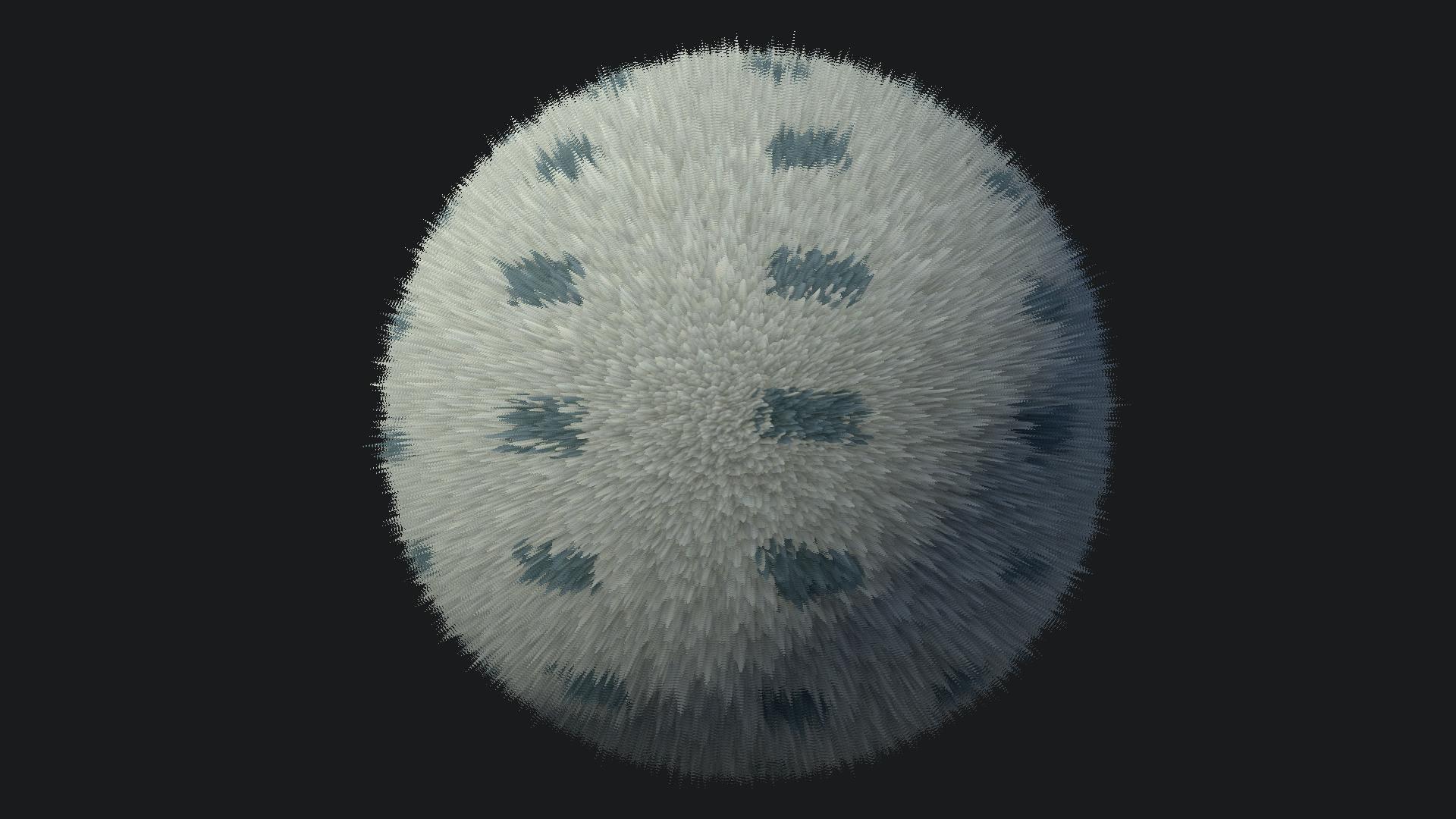
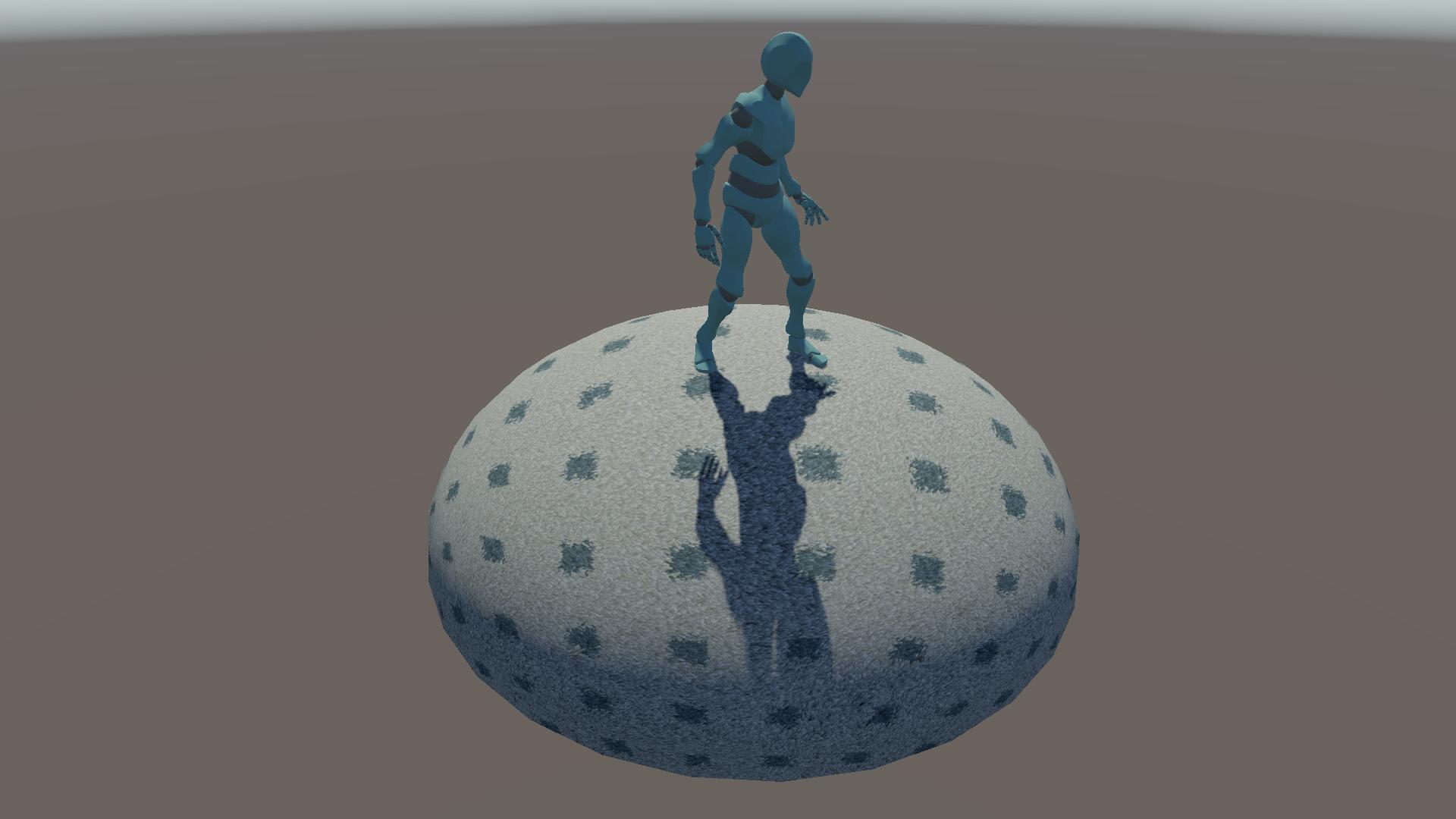
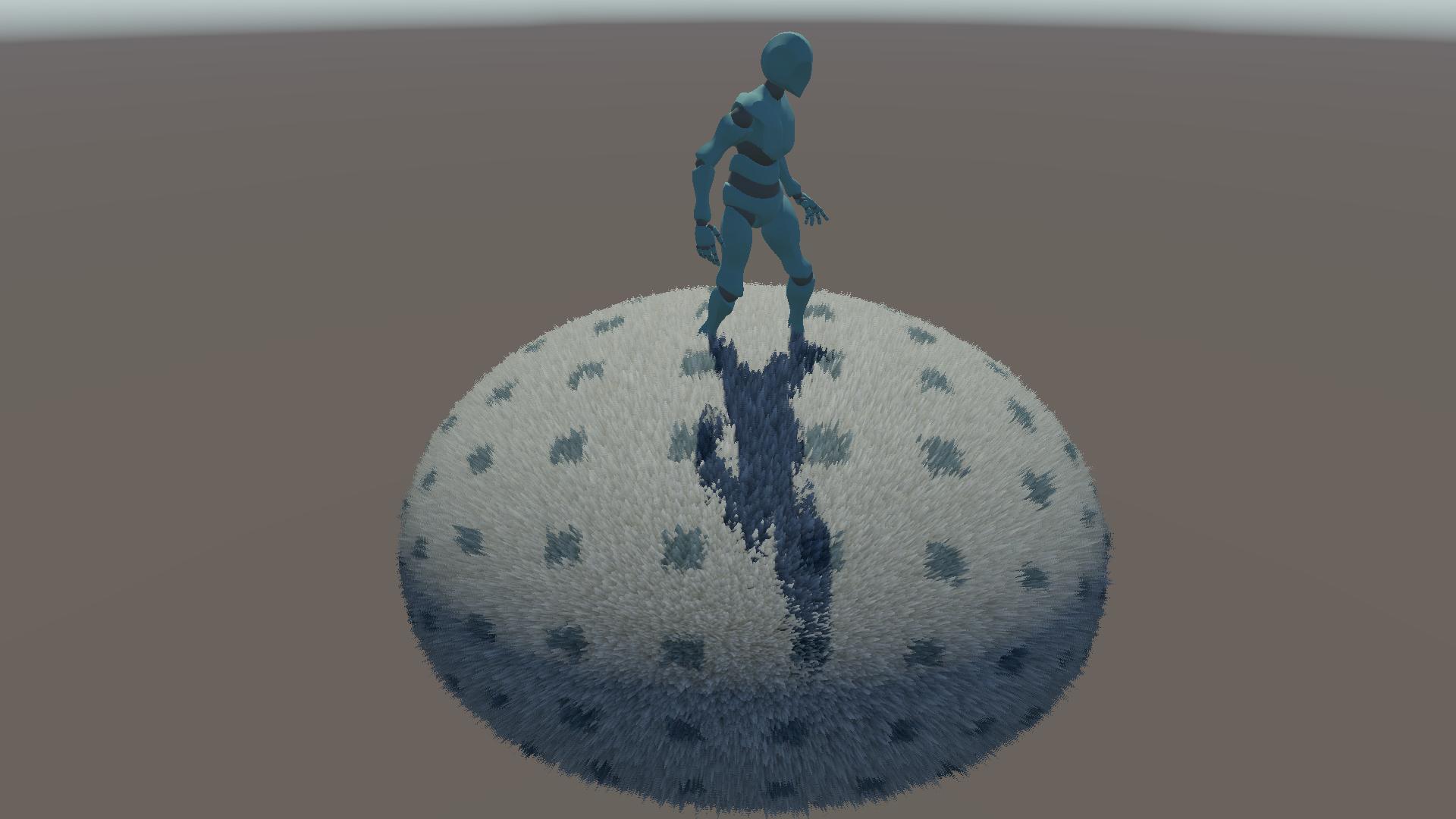
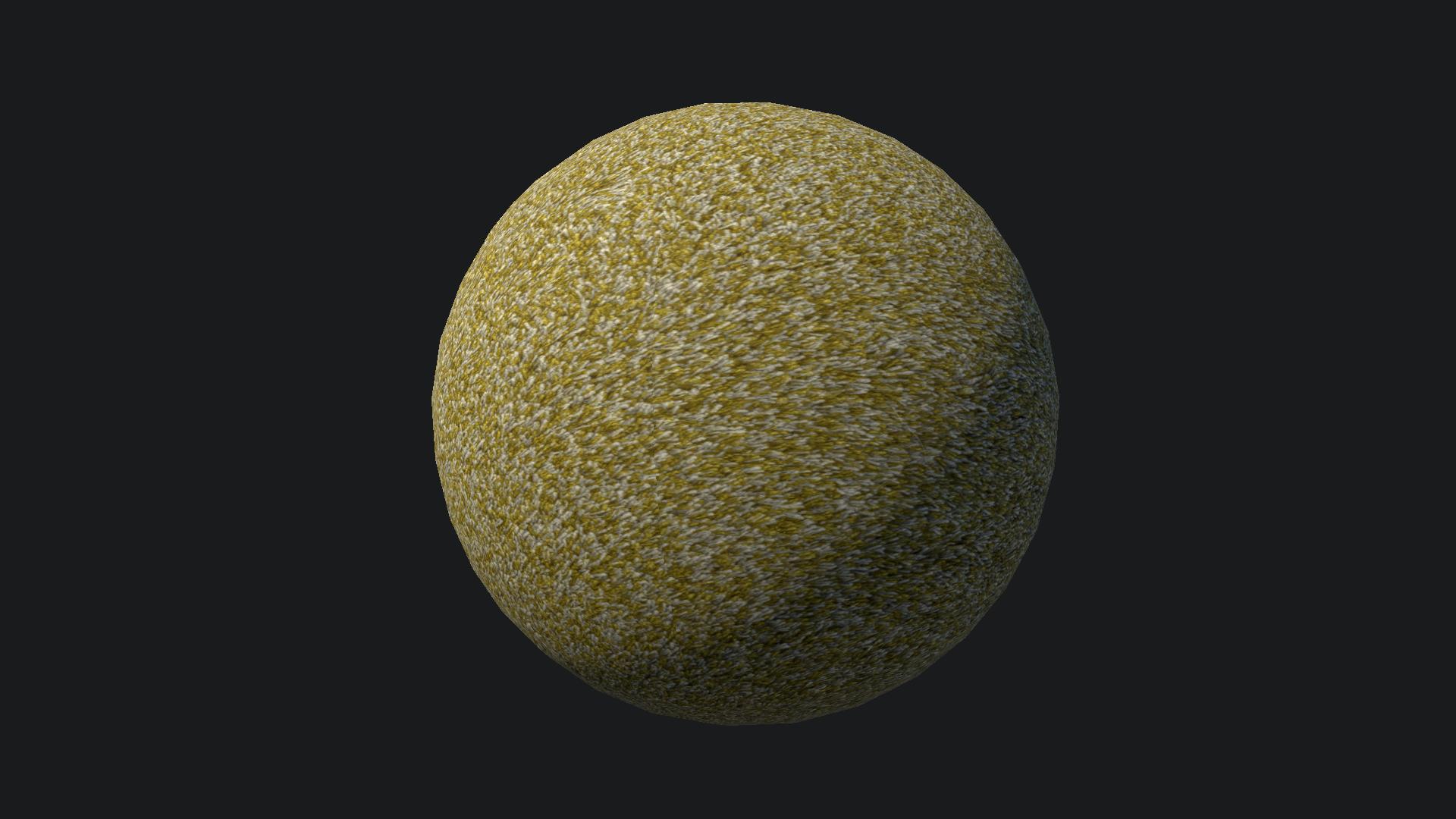
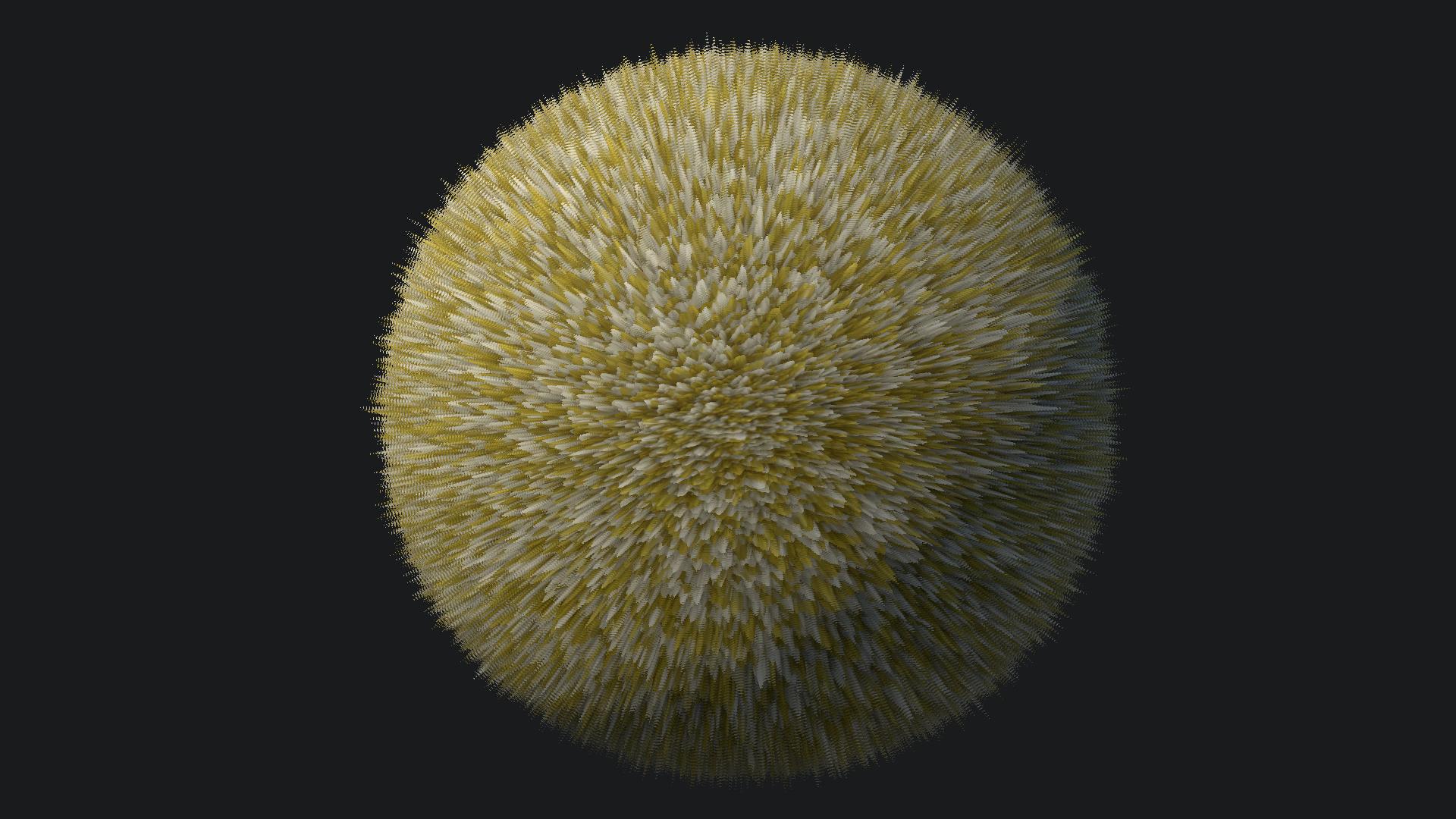
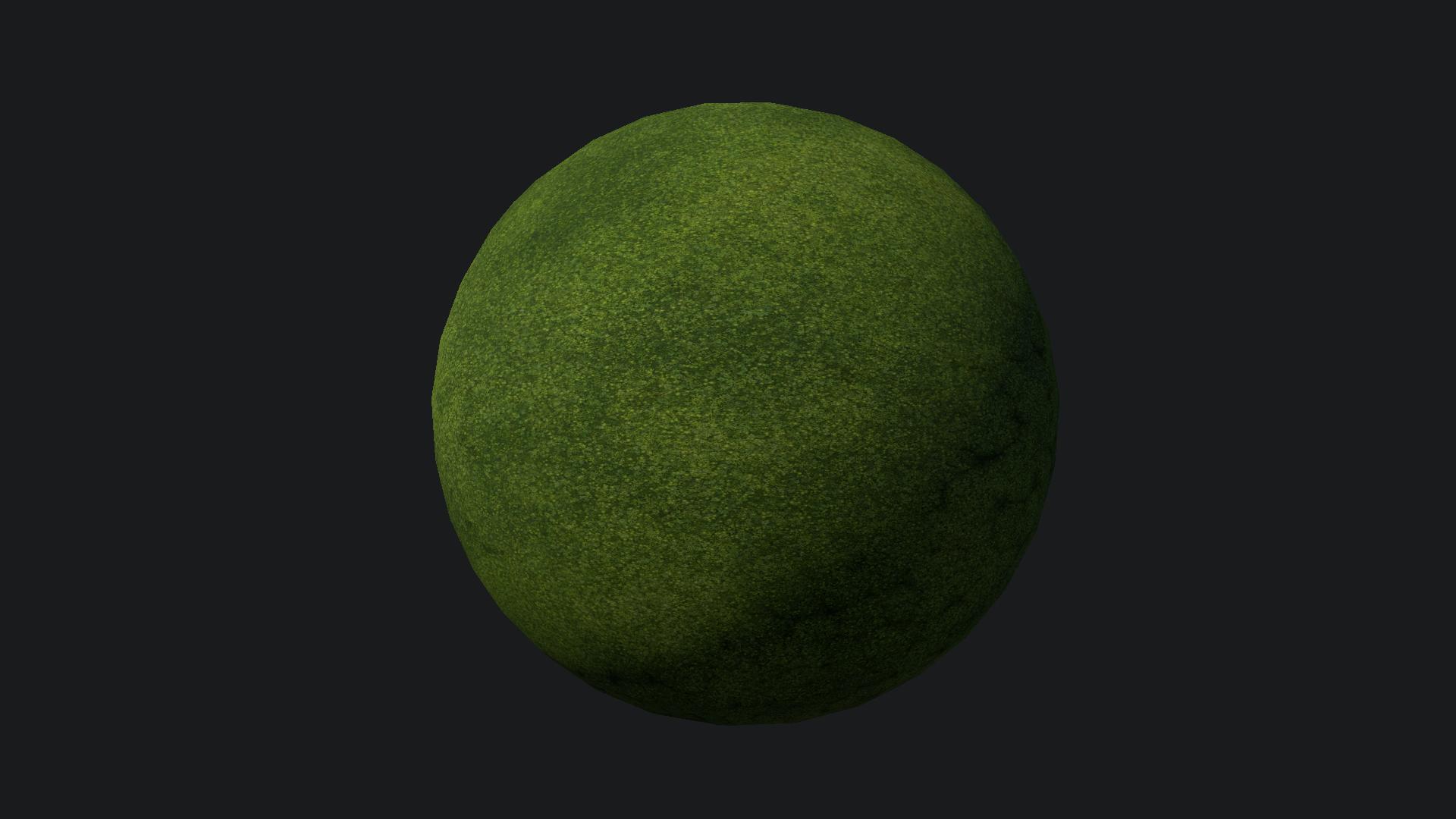
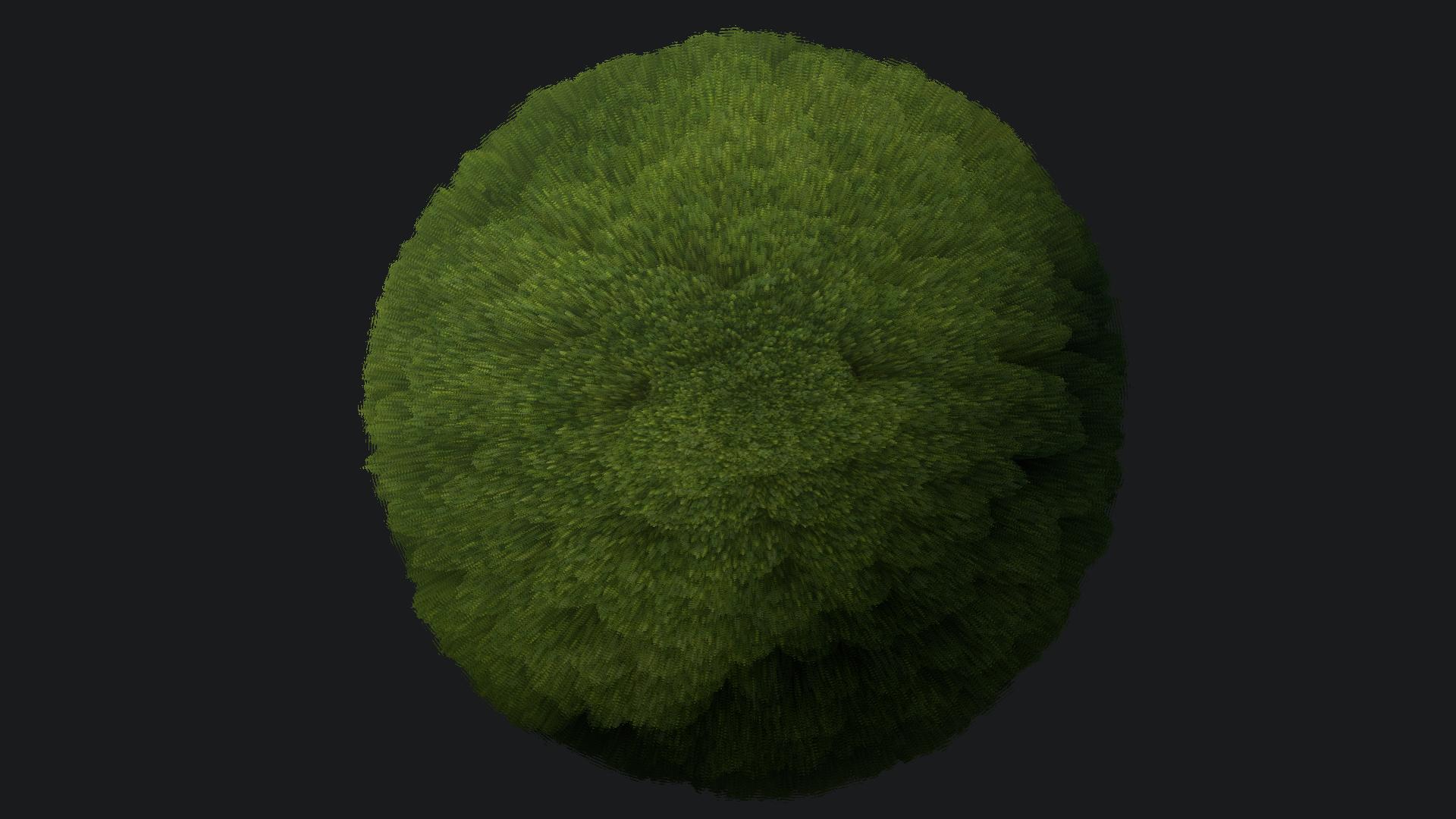
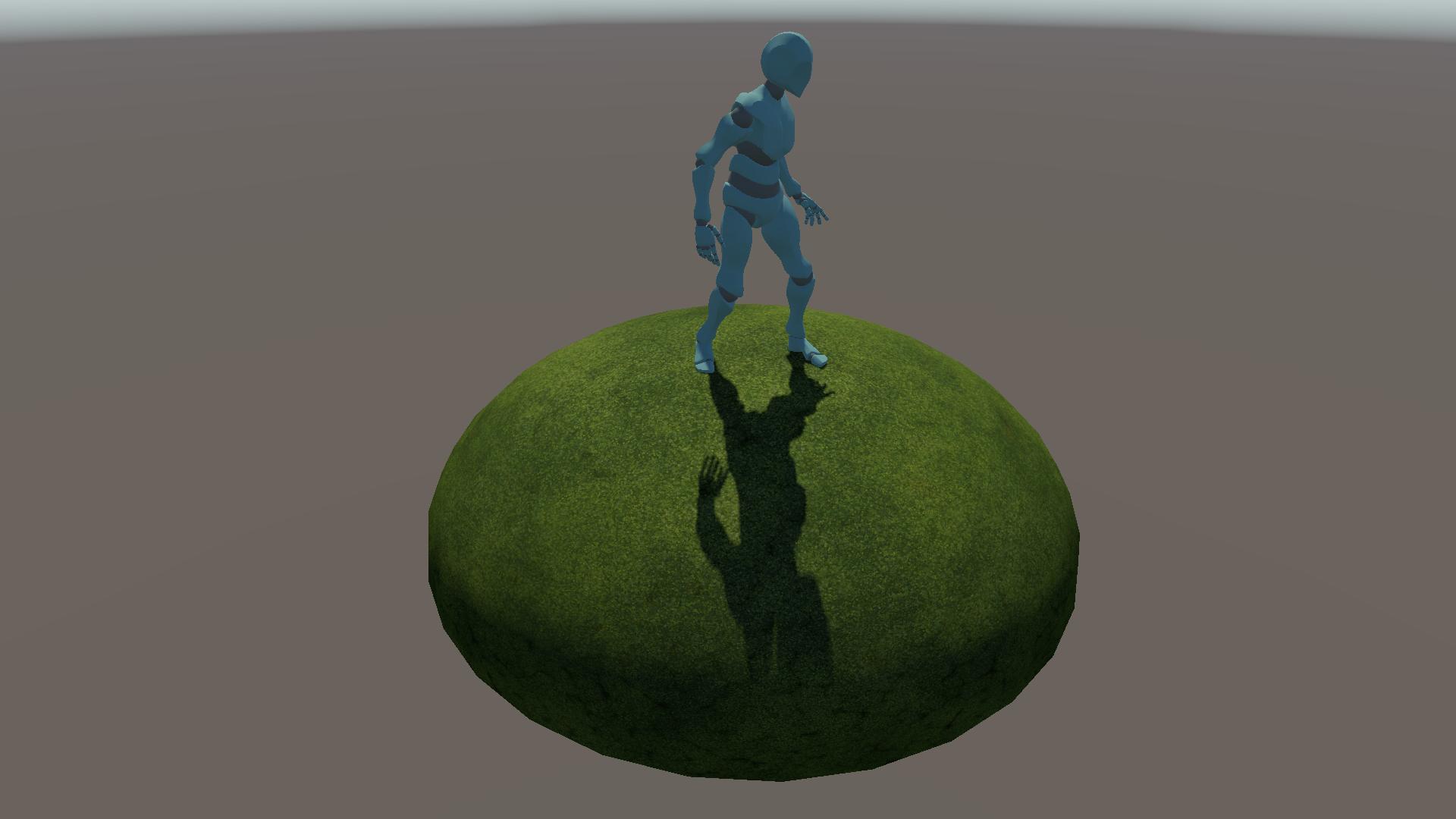
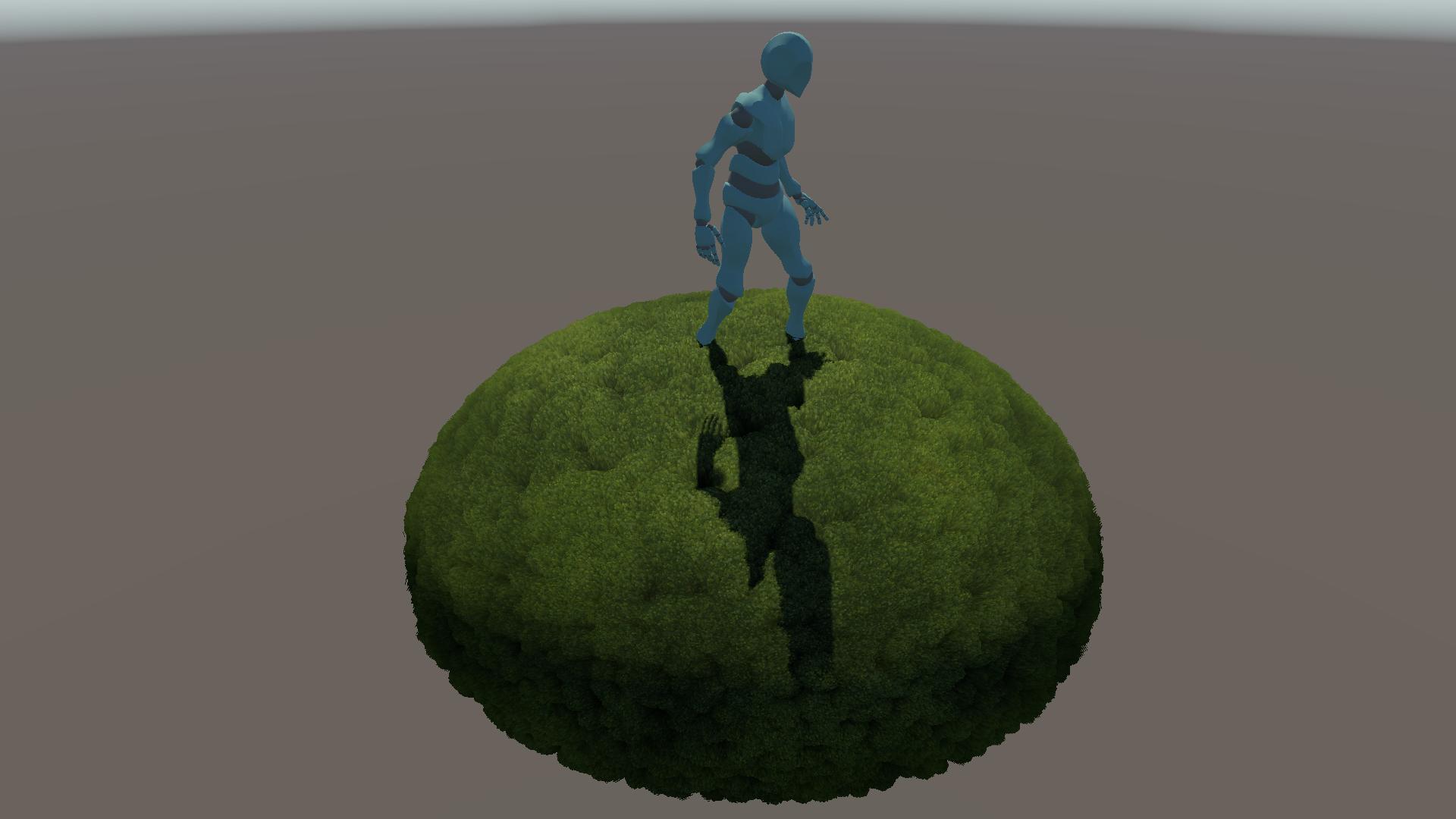
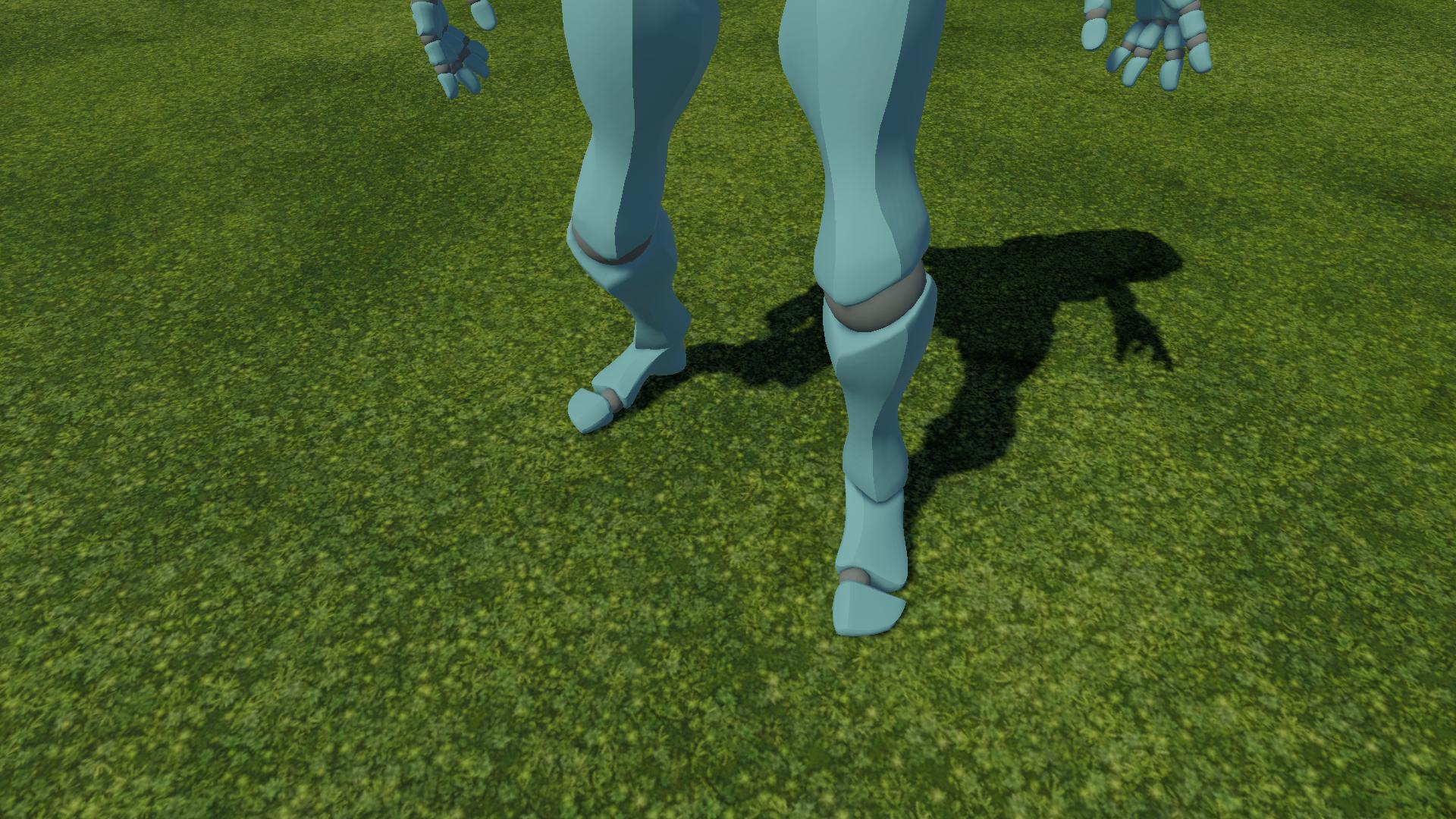
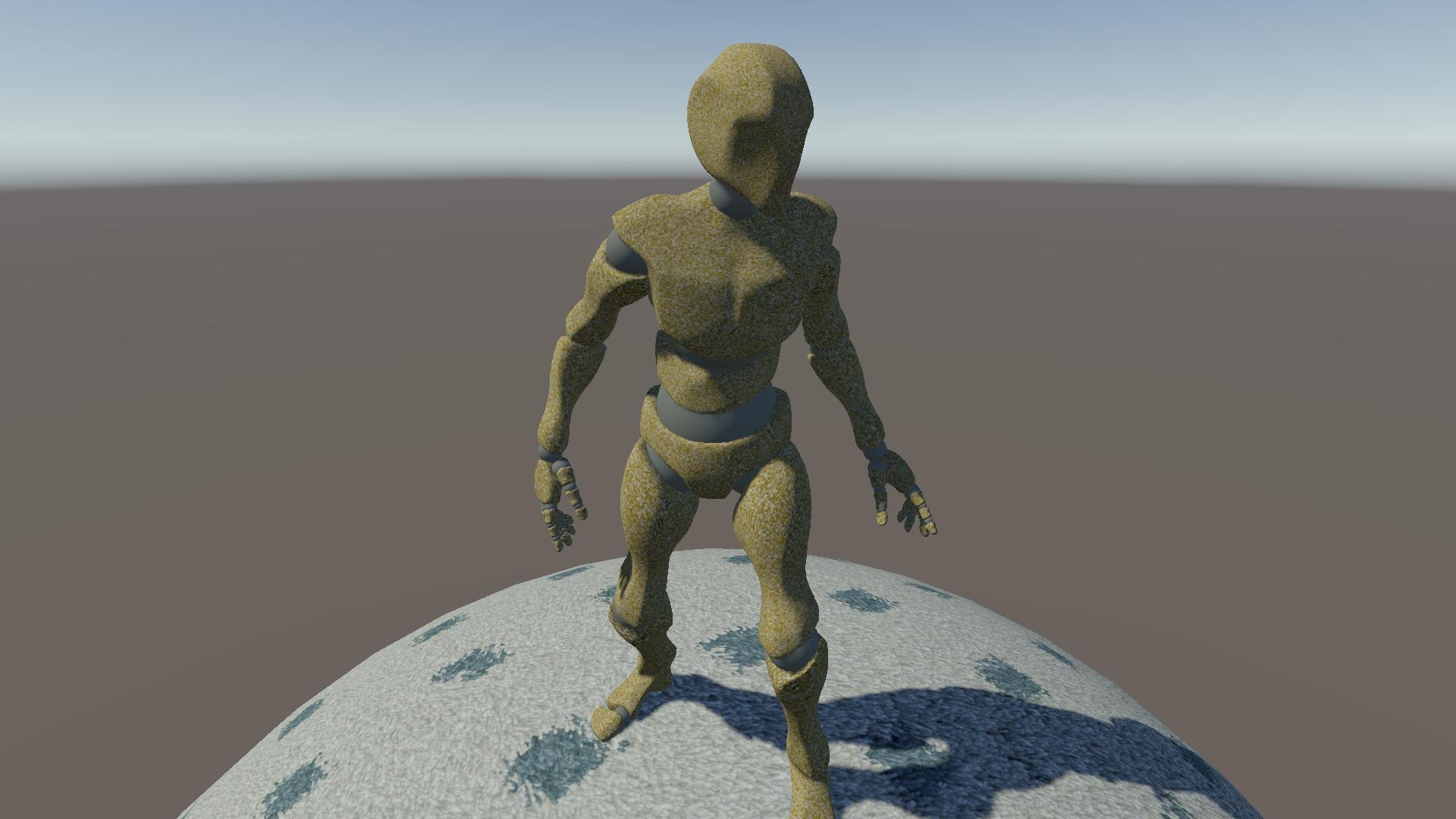
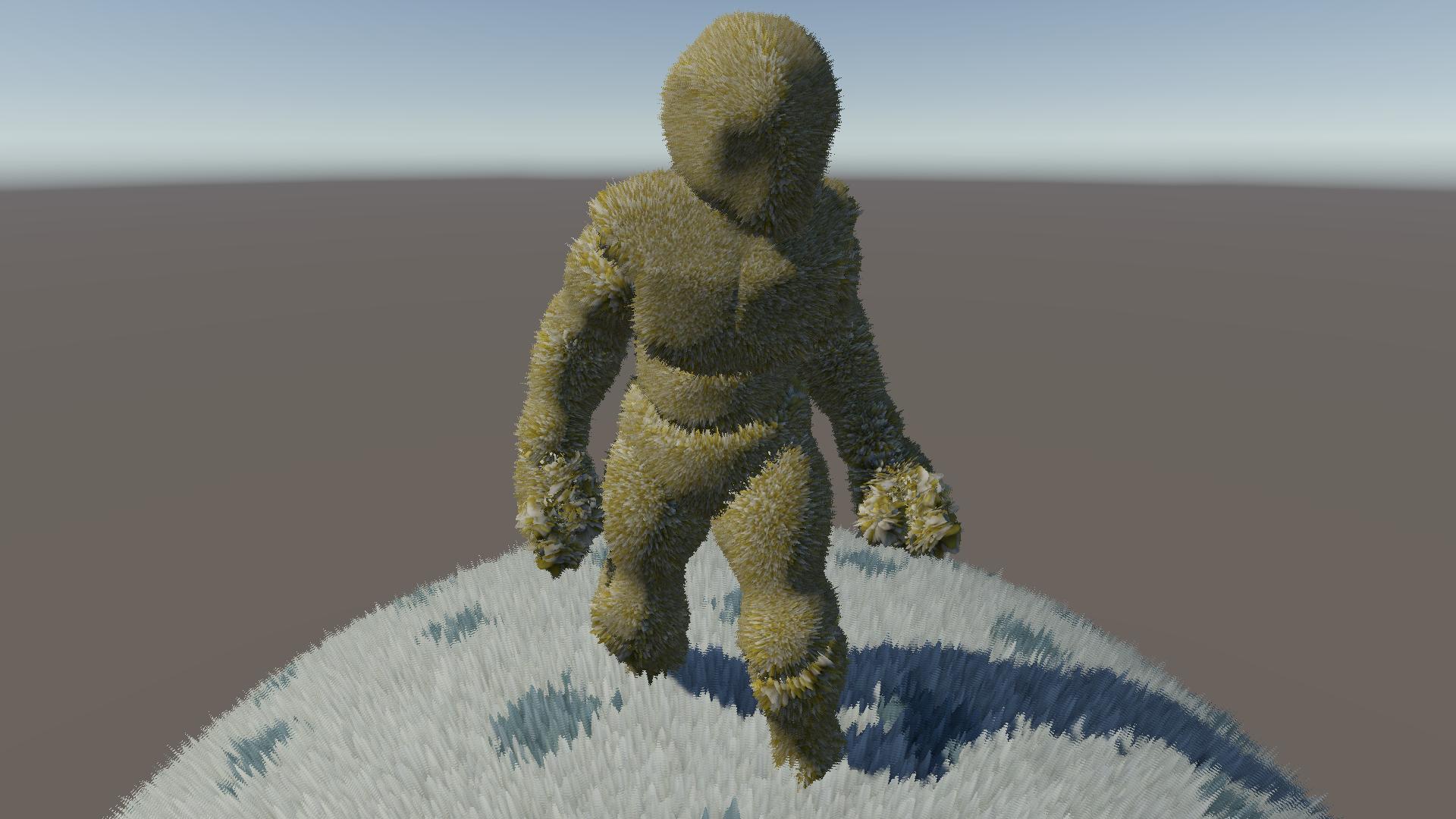
Conclusion
Shell texturing is a classic technique that can still be used effectively to provide depth to certain materials. In the past, it's been used in critically acclaimed games such as Dark Souls, Mario Galaxy and more recently Genshin Impact. While there are more modern techniques to render fur, moss, carpets, and similar materials, the simplicity of shell texturing makes it a strong option even today, especially when targetting lower-end GPUs.
In my opinion, the effect still looks really good on thin surfaces as demonstrated by Genshin Impact. It is very easy for artists to understand and set up per material and does not impact performance heavily when used cautiously.
Going forward
There isn't really much more to add to this technique, but maybe there are still some optimizations that could be explored further down the line:
- Varying number of layers based on viewing angle: Using a higher layer count at grazing angles and fewer layers otherwise could help distribute the load more efficiently, focusing resources where they are most needed.
- Multiple pregenerated LODs: Instead of transitioning from a single base layer to the full multi-layered version, intermediate versions could be pregenerated. This way, the distance at which the highest-resolution LOD is needed can be maximized. For example, if the surface uses sixteen layers, an intermediate version with just eight layers could be used as a middle step.
- Temporal antialiasing: If using TAA, it might be possible to move the layers slightly every frame in a cycling pattern along the normal. The TAA step would then converge the result to be stable over time, making it appear as if a much higher number of layers had been used. I haven't tested this, though, so take it with a grain of salt.