Vertex Ambient Occlusion
March 10th, 2025
Unreleased Project
Motivation
Recently I found myself enjoying the world of Termina while playing The Legend of Zelda: Majora's Mask 3D. Each time I entered a house in Clock Town I thought the lighting looked amazing for a 3DS game. Per vertex lighting was used in many 3DS games to minimize shading cost, but that's not all that is going on in this game. Indirect lighting is baked into vertex attributes to speed up performance while still getting a high quality approximation.
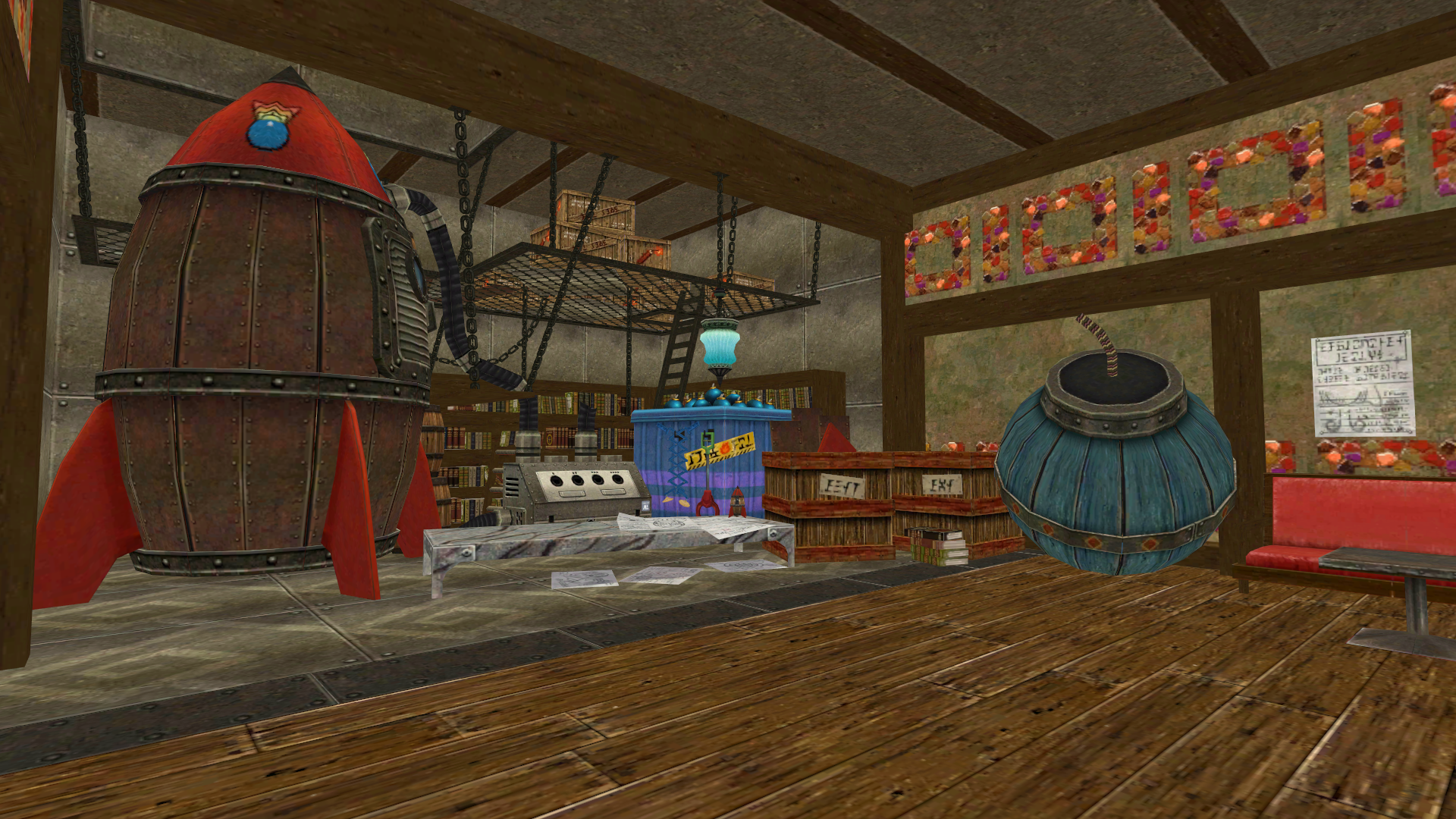
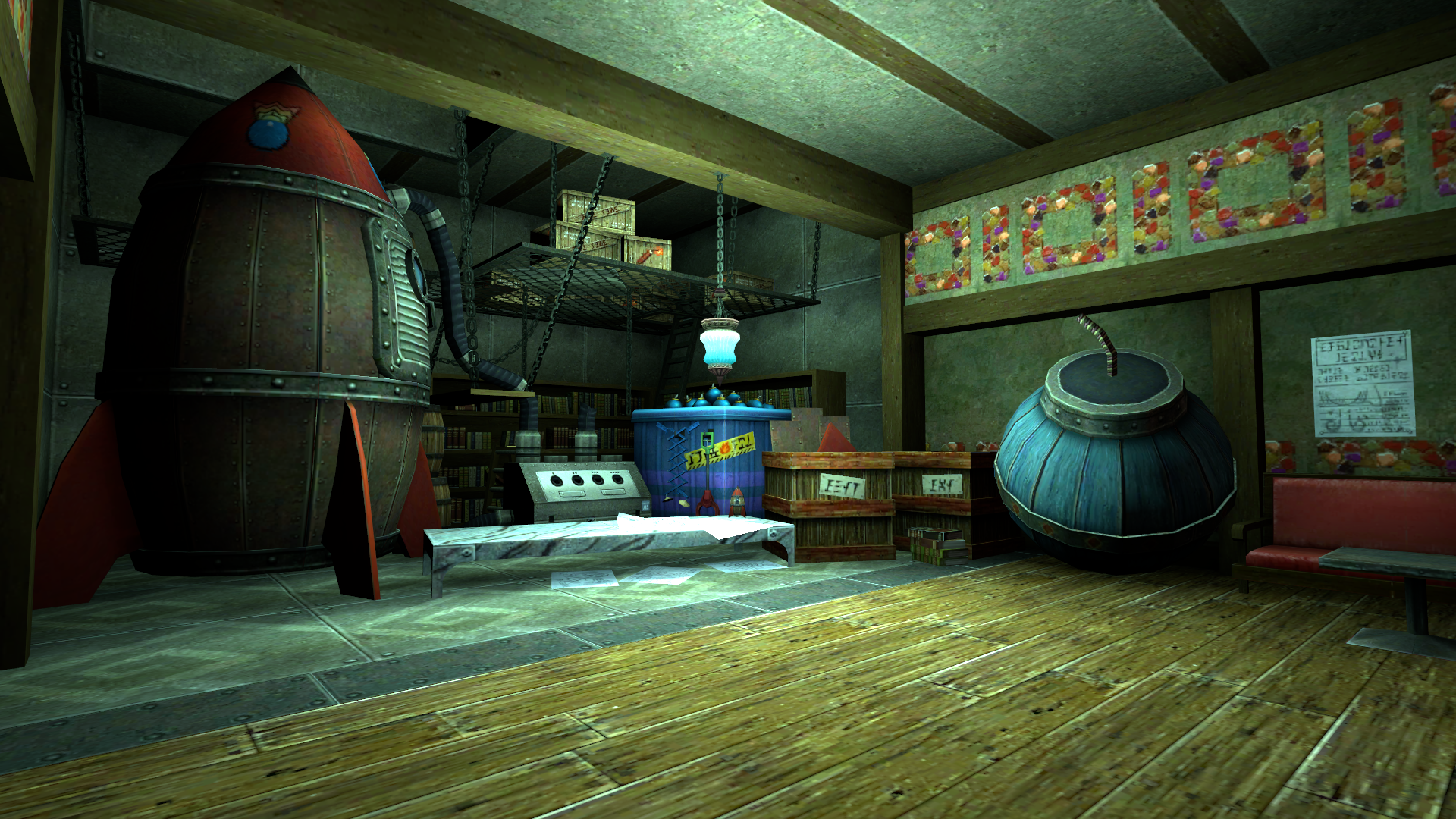
I decided to split lighting calculations into two major factors:
- Realtime per vertex lighting: Since I'm using the Unity Engine, this lighting technique is already available.
- Baked per vertex ambient occlusion: Instead of baking indirect lighting from actual light sources, I decided to calculate average occlusion surrounding the vertex, which allows the result to be valid in any lighting scenario. This is similar to how SSAO works. Since this is not implemented in Unity, it's up to me to come up with an algorithm to compute occlusion.
Implementation
The first idea that comes to mind seems very straightfoward:
- 1: Iterate all vertices.
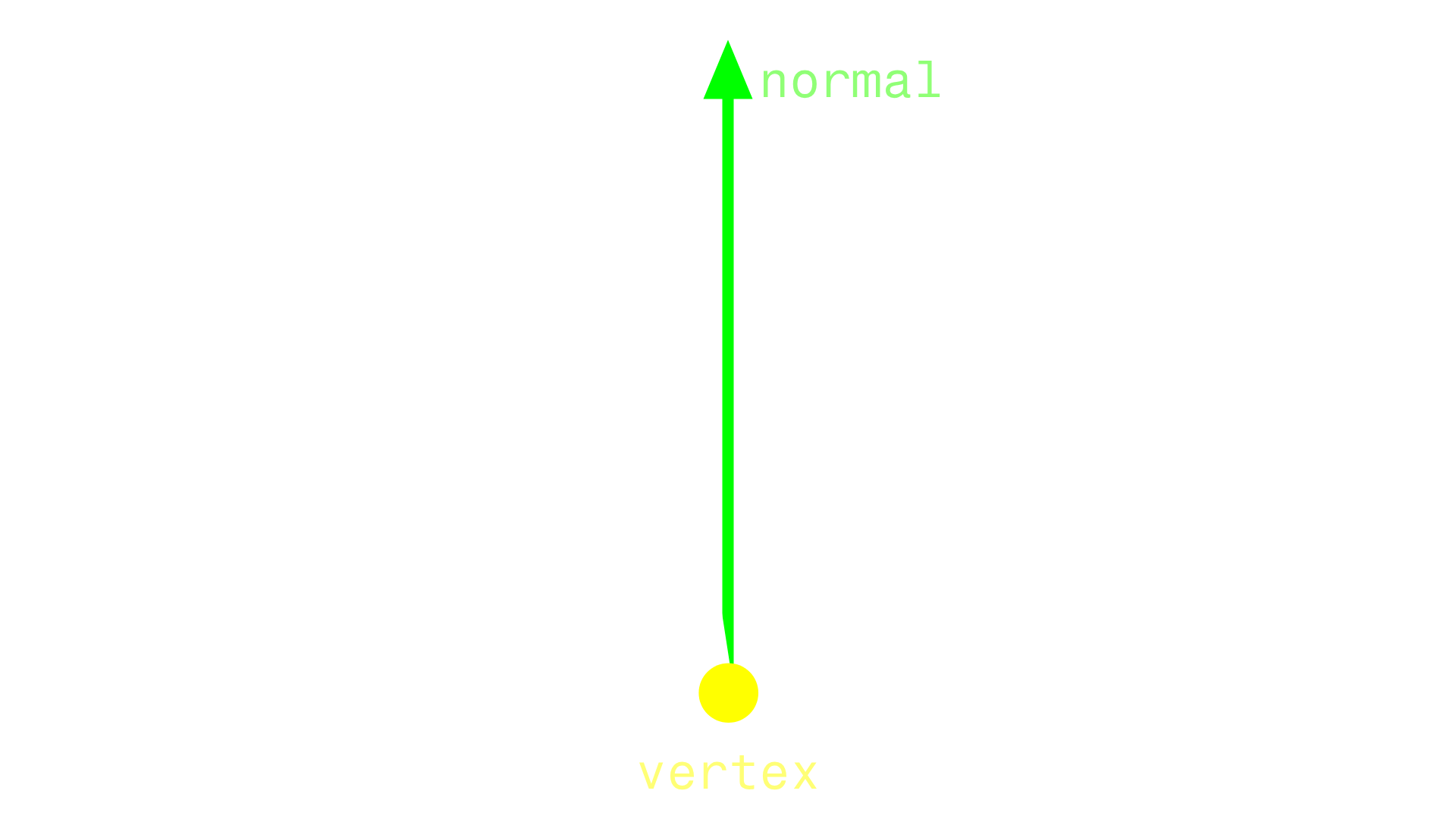
- 2: Raycast in many directions in the hemisphere pointing towards the vertex normal.
- 3: Average occlusion data based on hit count and distance between the vertex and the occluders.
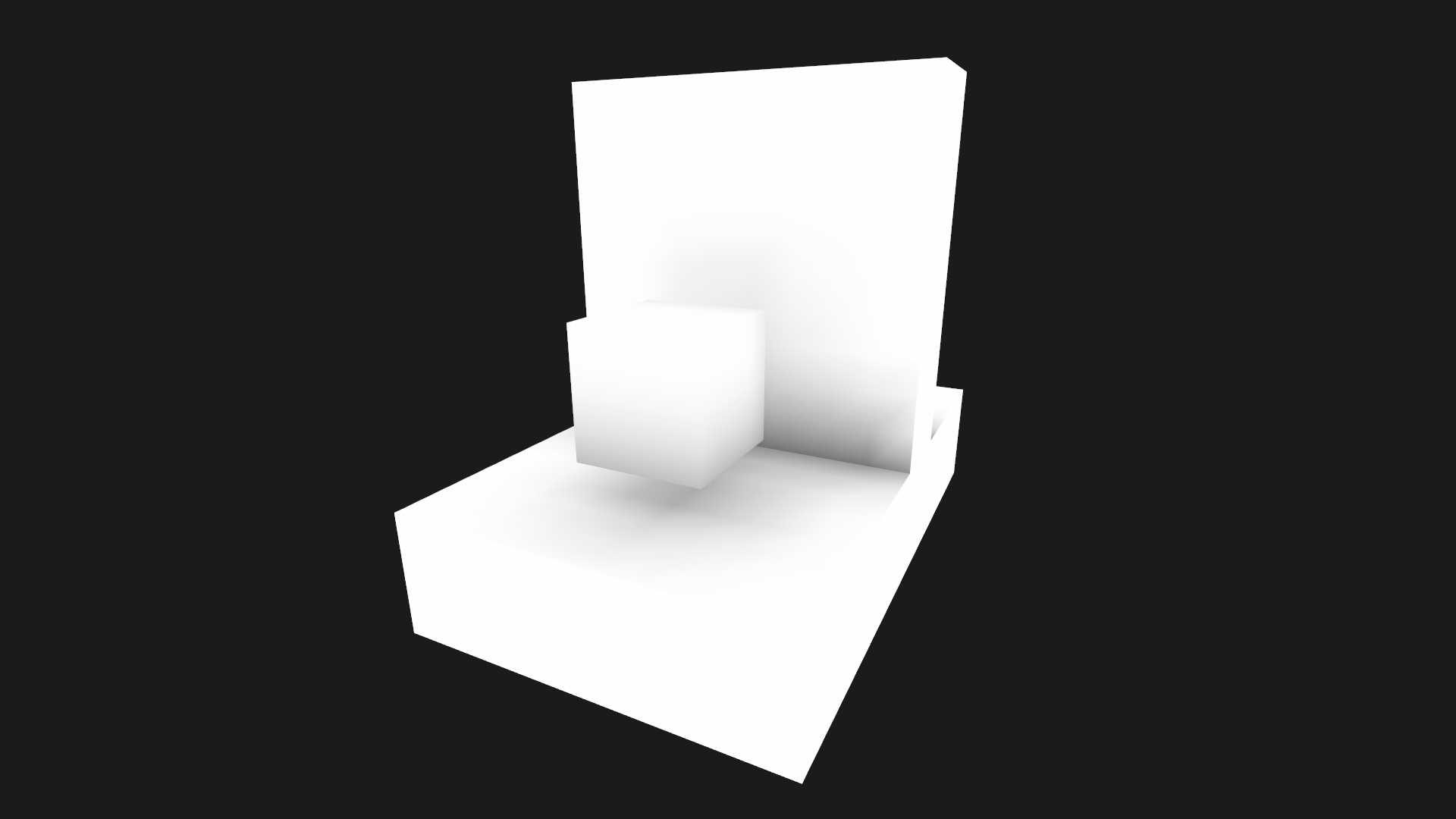
I'm going to use a simple mesh to debug the results using the mentioned algorithm:
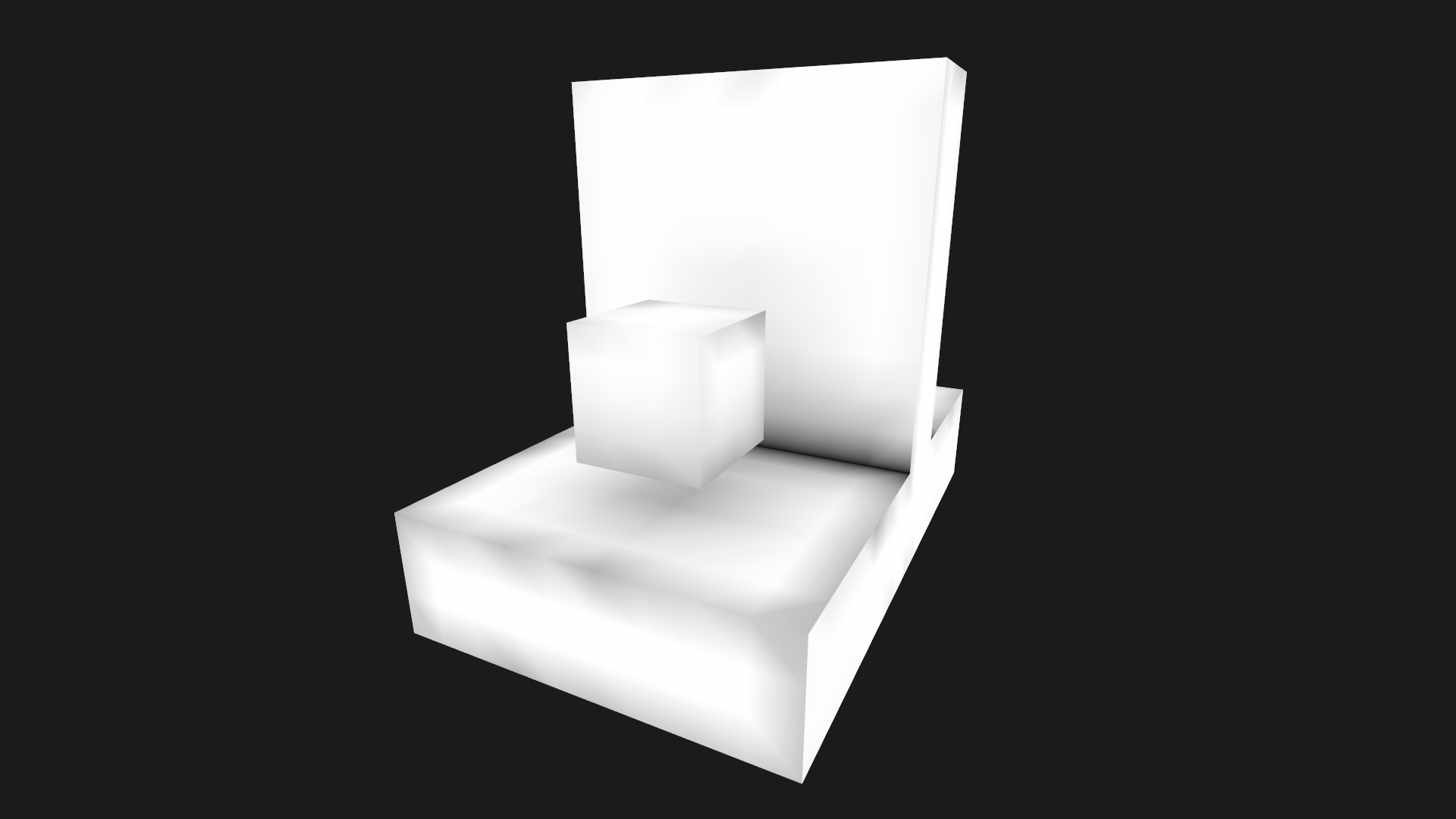
A clear issue with this approach arises at corners—such as a vertex where a floor meets a vertical wall. Here, the ray origin is coplanar with the wall and floor triangles, potencially causing false negatives during raycasting. We can mitigate this by offsetting the ray origin, but where to?
As I said, each ray origin is coplanar with its own triangle and potentially other triangles. We need to apply two different offsets:
- Normal offset: Slightly displace the ray origin along its triangle normal. This way, it stops being coplanar with its own triangle.
- Tangent offset: Shifting the ray origin along a triangle's tangent—a vector perpendicular to the normal—it from being coplanar with other triangles at corners.
Offseting the ray origin along a tangent is tricky though, because if the ray origin ends up outside the original triangle, leaking can occur at corners. For example, a vertex situated at a corner in the floor, could be displaced inside a wall. What we need is to find a tangent direction that traverses the triangle. When we move the ray origin along that tangent, we must ensure that the ray origin lies inside the triangle.
- 1: Calculate the bisector vector that splits the triangle in two triangles with equal angles at each side.
- 2: Calculate the intersection between the bisector vector and the line defined by the other two vertices of the current vertex triangle.
- 3: Move along the bisector vector a certain distance. If it exceeds the calculated intersection, use the intersection to prevent stepping out of the triangle.
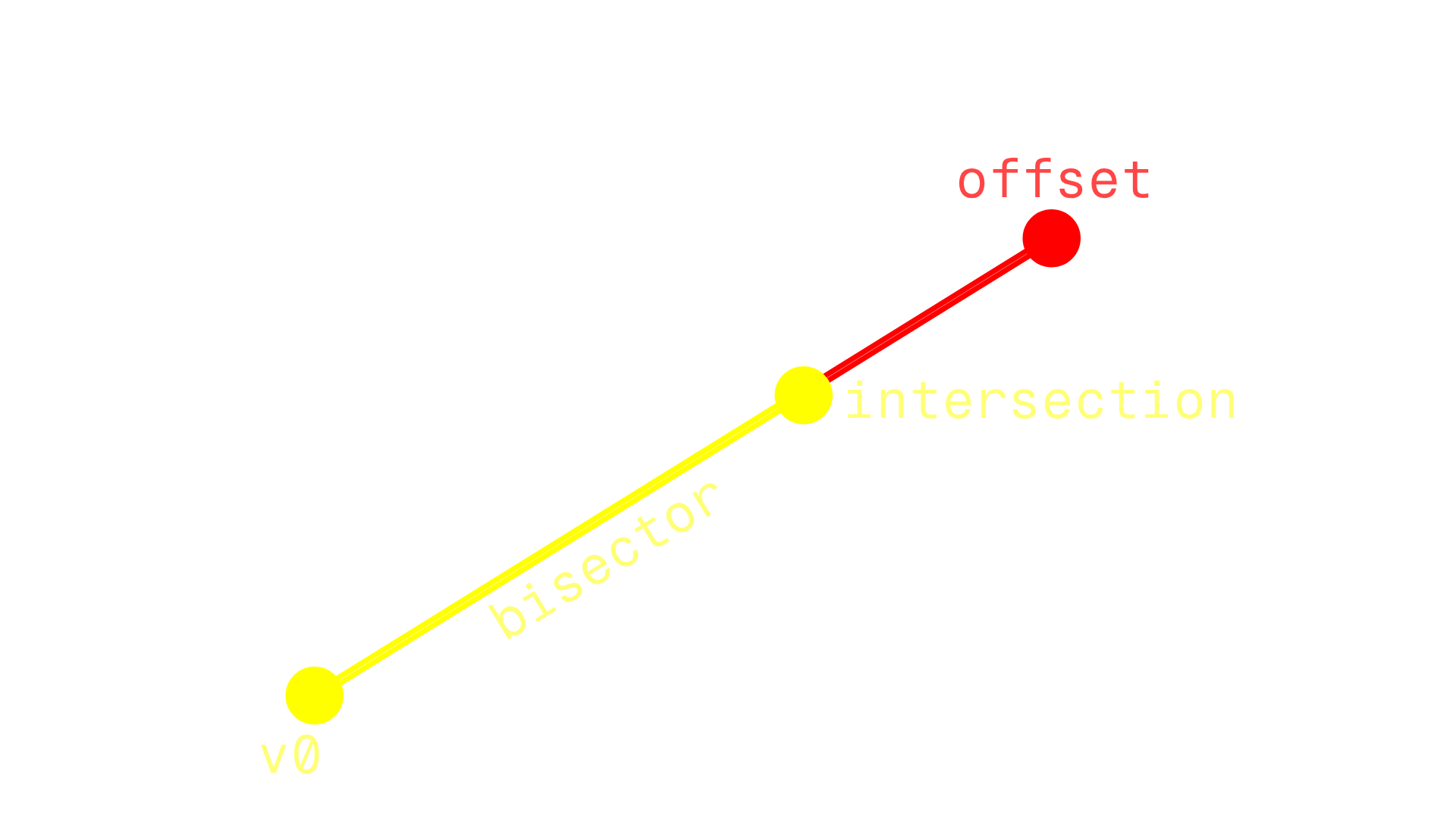
This allows us to effectively raycast from an origin with a normal and tangent offset. However, a vertex may belong to more than one triangle, so I came up with a way to use all those triangles to calculate occlusion:
- 1: Gather all the triangles in advance and store the angle for each of those triangles for the vertex corner.
- 2: Calculate the total angle by summing each triangle's angle and weigh each triangle's contribution based on the angle ratio.
- 3: Distribute the ray count across each triangle based on its weight, ensuring that triangles with larger angles perform more raycasts.
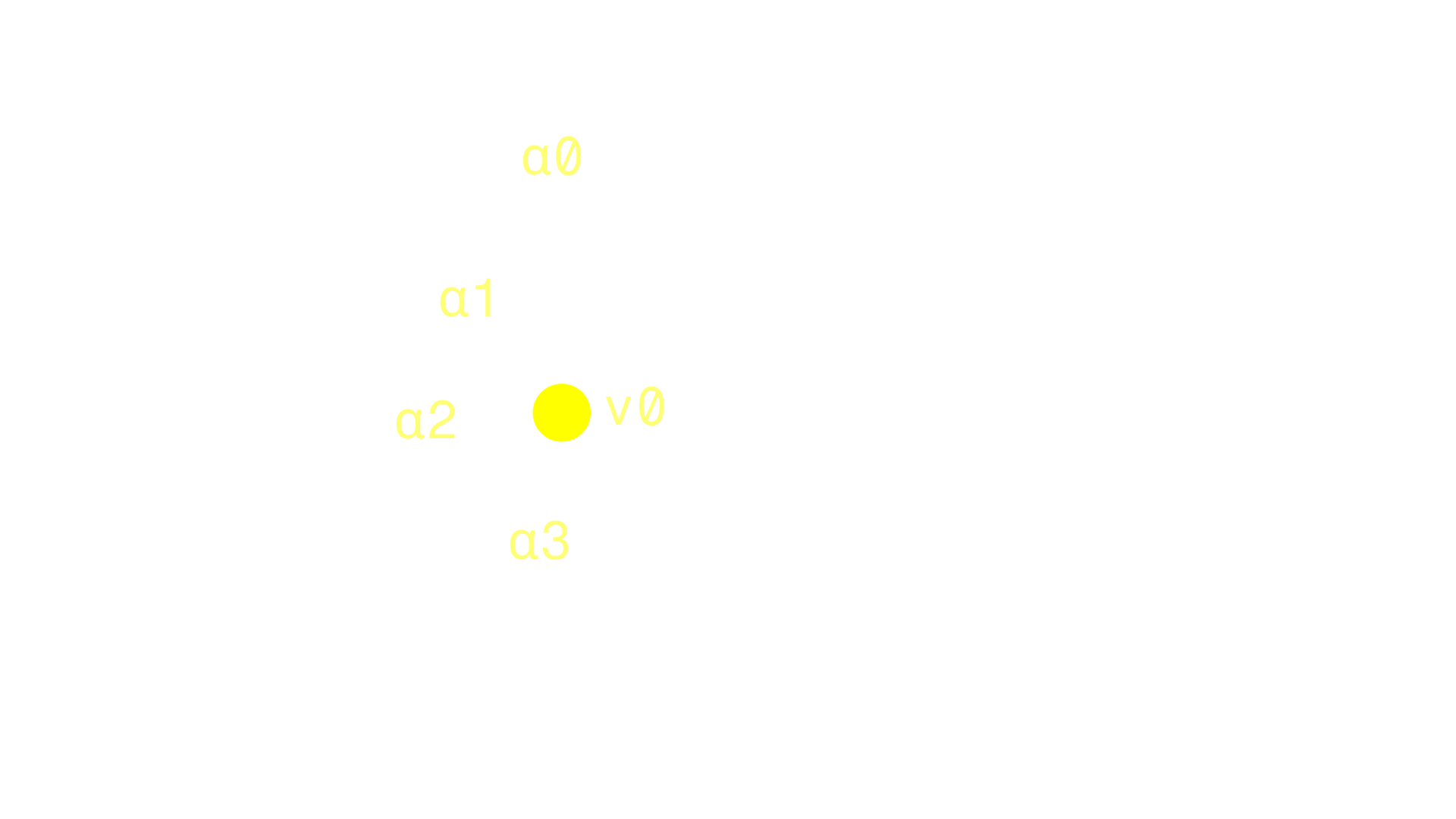
Let's check the previous example again with the updated algorithm:
Let's also check how the algorithm behaves with rounded shapes:
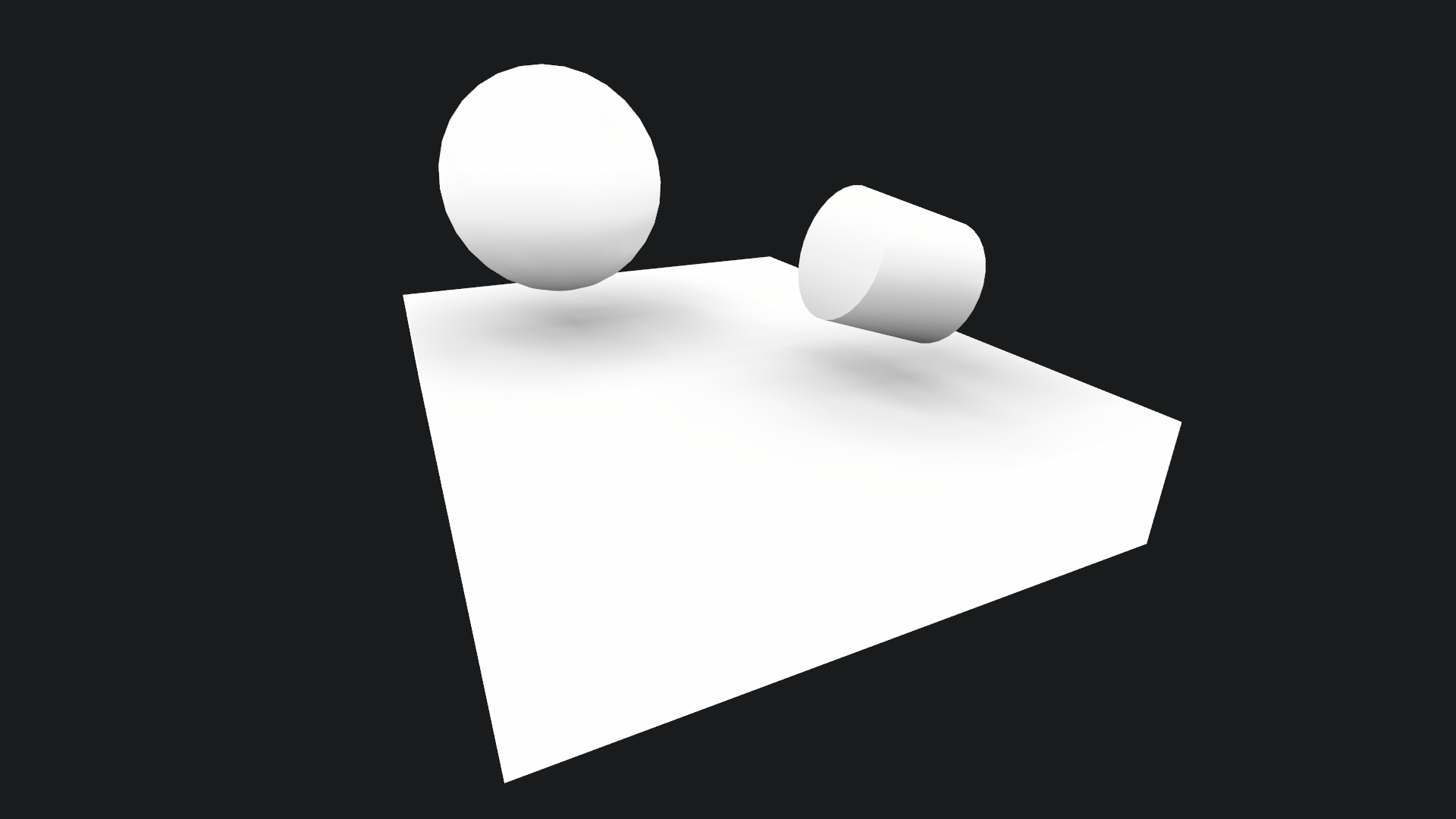
There are many factors related to mesh topology that can affect the final look of this ambient occlusion implementation. A lot of care must be put into crafting the meshes for them to be baked in this manner. Therefore, I added some options to allow artists to fine-tune the algorithm to each particular mesh:
-
Look:
- Range: The radius of the hemisphere.
- Curve: Since the result of the AO is linear, this curve can be used to modify that look and make it smoother.
-
Raycasting:
- Max angle: The max angle of the hemisphere is 90 degrees by default, which may capture unintended occlusion. This variable allows the user to narrow the hemisphere's space as needed.
- Vertex and normal Offset: How far from the vertex the rays should originate.
- Double sided: Allows to configure the behaviour of raycasting when colliding against triangles that are not facing the vertex.
-
Merging:
- Smooth normals: Preprocess the mesh before calculating AO to average the normals of nearby vertices.
- Merge results: Postprocess the mesh after calculating AO to average the occlusion values of nearby vertices.
Finally, these results must be saved. I chose to store the occlusion values in a byte array (8-bit depth for occlusion). The array also contains information about mesh names and vertex counts so that occlusion values can be invalidated if the model changes significantly. Additionally, there are different places where we might want to store the byte array:
- Per model: The occlusion values are stored in a binary file next to the original mode. Each time the model is reimported the occlusion values are reapplied. If the model is deleted, the occlusion file and its meta file are automatically removed from the project.
- Per instance: The occlusion values are serialized in the component and reapplied on an instanced mesh when the game object is initialized for the first time.
Results
Let's move on to more complicated meshes, such as characters:
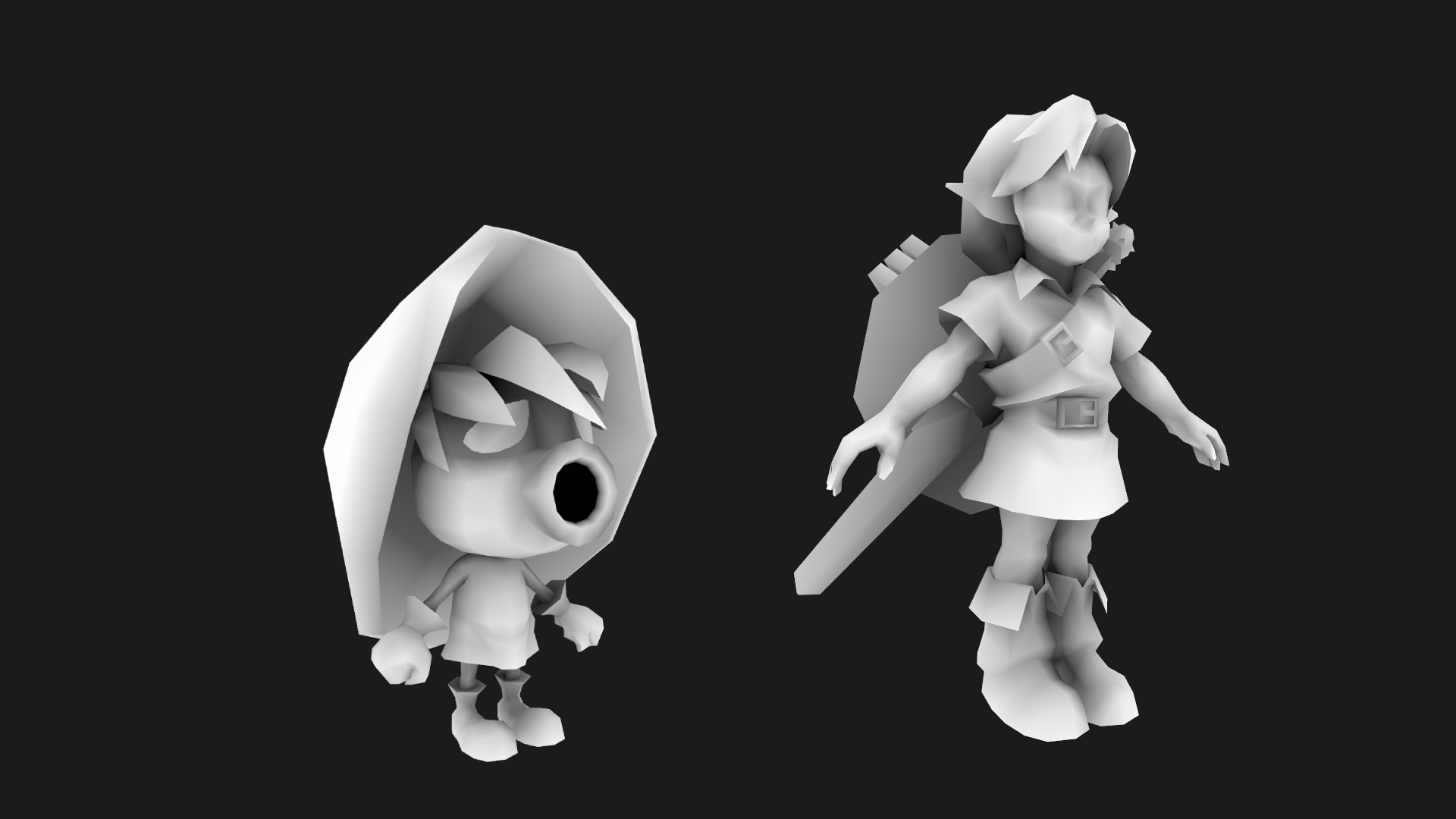
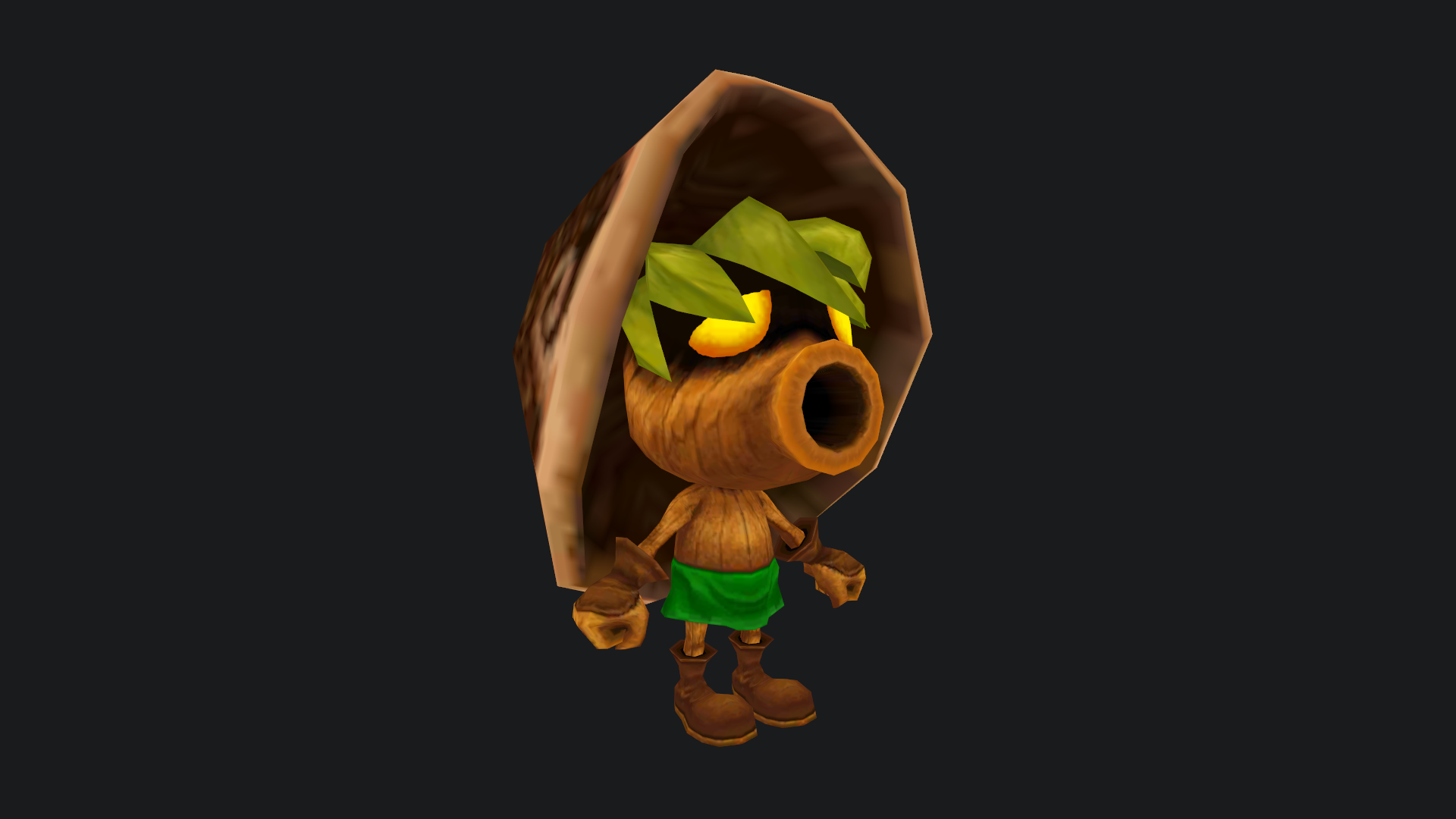
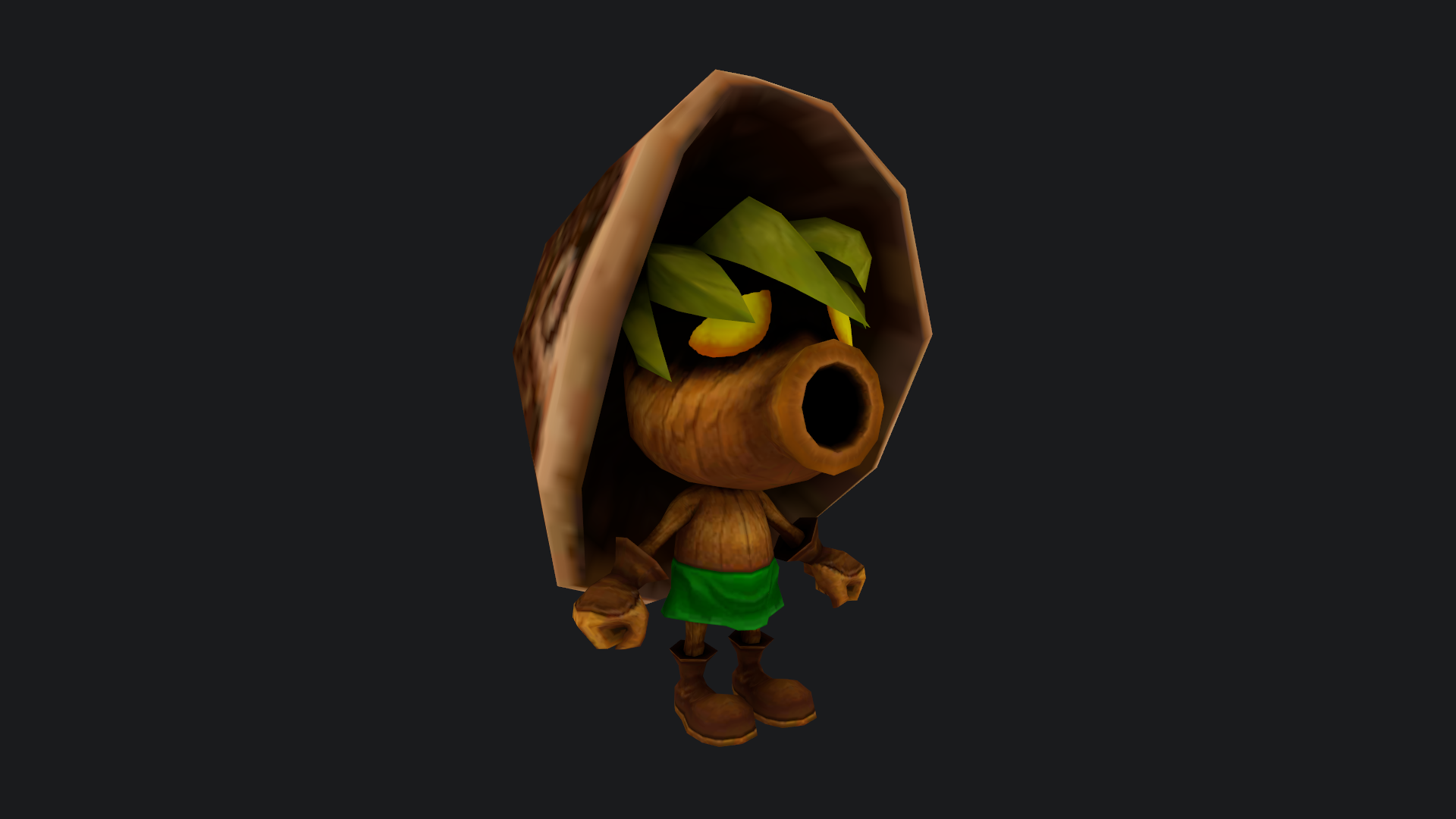
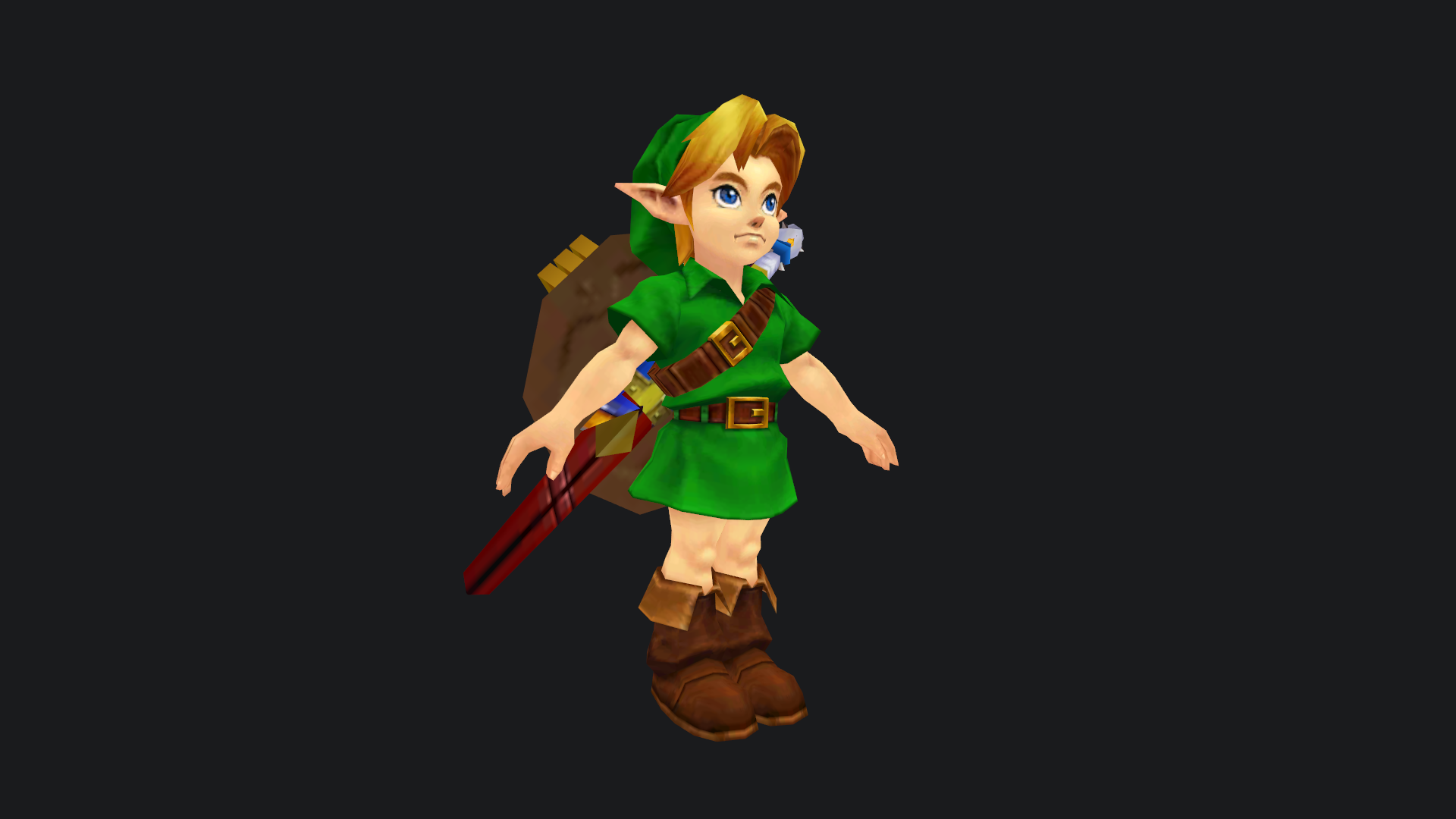
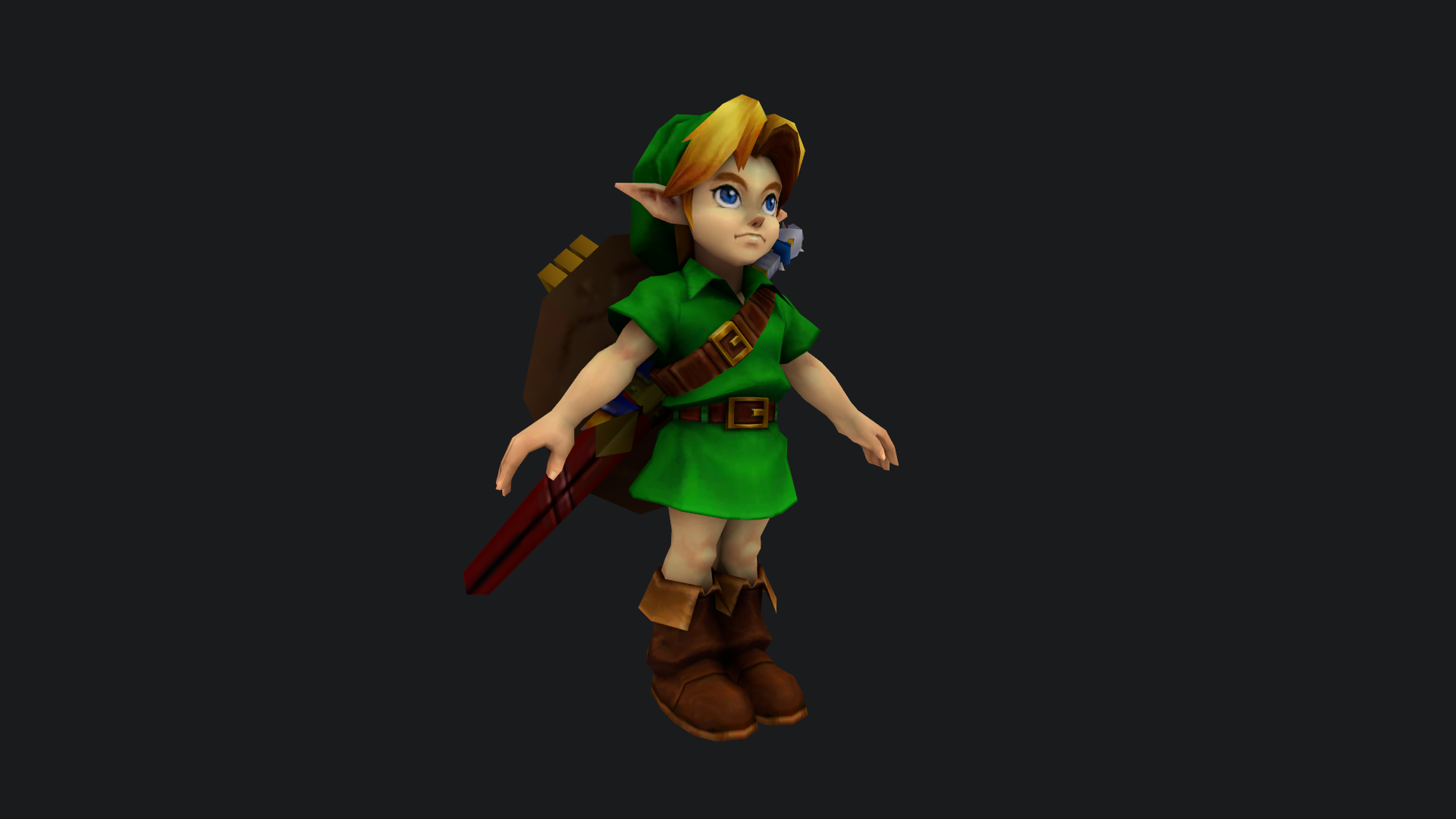
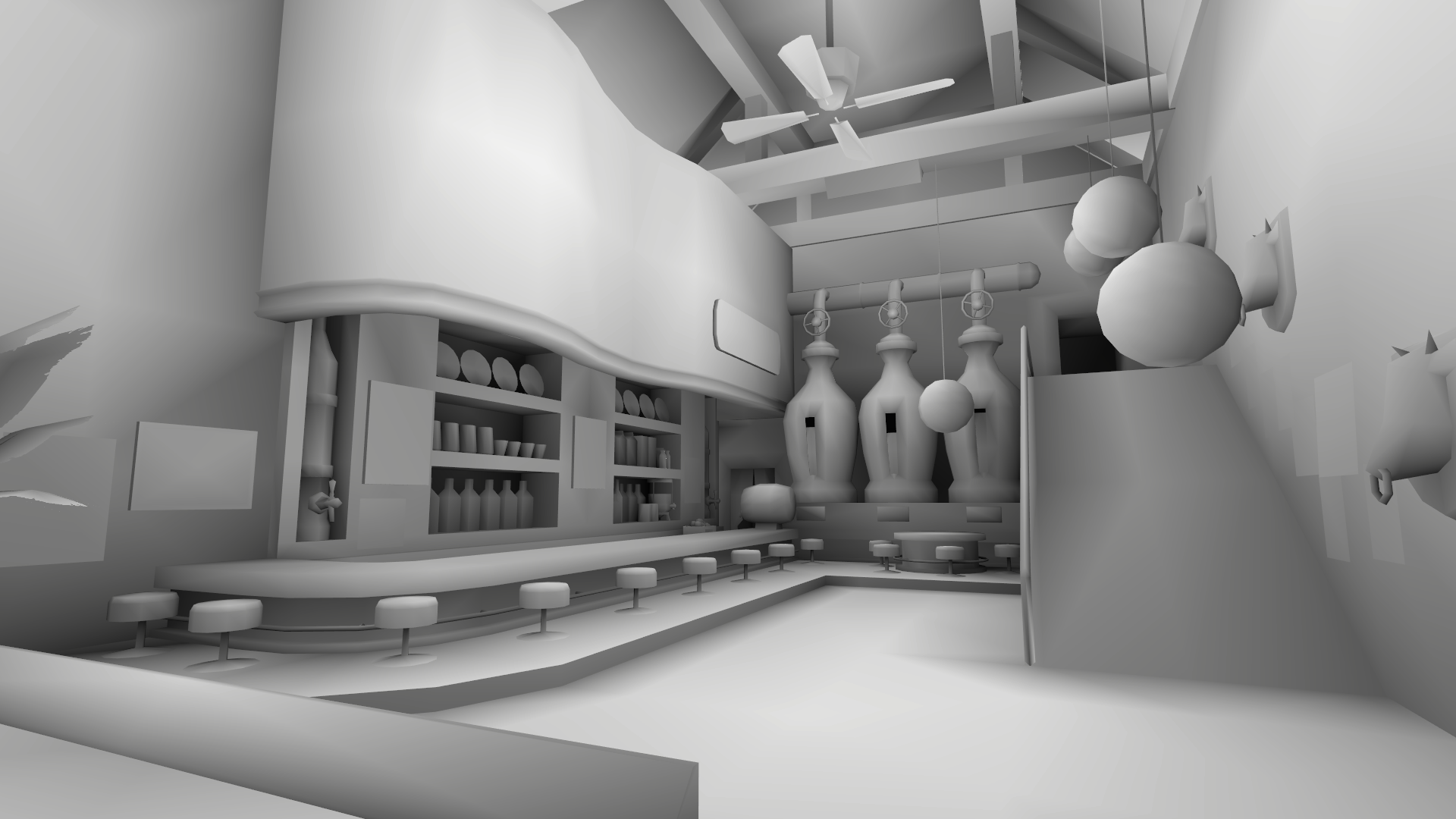
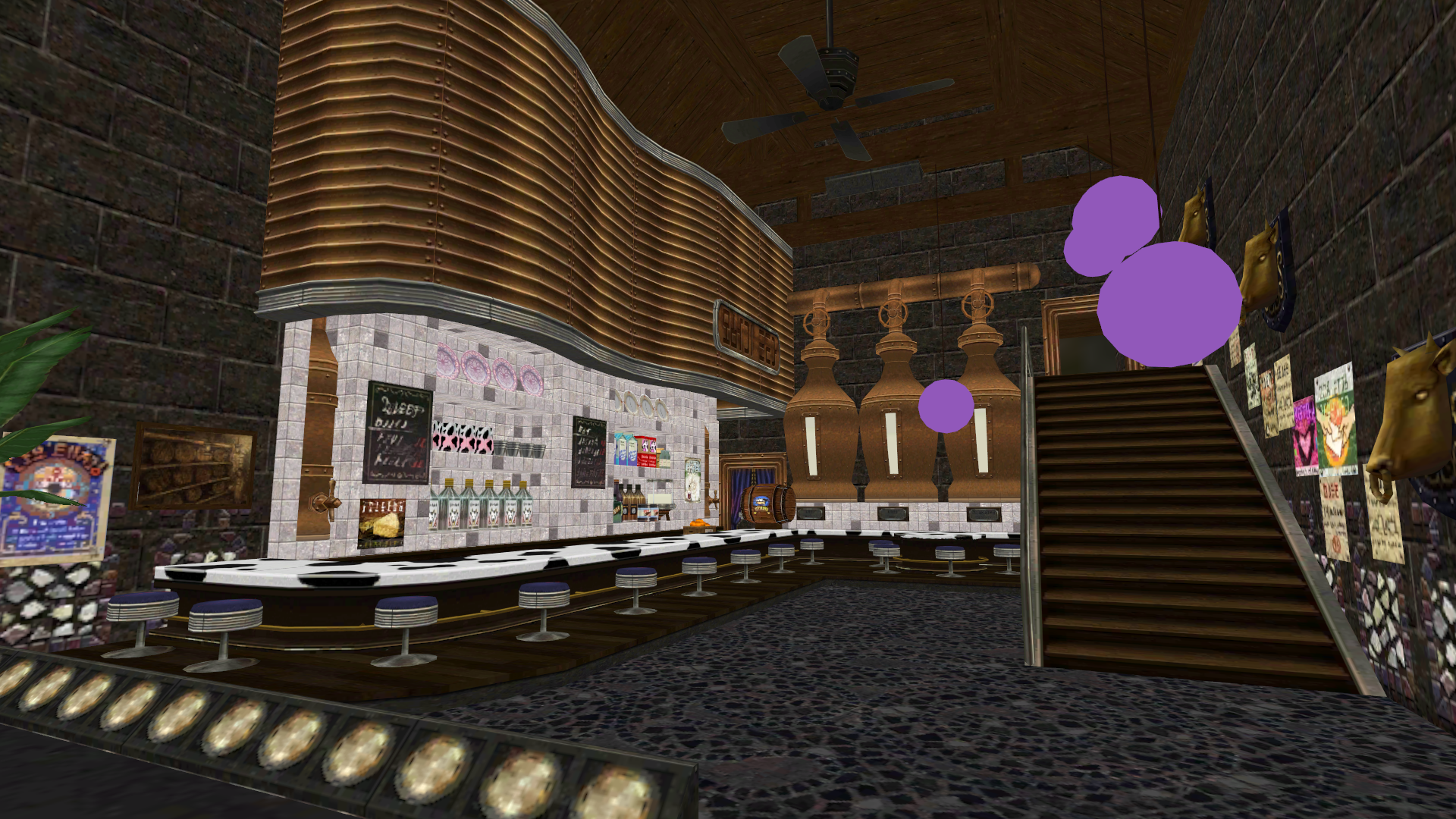
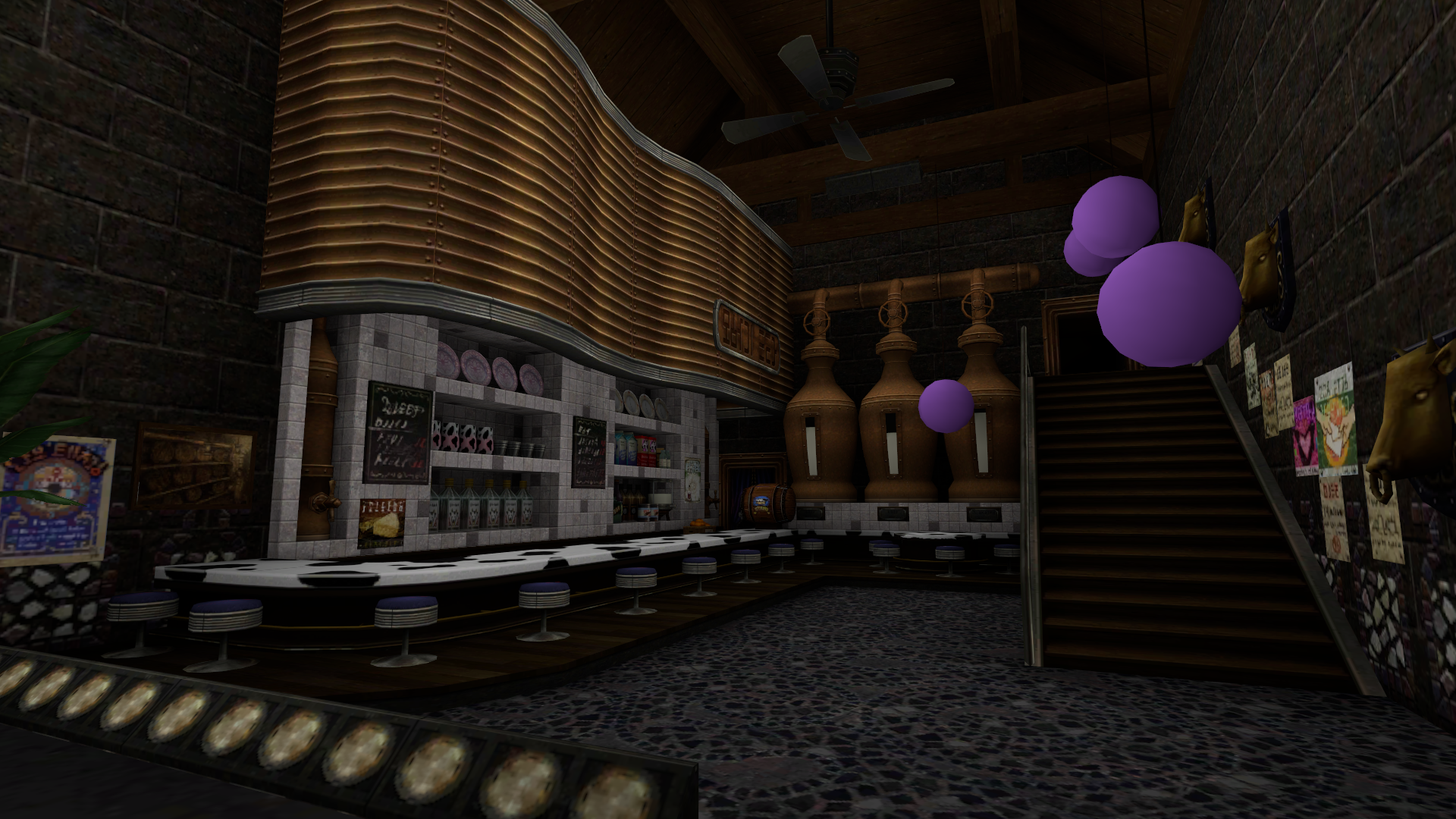
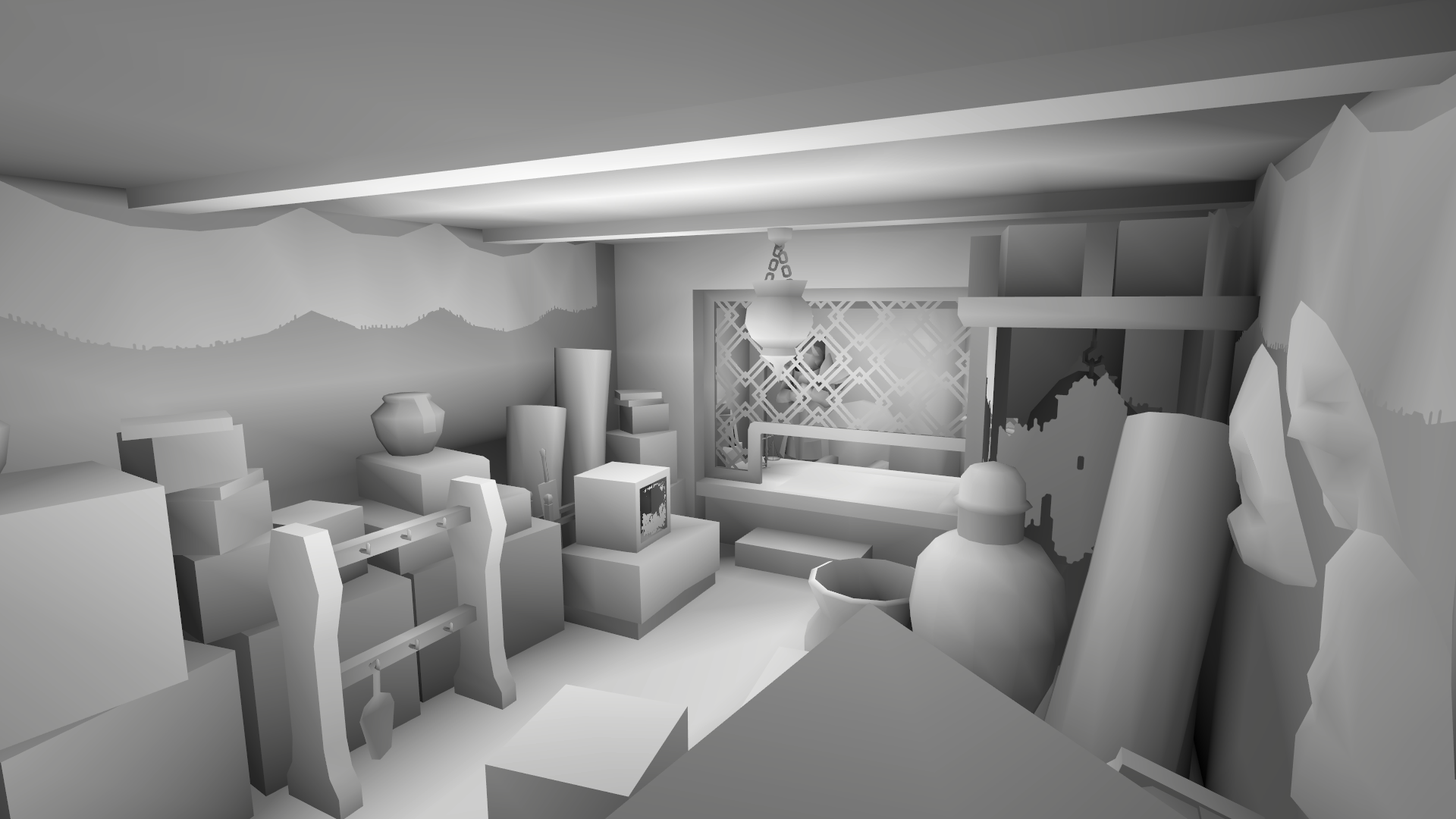
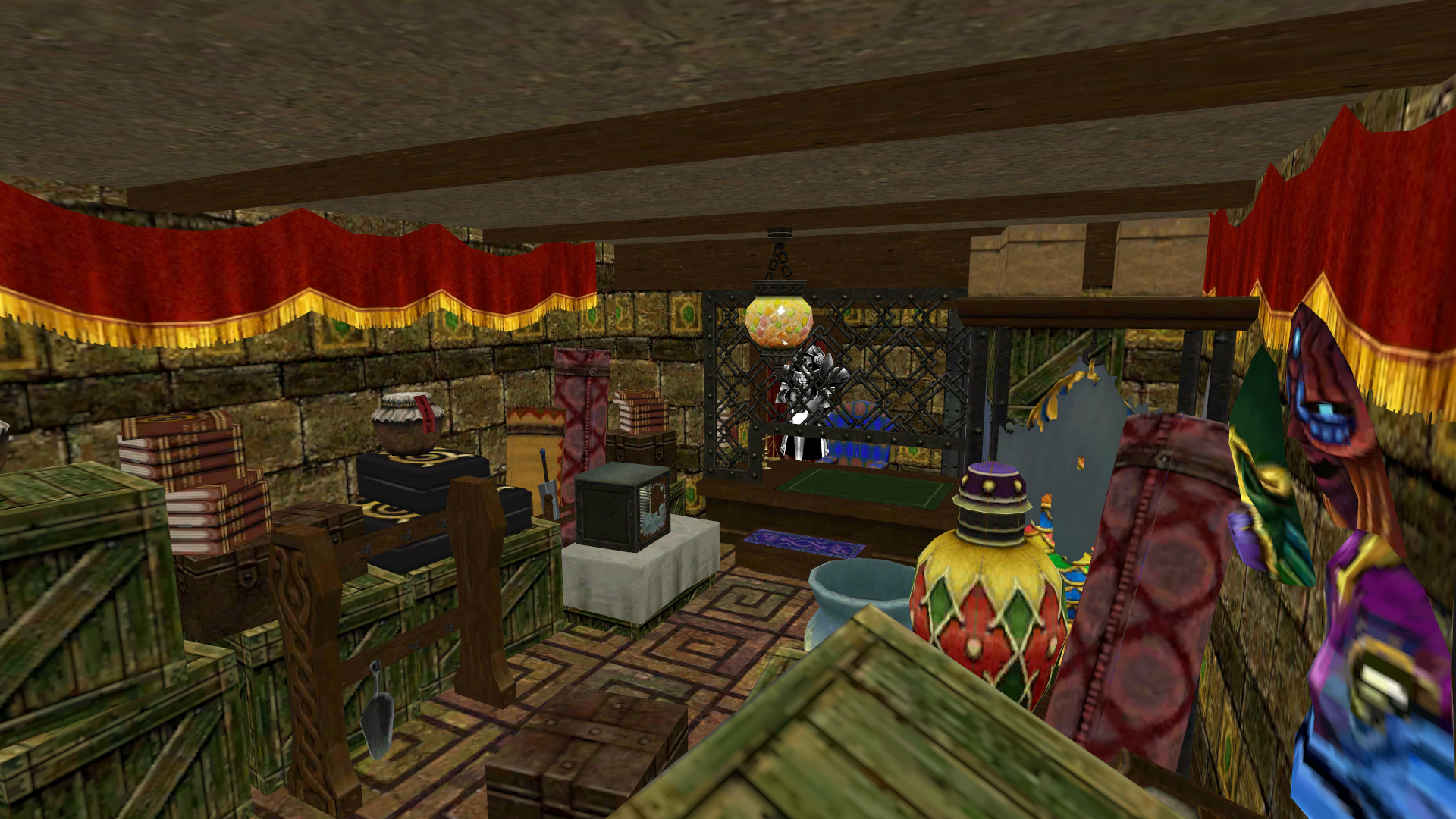
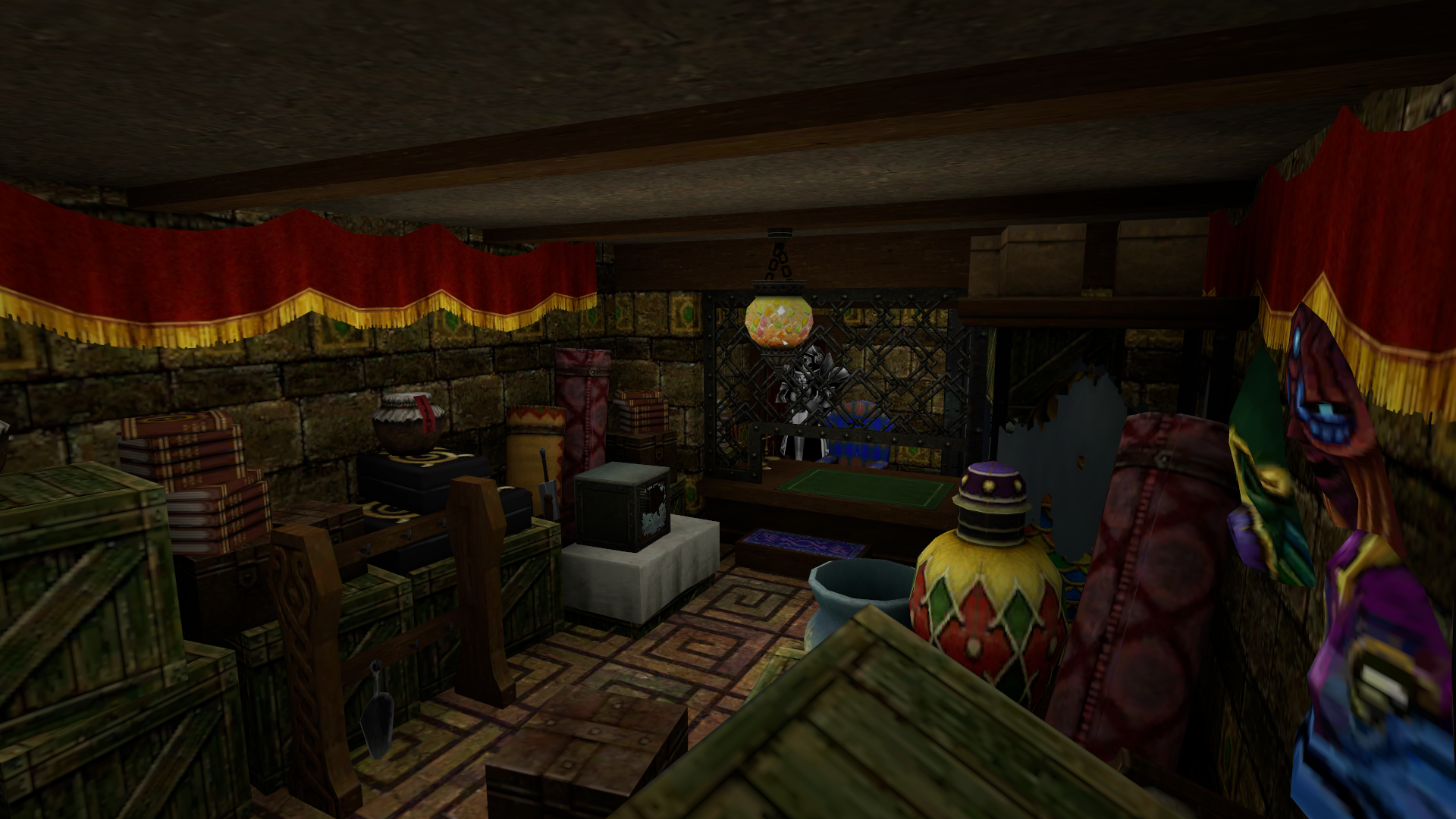
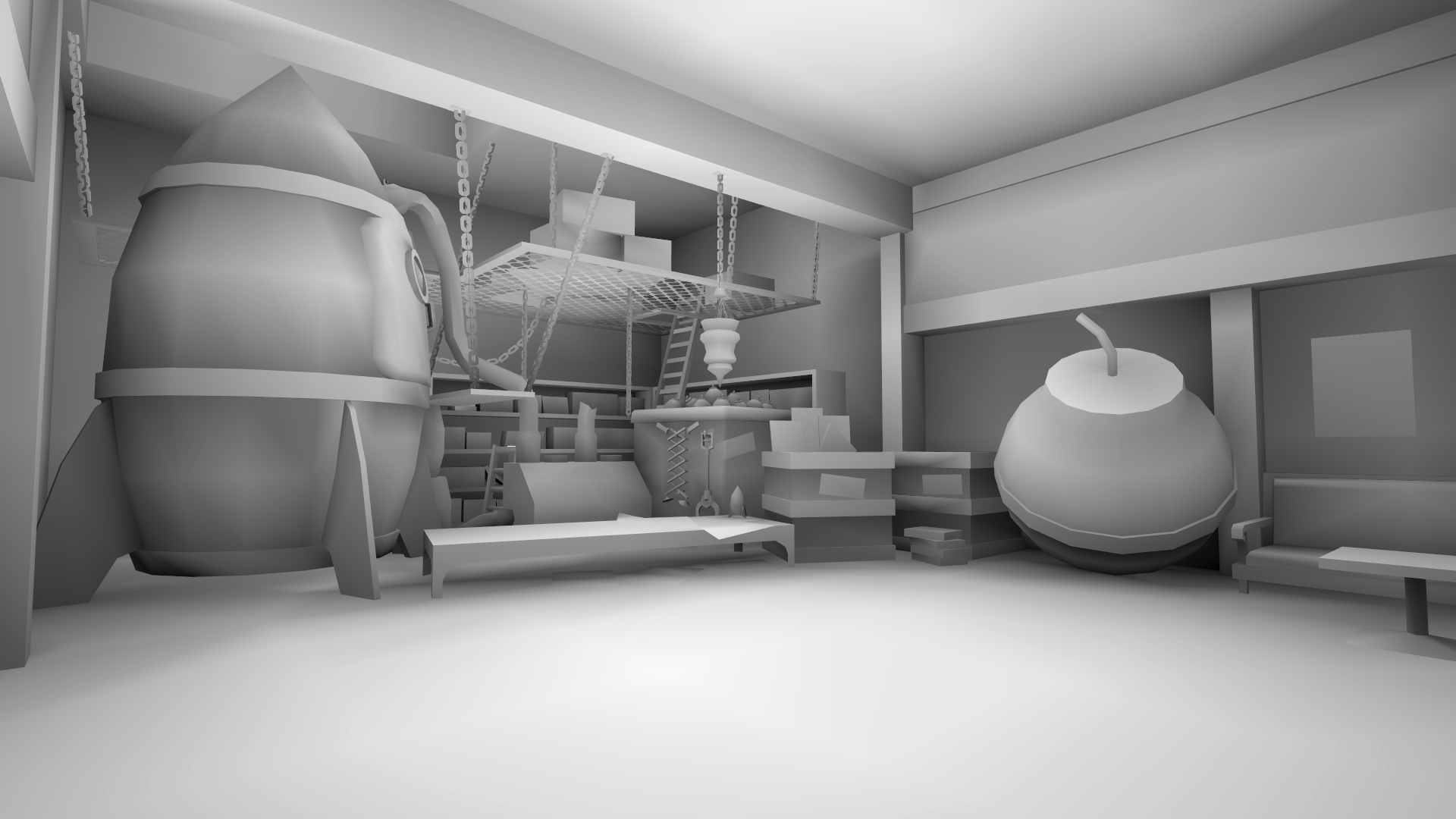
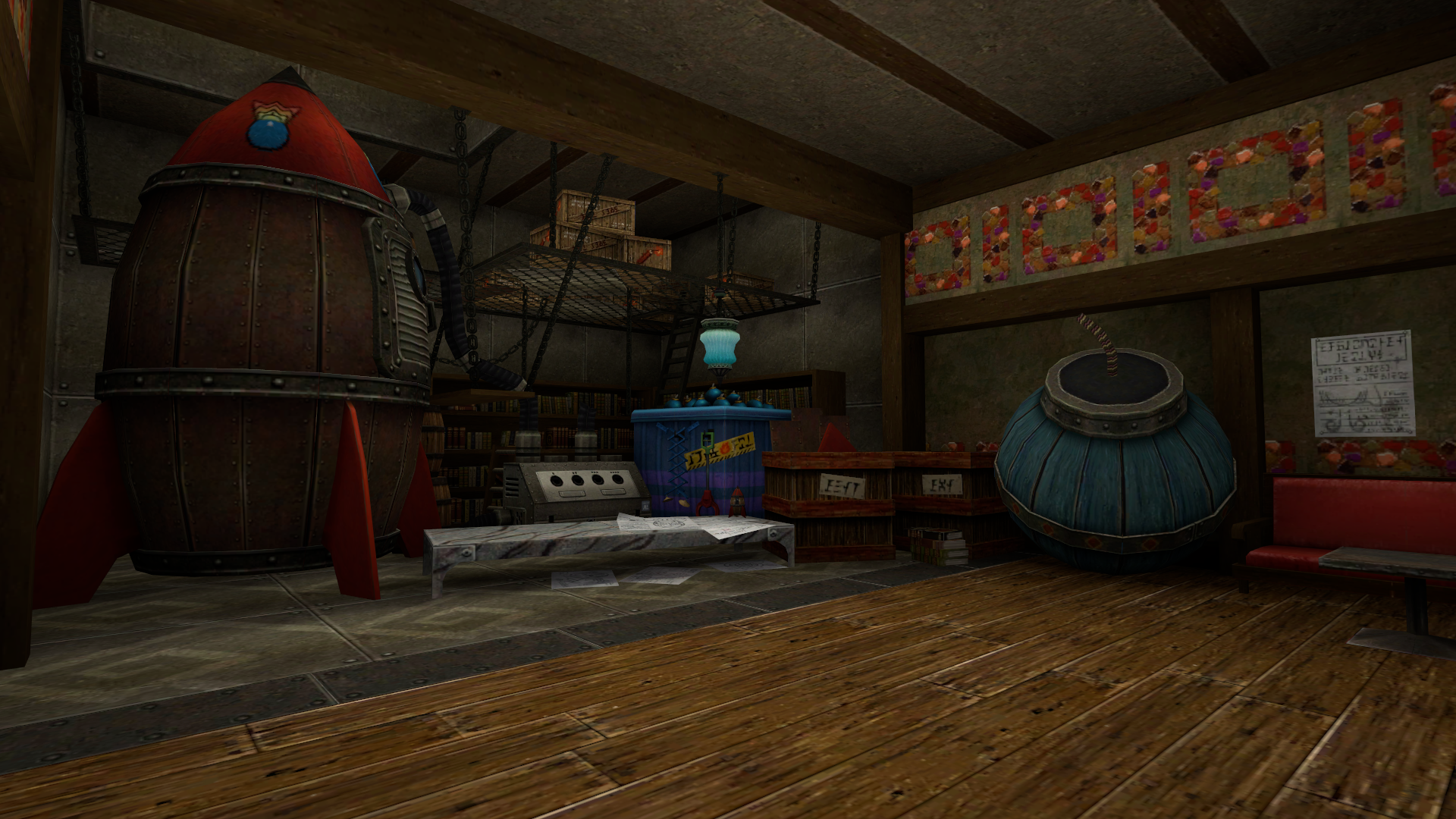
Alright, so characters have proper occlusion now, but what about environments? This is a more releveant use case because character AO can easily be painted by an artist but doing so for an entire scene's ambient occlusion is much more complex. Thus, this is where this algorithm can shine. Take into account that there are no lights in the following pictures, just ambient occlusion, so they might seem a bit dark but it is to be expected.
Conclusion
Baking ambient occlusion as vertex data is an elegant and simple solution to a complex problem. Calculating proper ambient occlusion in realtime remains a major undertaking to this day. The best results can be achieved using raytracing, but it is very expensive. Another option is SSAO but it becomes unstable if used with a large radius. Lightmaps could be considered, but they require modifying shaders to support them and take up a significant amount of memory.
At the end of the day, nothing beats storing data as vertex attributes in terms of performance, especially if you combine existing vertex color with occlusion values. If you are going for a retro look or have a tight technical budget, this might be your best bet.
However, as I mentioned earlier, meshes need to be designed with a relatively uniform triangle density while minimizing clipping. If you're already deep into development and your models weren't created with this in mind, adapting them could require a lot of time and effort. Additionally, since this is not a realtime solution, you will have to add contact shadows to dynamic objects using a different technique, such as blob shadows.
Going forward
We could actually go a step forward and bake indirect and even direct lighting from static light sources into vertex data. As it's usually the case with lightmaps, most if not all lighting information would be baked and only dynamic objects would require realtime lighting calculations.
In the AO solution presented in this article, occlusion is not calculated by actually simulating the bounces of light rays, so that could be another potential area of research.